
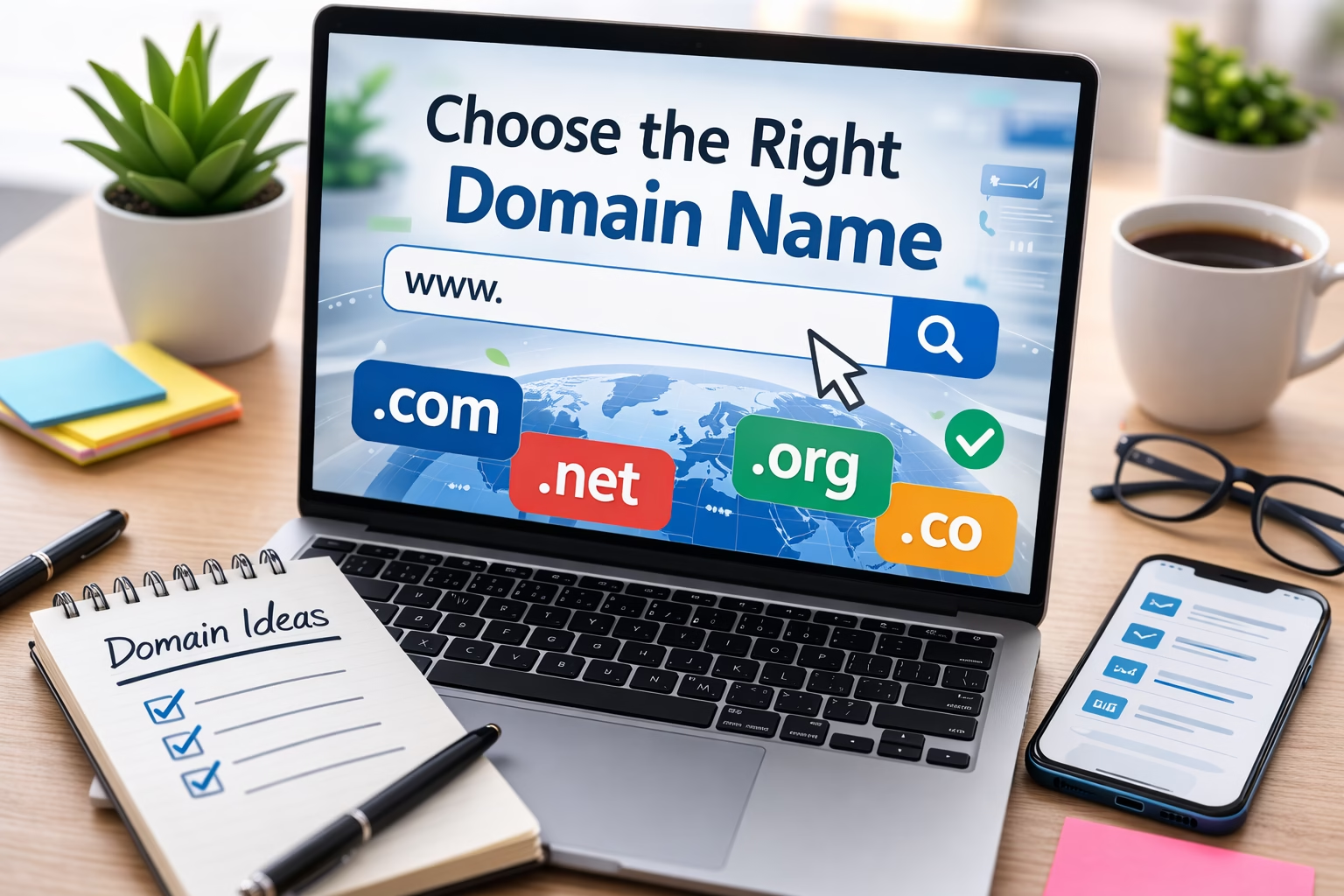
One of the first decisions you make when building a website is choosing the domain name. It looks simple at first — you just pick a name and register it. But in practice, this decision affects branding, search visibility, and how easily people remember your site.
I often see new site owners spend days designing pages or installing plugins while the domain name itself was chosen in a few minutes. Later they realize it is hard to remember, difficult to spell, or too similar to other sites.
In most websites I build, choosing a domain name is one of the early decisions in the essential steps to build a website. Changing it later can mean migrations, redirects, and sometimes lost traffic. Taking a little time to choose a good domain from the start usually saves work later.
This guide explains how to choose a domain name that works well for branding, usability, and search visibility.
Table of Contents
Quick Answer
The best domain names are:
- Short and easy to remember
- Simple to spell
- Relevant to your website topic or brand
- Preferably using a trusted extension like .com
- Free of numbers, hyphens, or confusing words
If a visitor hears your domain once and can type it without thinking, you are usually on the right track.
Why the Domain Name Matters
Your domain name affects several practical parts of running a website.
1. Memorability
Visitors often return to sites by typing the domain directly. If the name is difficult to remember, they may never come back.
2. Branding
The domain becomes part of your brand. It appears in links, search results, email addresses, and social media.
3. Trust
Short, clear domains tend to look more professional. Very long or complicated domains can make a site appear less trustworthy.
4. Long-Term Flexibility
Changing a domain later requires redirects and sometimes affects SEO. I usually recommend choosing a name you can keep for years.
Step-by-Step: How to Choose a Good Domain Name
Step 1: Start With the Main Topic or Brand
Begin with the main idea behind your website.
Before you choose a name, it helps to be clear on how to define your website’s purpose, because the domain should match the site’s main topic, audience, or brand direction.
For example:
- A website about photography
- A blog about WordPress tutorials
- A business selling handmade furniture
Some sites use keyword-based domains, while others use brand names.
Examples:
Keyword style
- bestphotographytips.com
- learnwordpressfast.com
Brand style
- veravix.com
- shopify.com
In my experience, brandable names usually age better. They give you more flexibility as the website grows.
Step 2: Keep the Domain Short
Shorter domains are easier to remember and easier to type.
Compare these two examples:
- mycompleteguidetowebsitebuilding.com
- webbuildguide.com
The second one is far easier for users.
A practical guideline I often use is:
- Aim for 6–14 characters when possible
- Avoid more than three words
This keeps the domain clean and memorable.
Step 3: Make It Easy to Spell
If people cannot spell the domain easily, they will struggle to return to the site.
Common problems include:
- unusual spellings
- double letters
- confusing words
For example:
- photogrphyhub.com (missing letters)
- kwikhosting.com (creative spelling)
These types of domains often cause typing mistakes.
A simple test I recommend is this:
Say the domain name out loud to someone.
If they can type it correctly without seeing it, the name is usually clear enough.
Step 4: Avoid Numbers and Hyphens
Numbers and hyphens usually create confusion.
For example:
- best-seo-guide.com
- top10websites.com
Visitors might not remember:
- whether the number is written as 10 or ten
- whether the domain includes a hyphen
Because of this, I usually avoid both unless there is a very strong reason to use them.
Step 5: Choose the Right Domain Extension
The extension is the part at the end of the domain.
Examples include:
- .com
- .net
- .org
- .io
- .co
In most cases, I recommend using .com if it is available.
If you want a clearer explanation of how domain names and extensions are structured, the ICANN overview of domain names is a useful reference.
Reasons:
- Users trust it
- People naturally type .com by default
- It works globally
If the .com version is taken, you can still consider alternatives, especially for tech projects or startups.
But for most tutorial or business websites, .com remains the safest choice.
Step 6: Check for Existing Brands
Before registering a domain, search for similar names online.
Look for:
- companies using the same name
- similar domains
- trademark conflicts
You want to avoid situations where users confuse your site with another brand.
A quick search in Google and social media usually reveals whether the name is already heavily used.
Step 7: Check Domain Availability
Once you have a few possible names, check if they are available.
Most domain registrars provide a search tool where you can test different options.
If your first choice is taken, try:
- shorter variations
- adding a descriptive word
- slightly modifying the brand name
It often takes a few attempts before finding the right available domain.
Practical Tips From Real Site Builds
After working on many WordPress sites, a few patterns appear regularly.
Brandable Names Age Better
Sites often expand beyond their original topic.
For example:
A site that starts with WordPress tutorials may later include hosting guides, SEO tips, or marketing advice.
A brandable domain handles this better than a very specific keyword domain.
Check Social Media Availability
If you plan to build a brand, check whether the same name is available on major platforms.
Consistency across:
- domain name
- social profiles
- email addresses
makes branding much easier later.
Think About Email Addresses
Your domain will likely be used for email.
For example:
- hello@yourdomain.com
- support@yourdomain.com
Short, clear domains create cleaner email addresses.
Common Domain Name Mistakes
Choosing a Domain That Is Too Long
Long domains are difficult to type and remember.
Example:
bestguidetobuildingwordpresswebsites.com
These are rarely worth using.
Copying Existing Brands
Sometimes new sites try to mimic successful brands.
Examples:
- faceebook.com
- amazzonstore.com
Besides legal risks, this also damages credibility.
Overusing Keywords
Years ago, domains packed with keywords were common.
Example:
best-seo-tips-for-small-business.com
Search engines no longer reward this approach.
It often looks spammy and hurts branding.
Not Thinking Long Term
A domain should still make sense years later.
If the site grows or changes focus, the domain should still fit.
When Keyword Domains Still Make Sense
Although brand names are often better, keyword domains can still work in certain cases.
For example:
- niche affiliate sites
- local service websites
- small informational blogs
Examples might include:
- denverroofrepair.com
- bestbudgetlaptops.com
These domains clearly describe the topic, which can help with user expectations.
However, even in these cases, keeping the domain short and readable is still important.
Practical Summary
Choosing a domain name is one of the first structural decisions when building a website.
The best domains are:
- short
- easy to spell
- easy to remember
- brand-friendly
- preferably using .com
In my experience, spending an extra hour brainstorming domain ideas is worth it. A clear, simple domain becomes part of the site’s identity and usually stays with the project for years.
Once the domain is chosen, the next practical step is usually choosing website hosting for a new WordPress site, because hosting affects performance, setup, and how smoothly the site launch goes.

Etienne Basson works with website systems, SEO-driven site architecture, and technical implementation. He writes practical guides on building, structuring, and optimizing websites for long-term growth.