How to Create a Website Sidebar in WordPress for Beginners
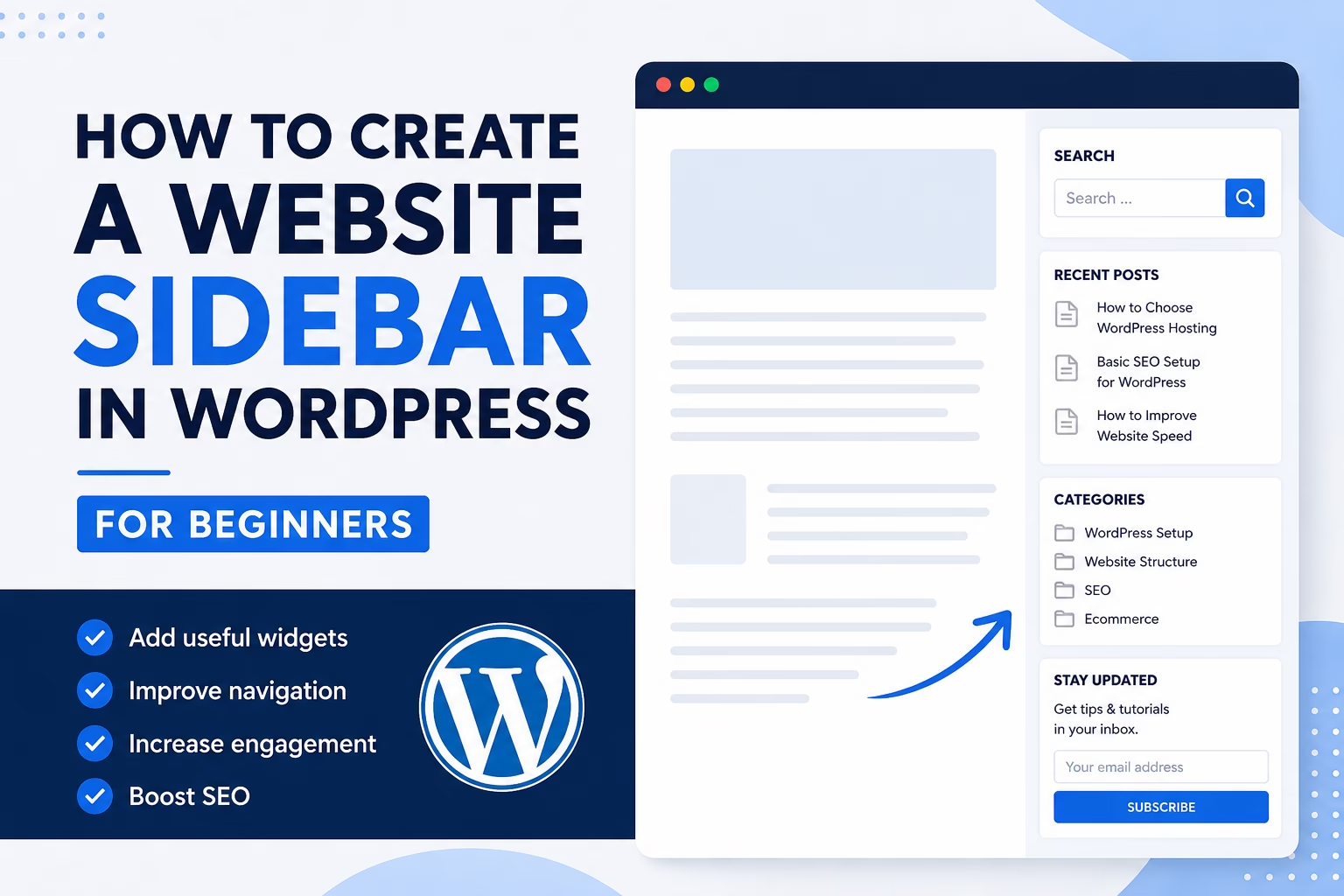
Learn how to create a useful WordPress sidebar with widgets, navigation, calls to action, recent posts, and simple layout choices that improve usability.

Essential Steps to Create Your Website
This section explains how to plan and organize your WordPress website structure for clarity, usability, and SEO.
Learn how to structure pages, design navigation, and create a logical layout that helps both visitors and search engines understand your website.
A well-structured site improves user experience, supports SEO, and makes your content easier to manage as your website grows.
Learn how to create a useful WordPress sidebar with widgets, navigation, calls to action, recent posts, and simple layout choices that improve usability.
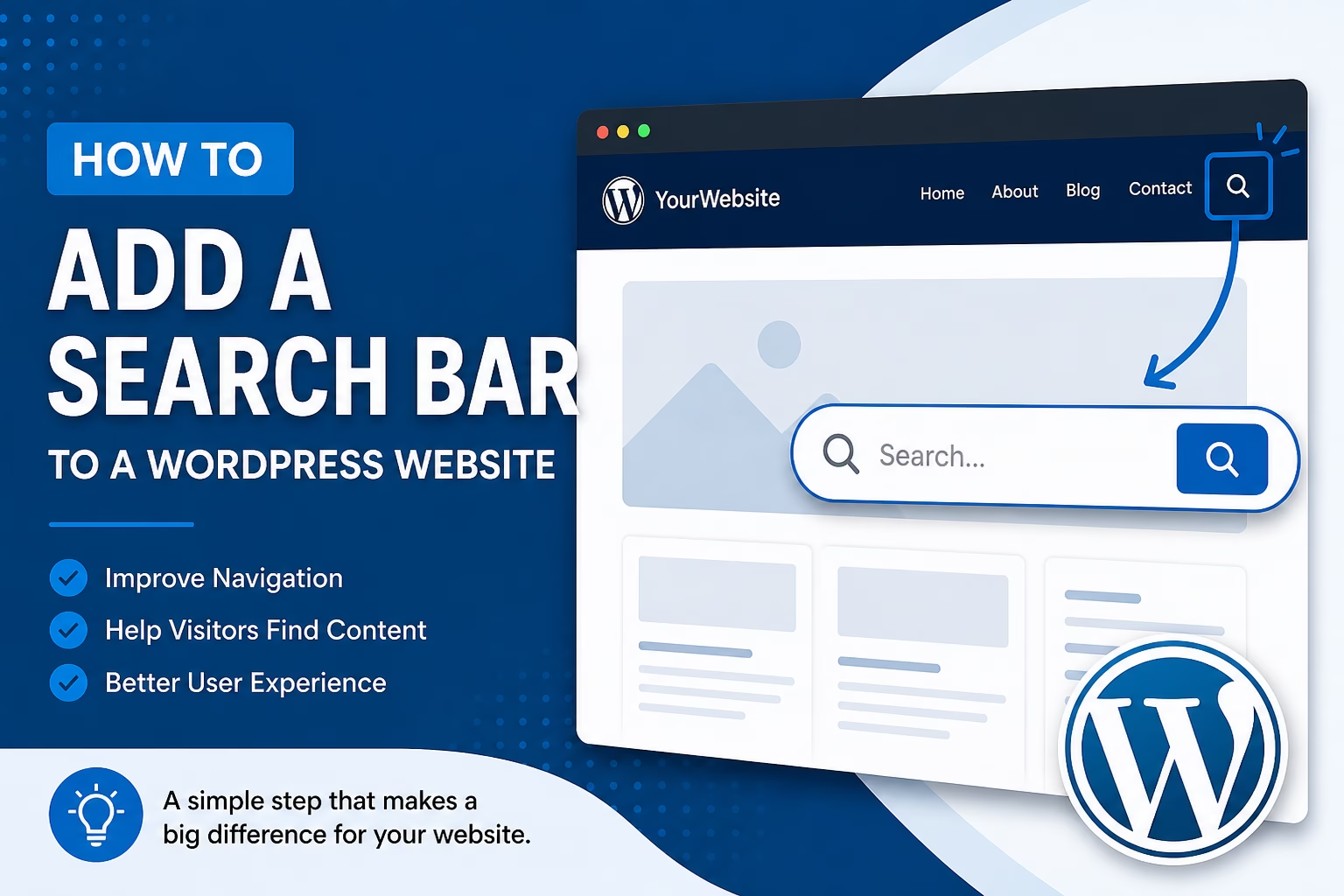
Learn how to add a search bar to your WordPress website, choose where it should appear, improve visitor navigation, and avoid common beginner mistakes.
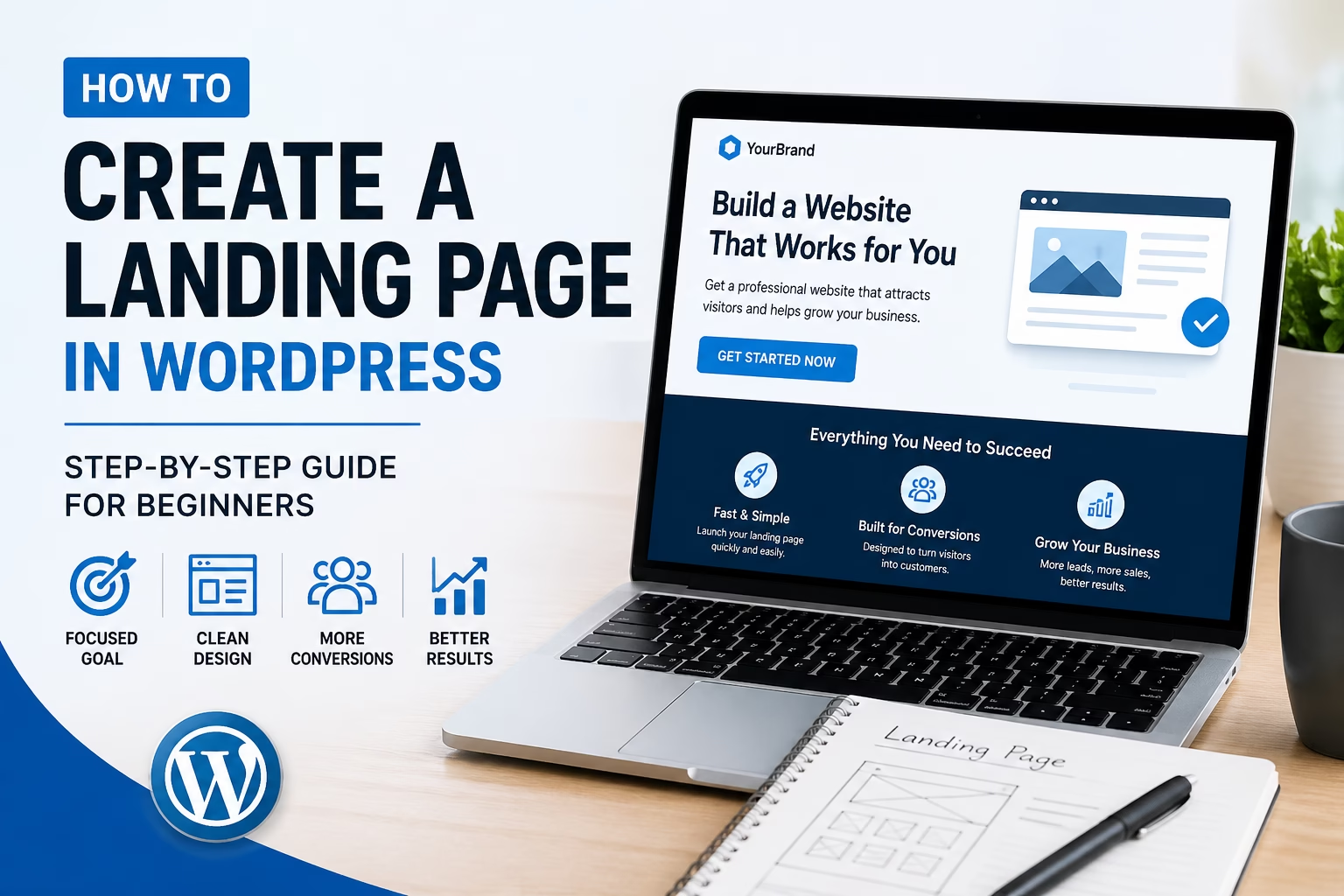
Learn how to create a simple landing page in WordPress, including layout, copy, calls to action, forms, SEO basics, and beginner mistakes to avoid.
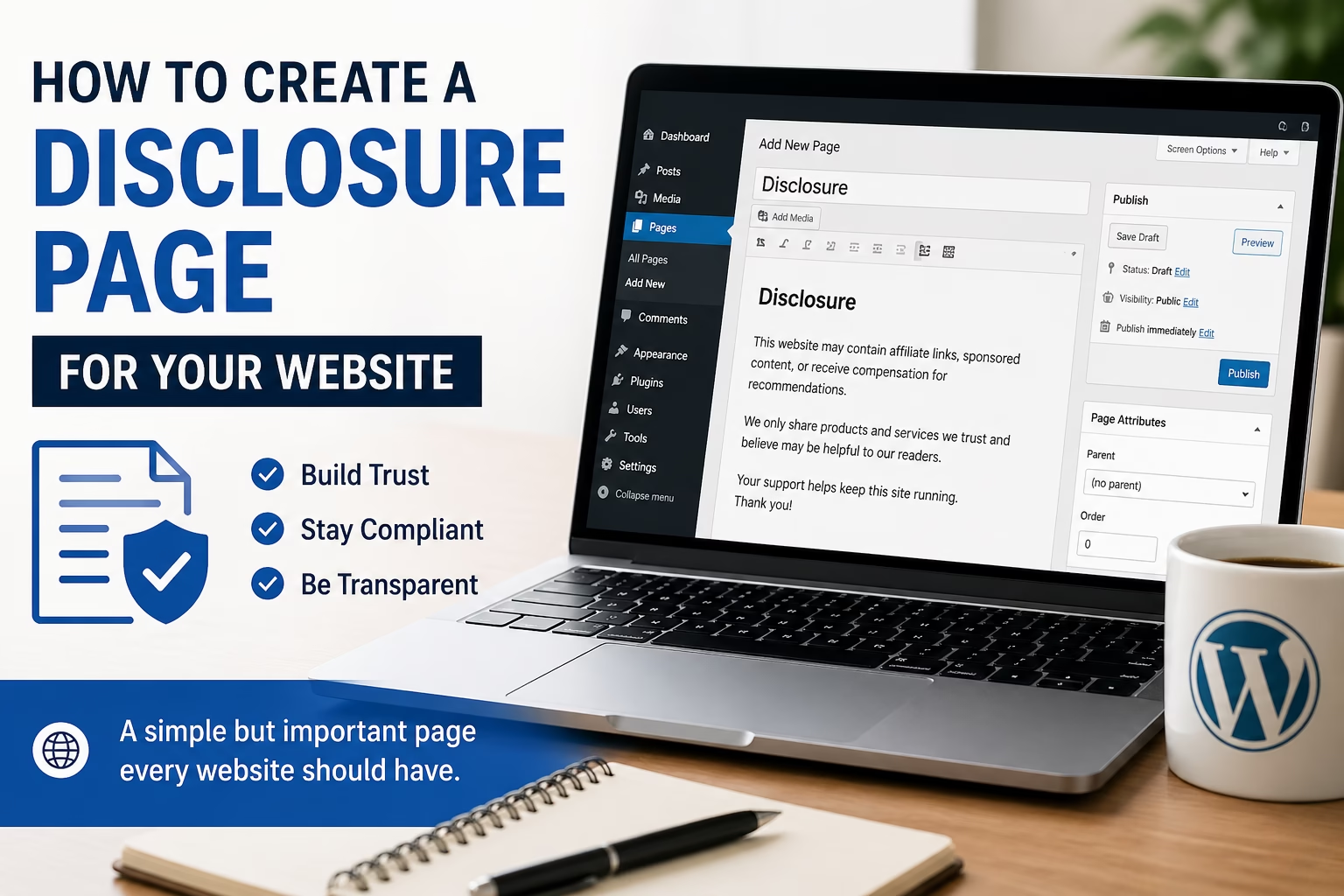
Learn how to create a clear disclosure page for your website, including affiliate disclosures, sponsored content notices, and trust-building transparency tips.
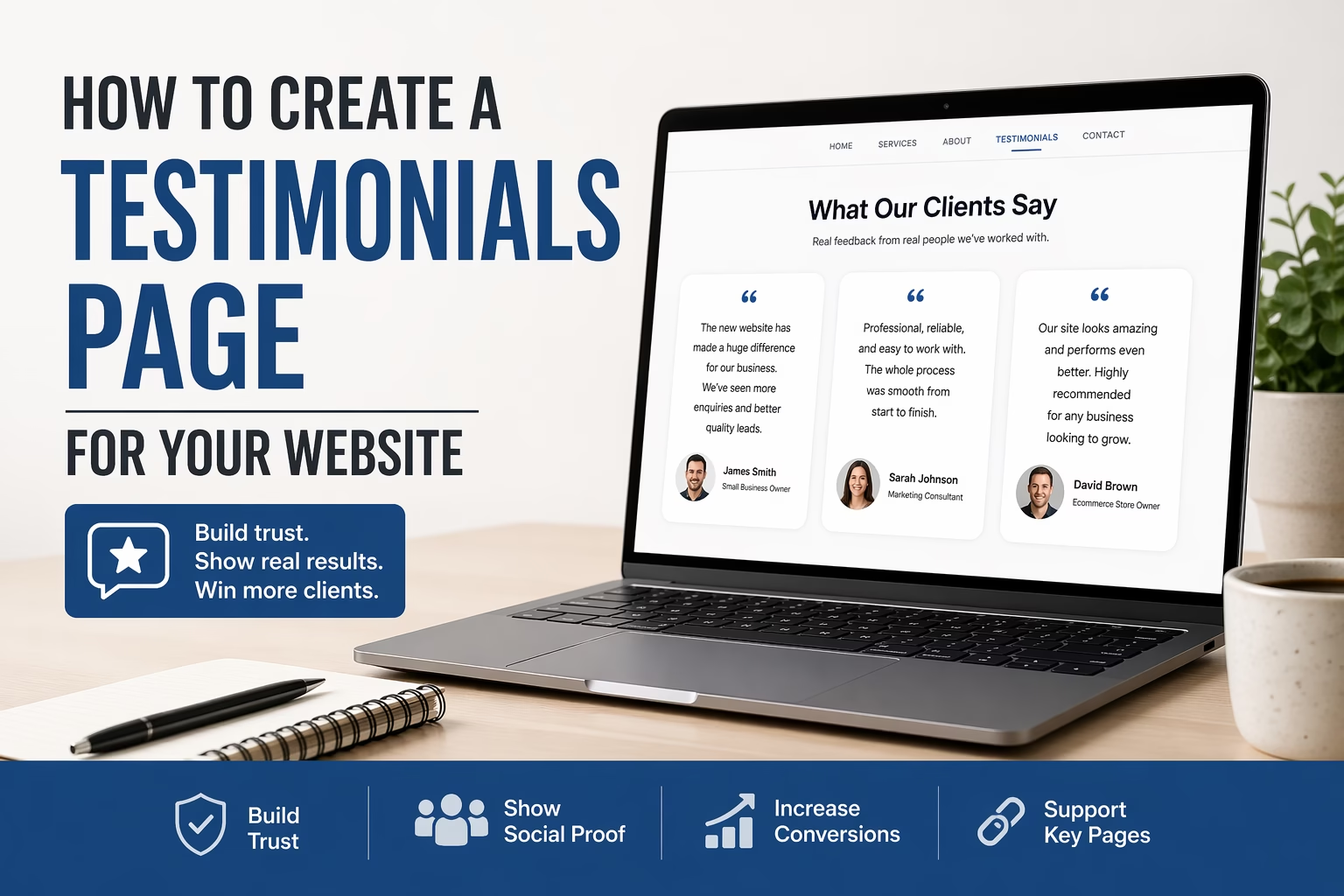
Learn how to create a testimonials page that builds trust and supports conversions. This guide explains what to include, how to structure it, and where to link it on your website.
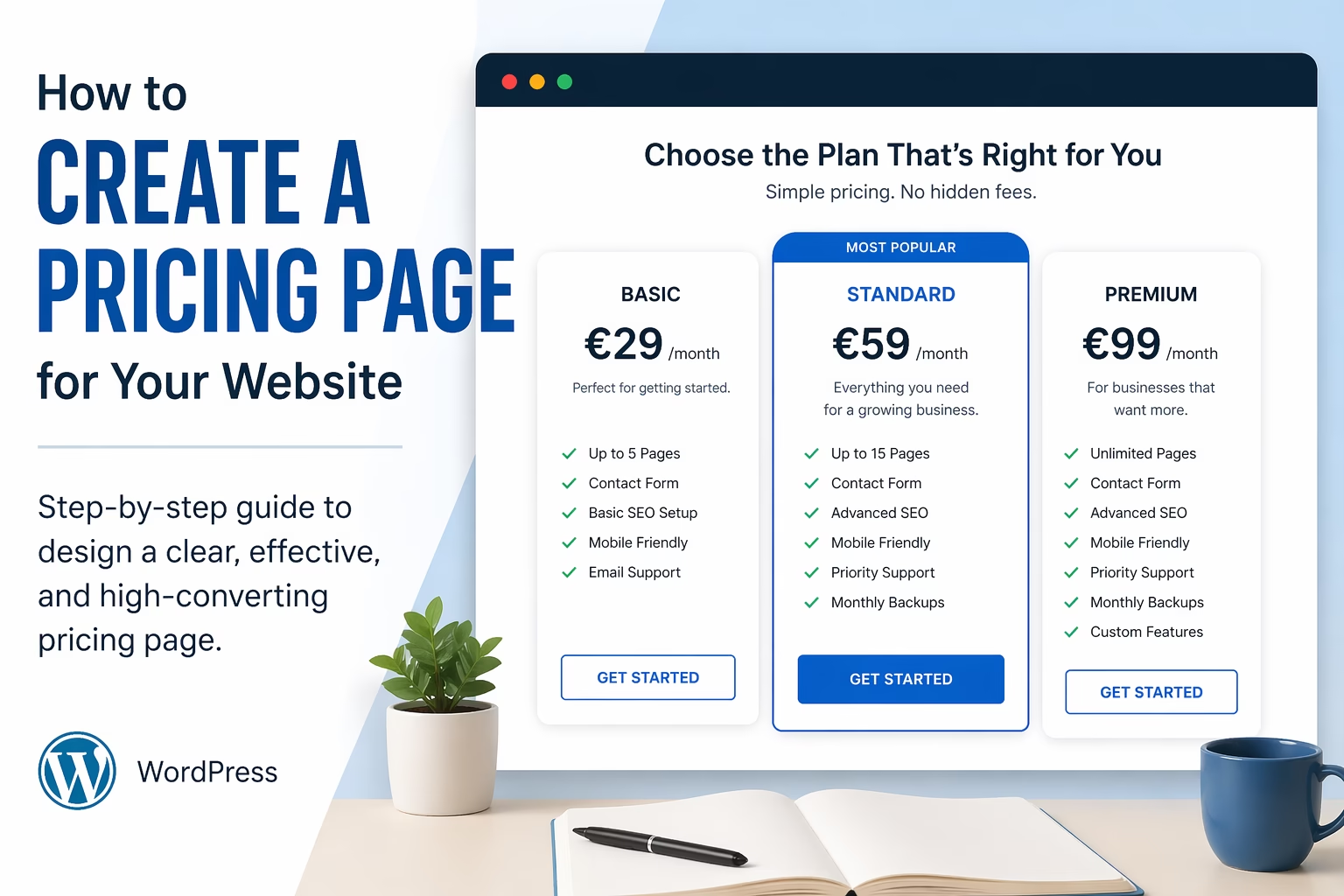
Learn how to create a pricing page that is clear, trustworthy, and easy to compare. This guide explains layout, copy, packages, FAQs, and calls to action.
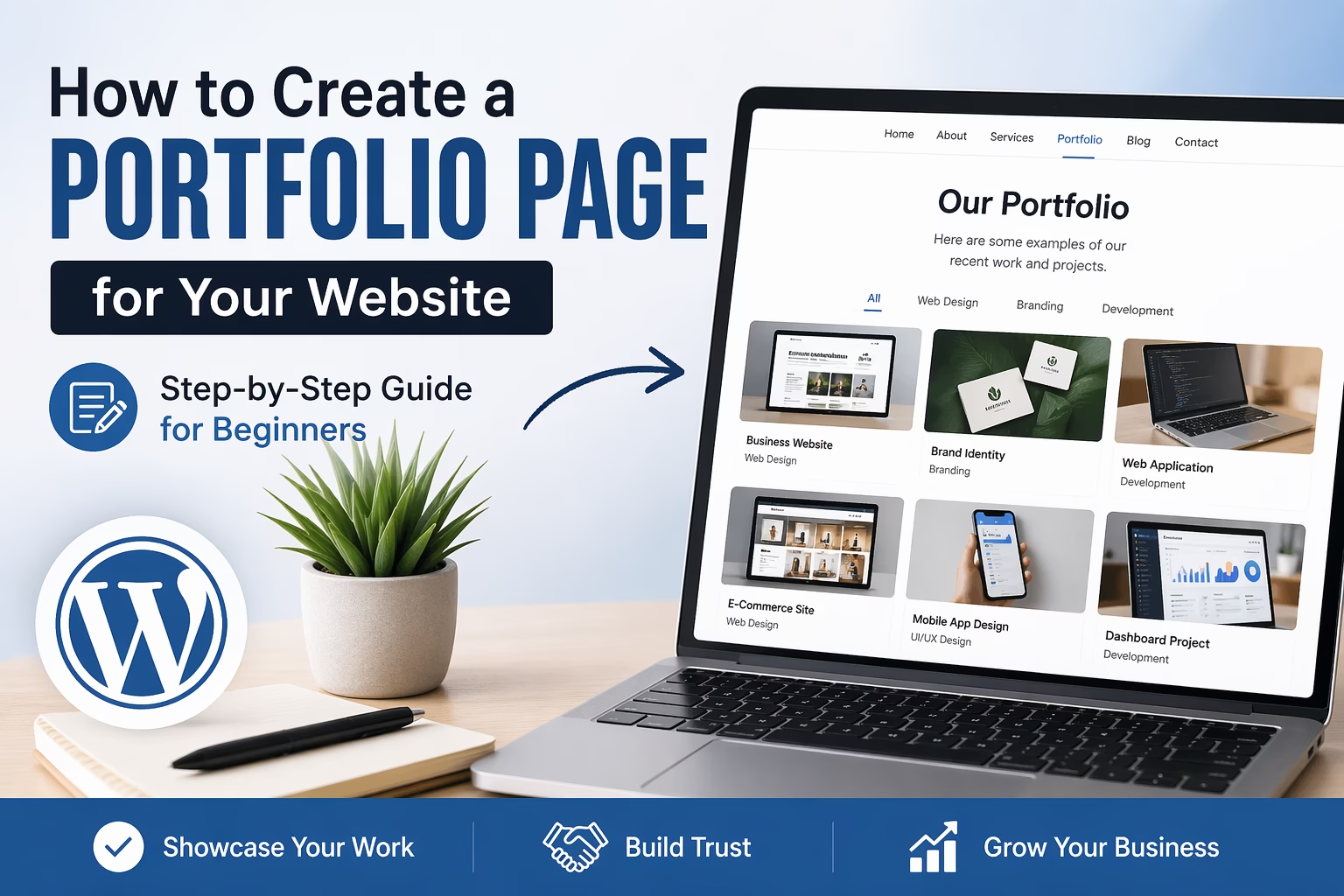
Learn how to create a portfolio page for your website that showcases your work clearly, builds trust, and helps visitors understand your skills, services, and results.
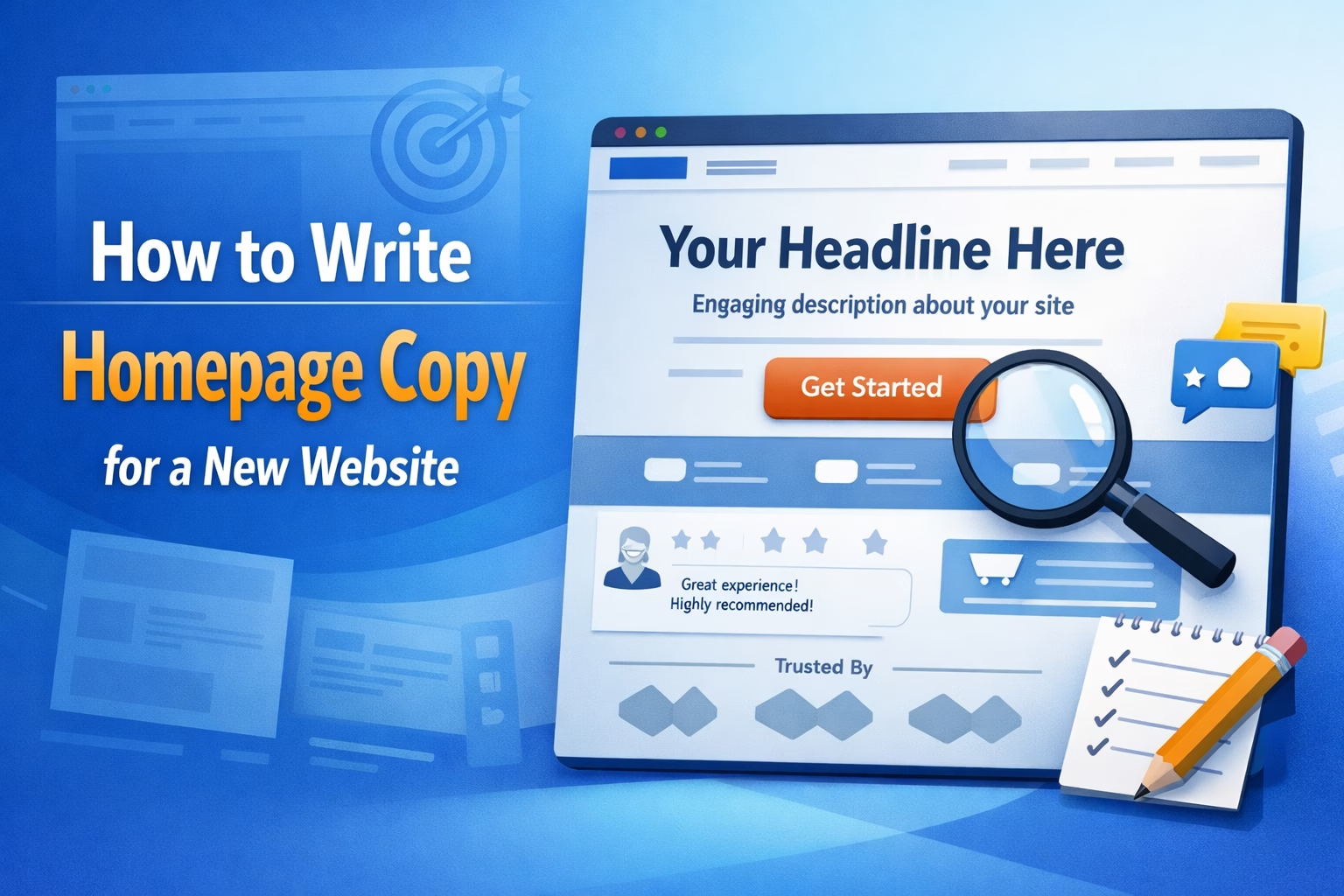
Learn how to write homepage copy for a new website. This guide explains what to include above the fold, how to structure sections, build trust, and create clear calls to action.
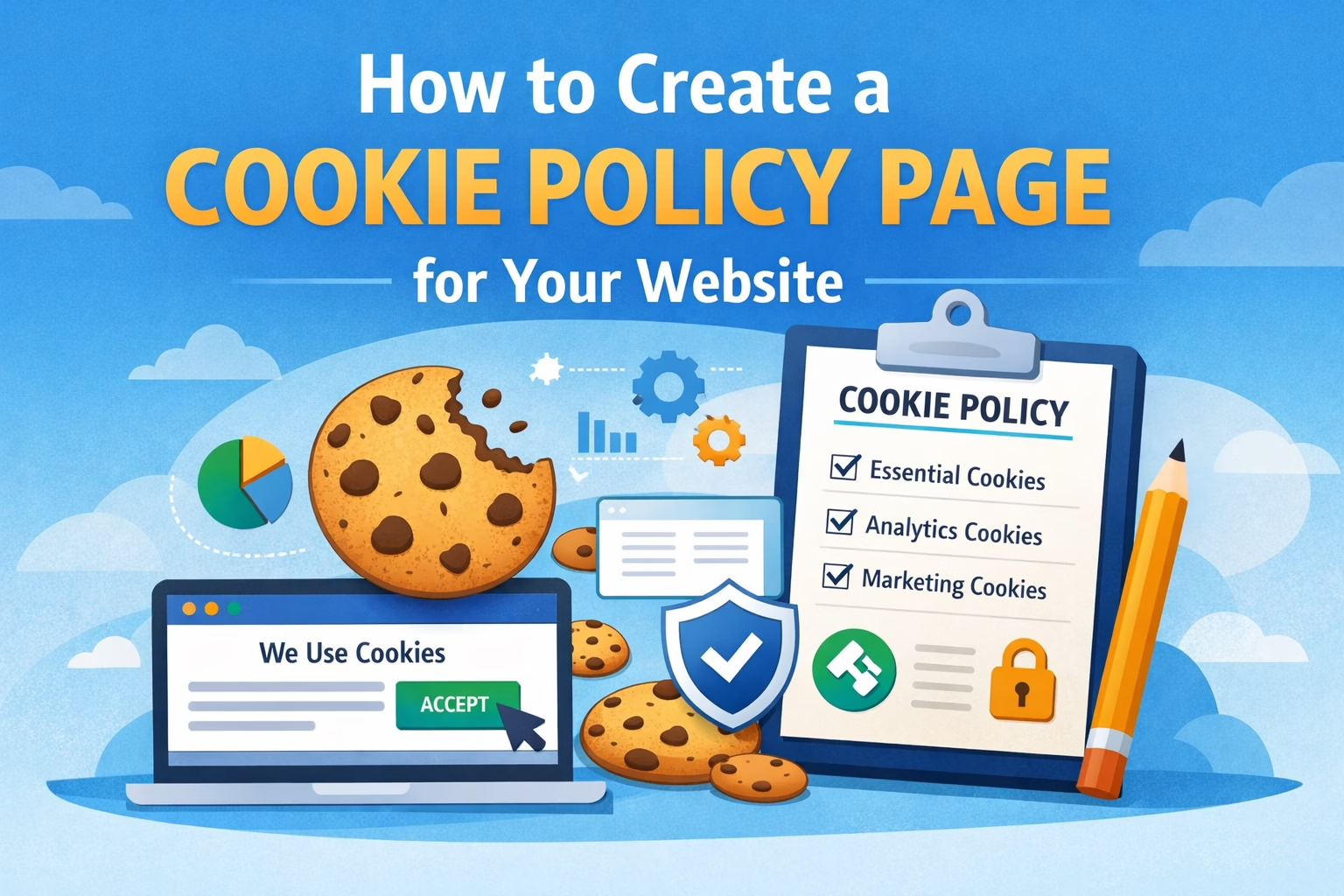
Learn how to create a cookie policy page for your website, explain cookie usage clearly, connect it to consent banners and analytics, and cover the basics new site owners need.
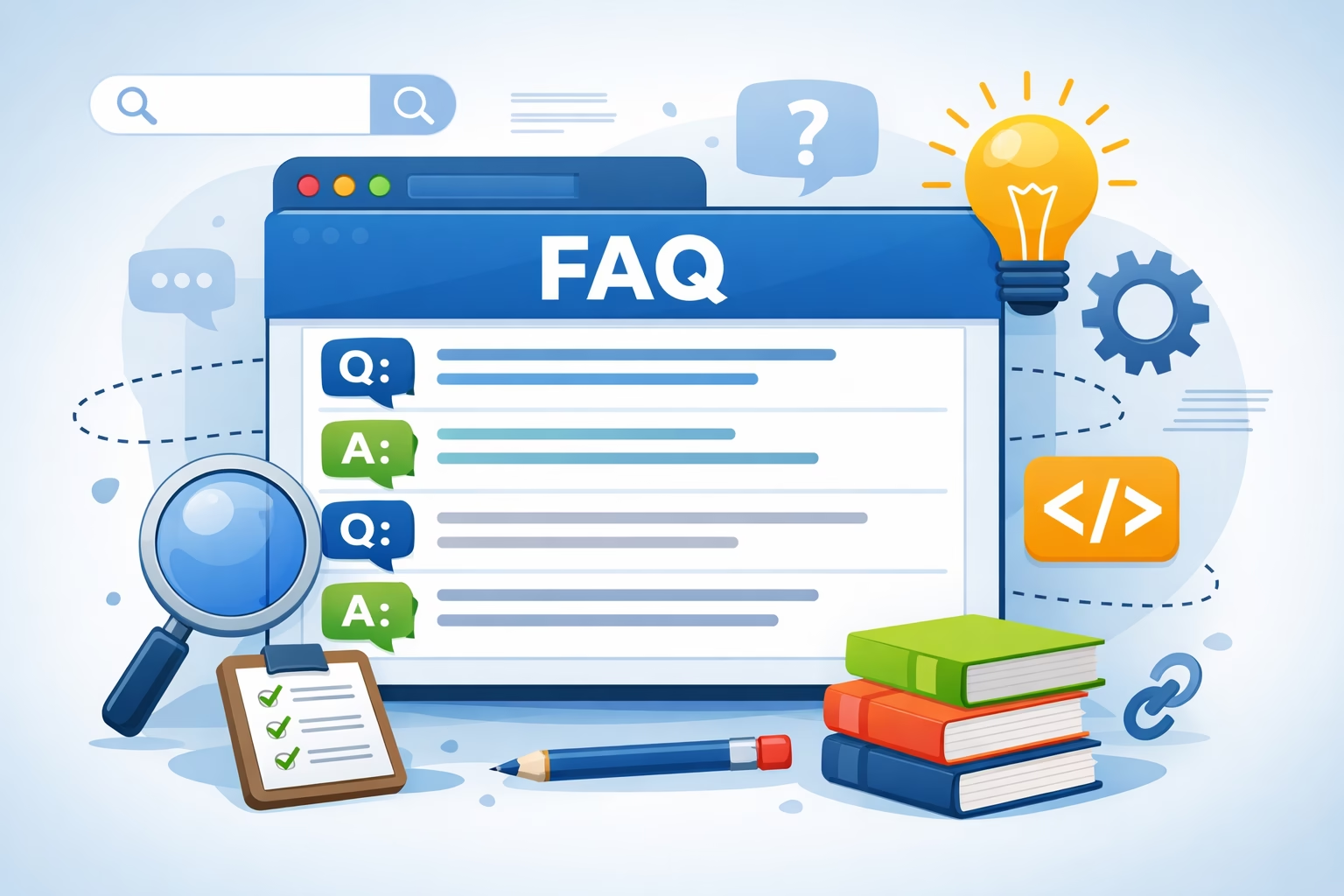
Learn how to create an FAQ page for your website that improves usability, answers common questions clearly, and supports SEO without adding duplicate content.