How to Add Google Reviews to a WordPress Website
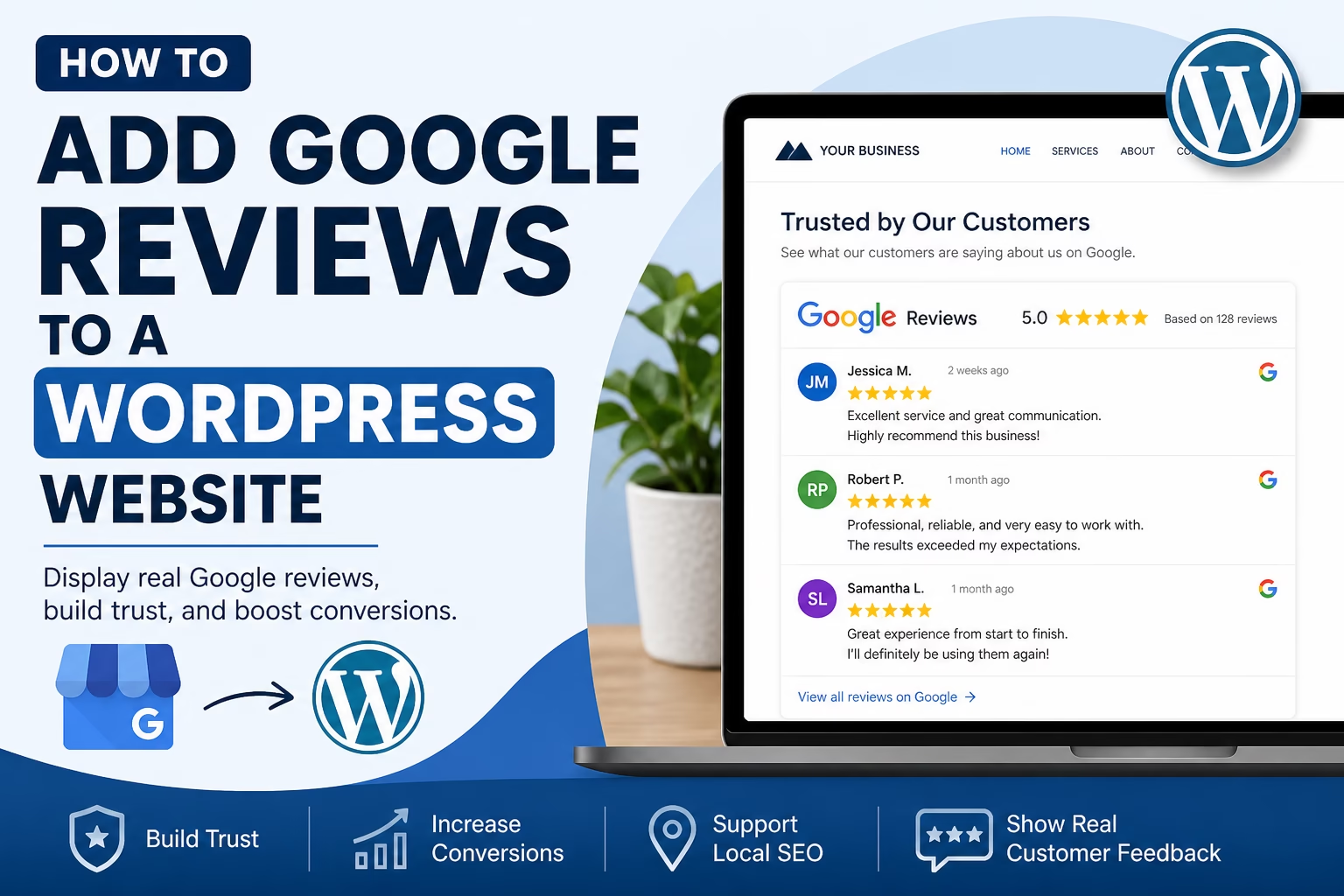
Learn how to add Google reviews to a WordPress website, where to display them, how to keep them trustworthy, and how reviews support local SEO and conversions.

Essential Steps to Create Your Website
This section covers the essential WordPress SEO steps for building and growing a website.
Learn how to set up Google Search Console and Google Analytics, improve website speed, structure your content for search engines, and apply practical SEO techniques that help your site get discovered.
These guides focus on real-world implementation rather than theory, so you can improve rankings, understand your traffic, and make better decisions based on data.
Learn how to add Google reviews to a WordPress website, where to display them, how to keep them trustworthy, and how reviews support local SEO and conversions.
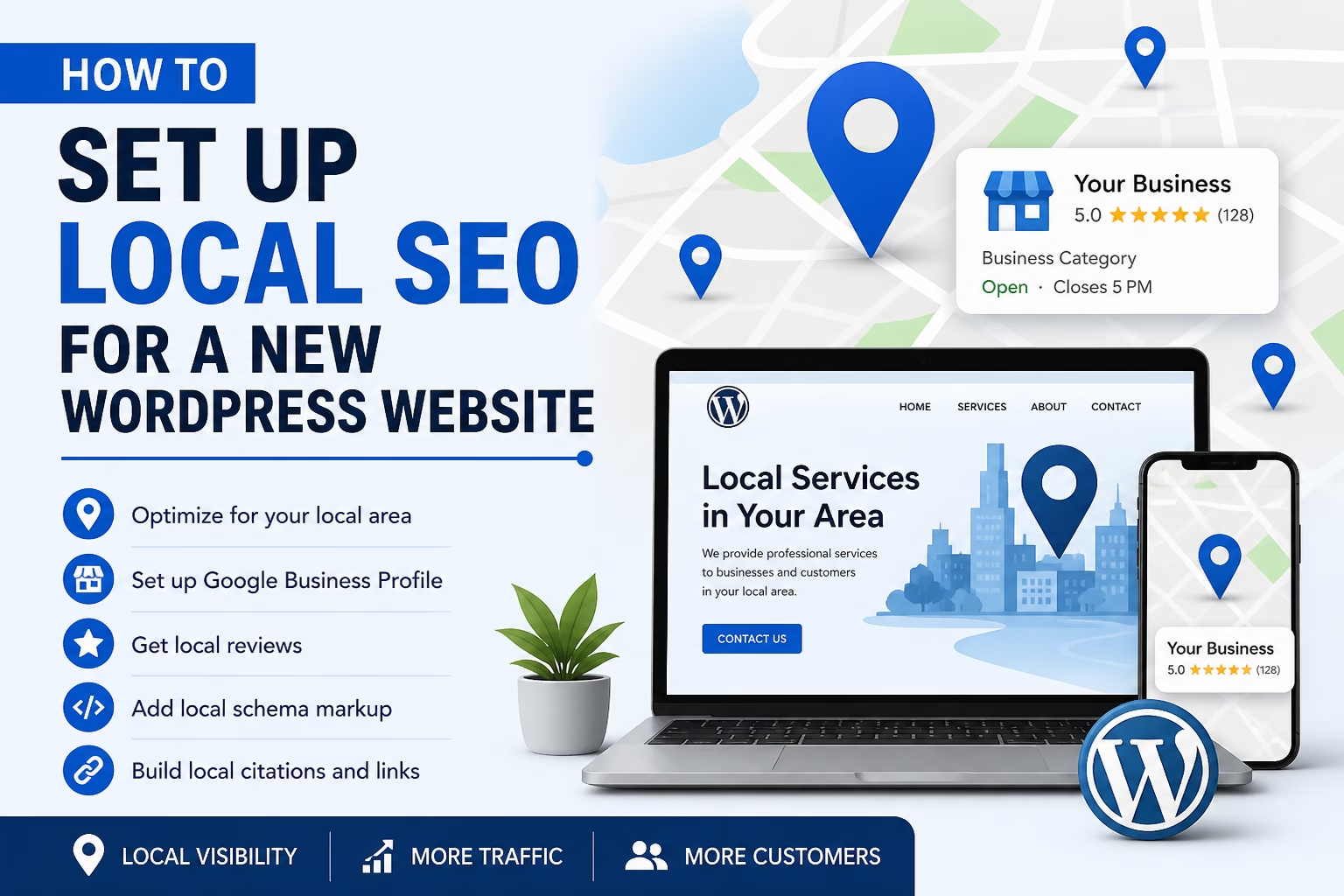
Learn how to set up local SEO for a new WordPress website, including location pages, business details, schema, Google Business Profile, reviews, and local keyword targeting.
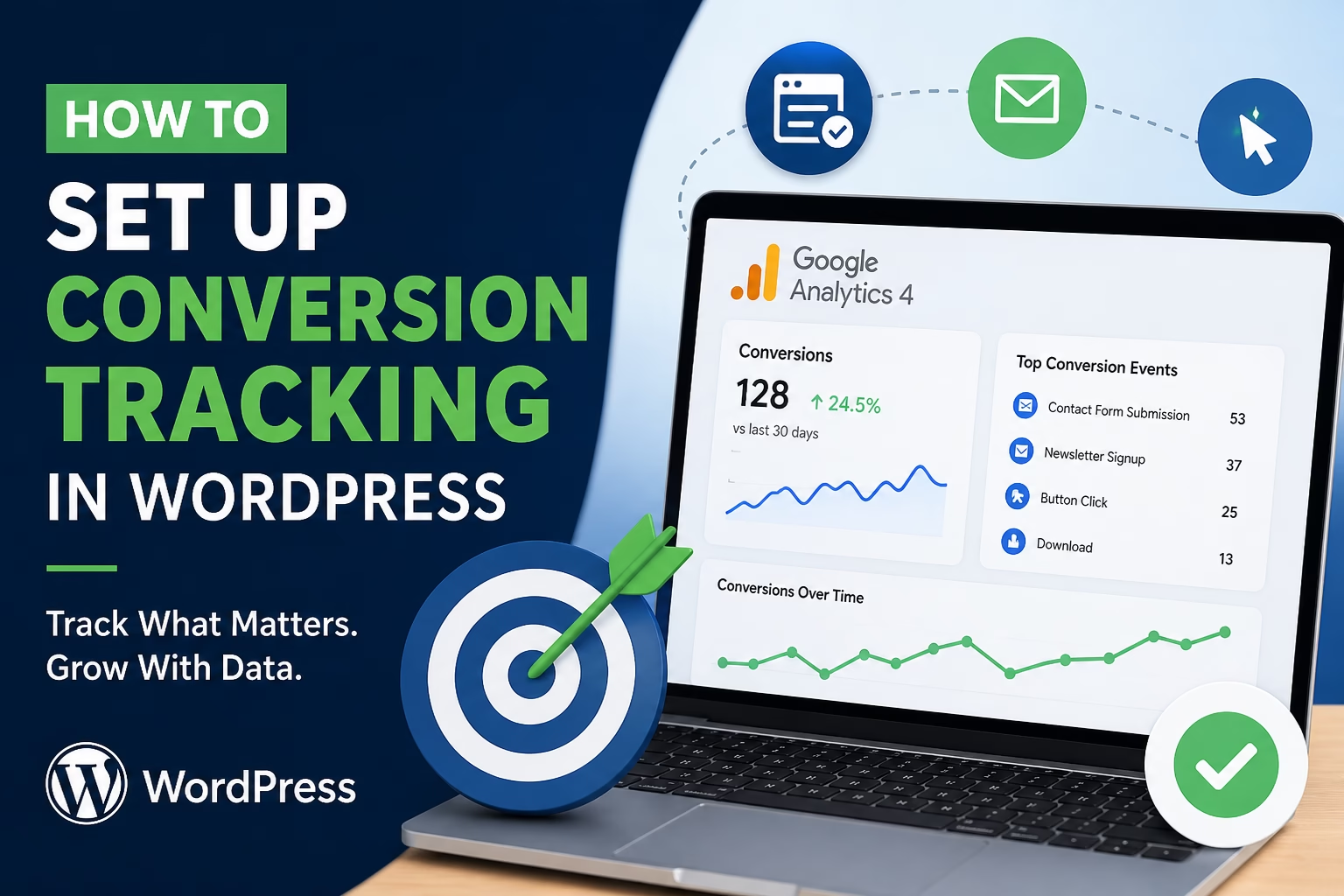
Learn how to track contact form submissions, button clicks, newsletter signups, and other key website conversions in WordPress after launch.
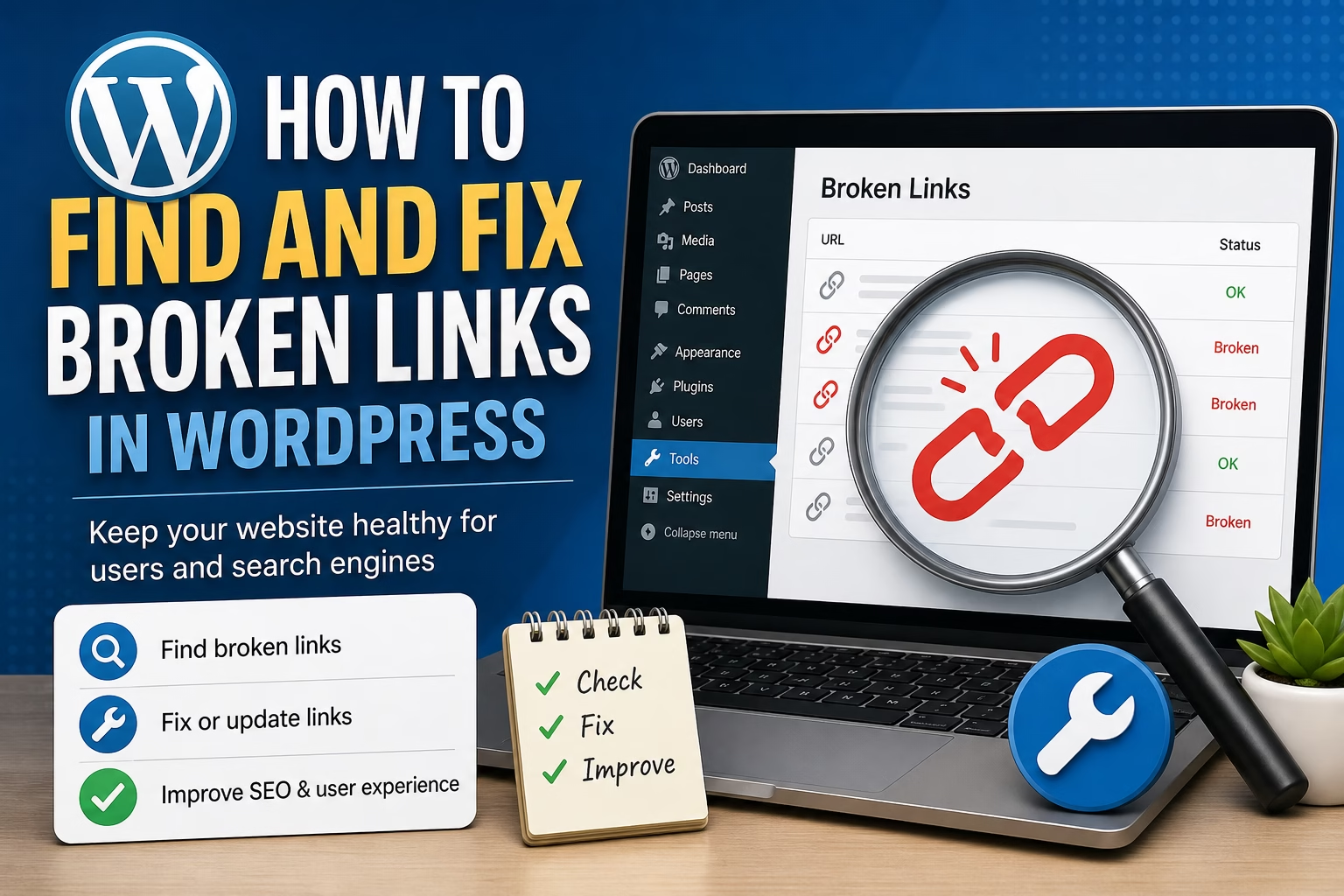
Learn how to find broken links in WordPress, decide when to update or redirect them, and keep your website clean for visitors and search engines.
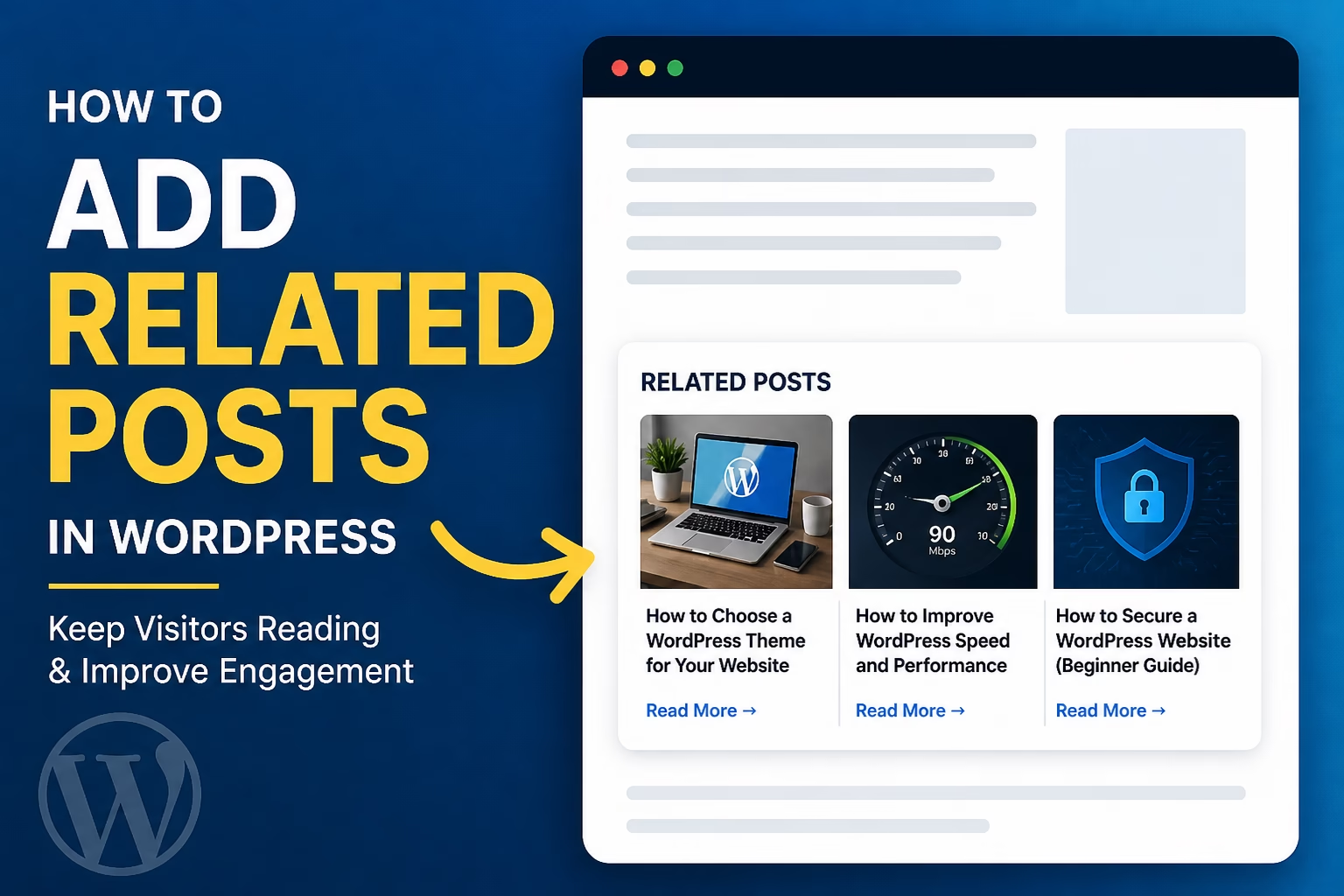
Learn how to add related posts in WordPress so visitors can discover more helpful content, reduce dead ends, and improve your site’s internal linking.
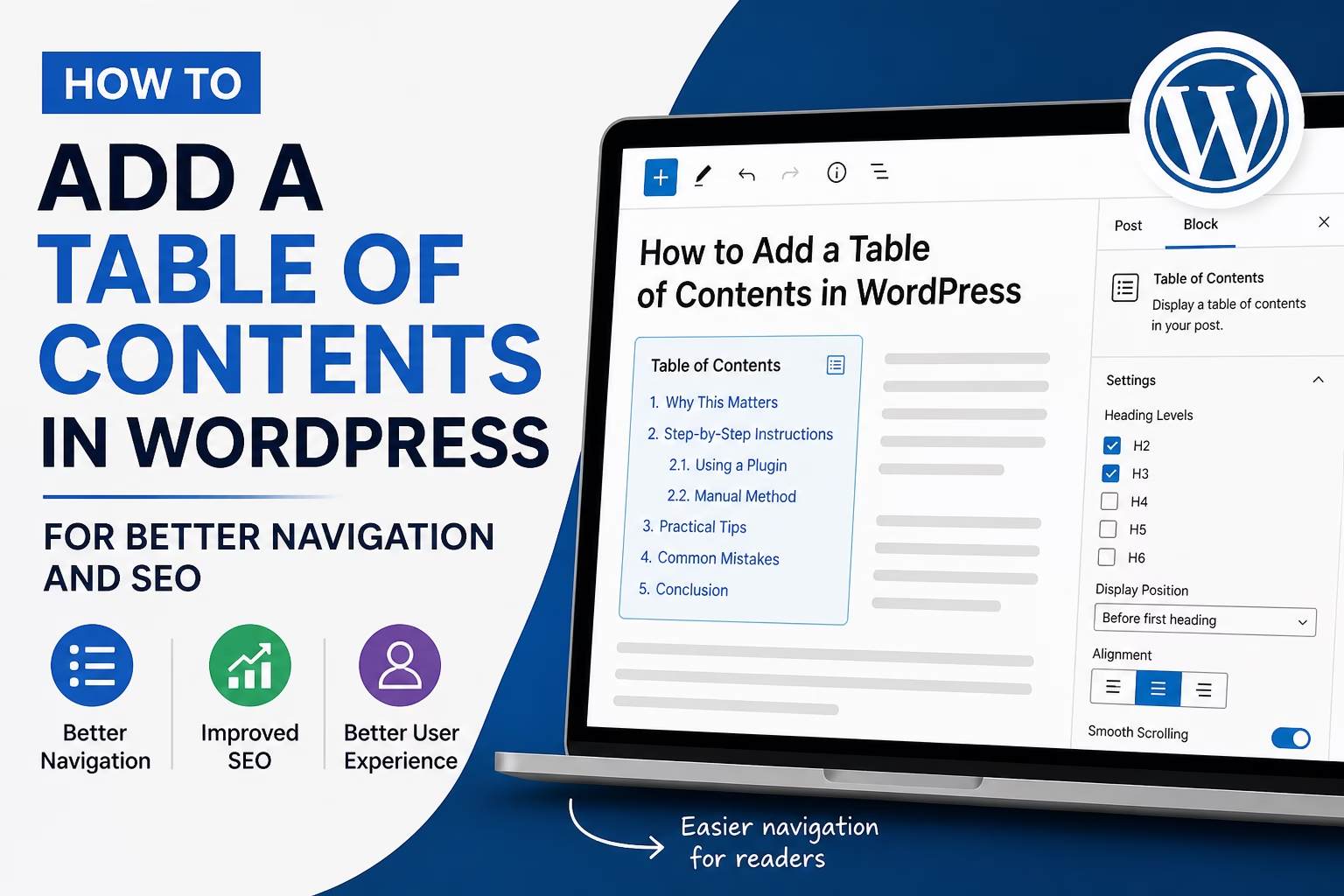
Learn how to add a table of contents in WordPress to improve page navigation, readability, internal structure, and beginner-friendly SEO.
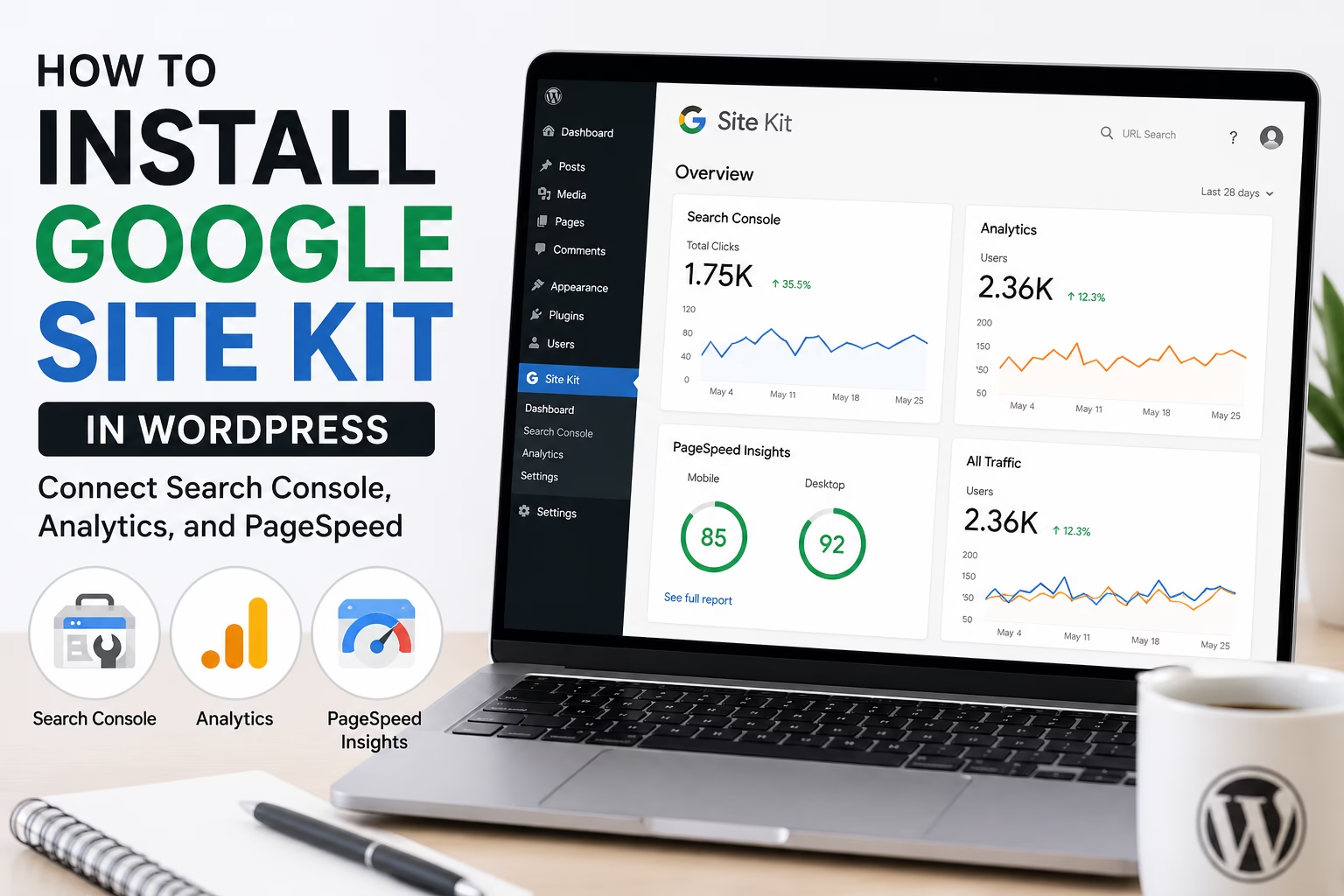
Learn how to install Google Site Kit in WordPress, connect Search Console, Analytics, PageSpeed Insights, and use the dashboard to monitor your new website.
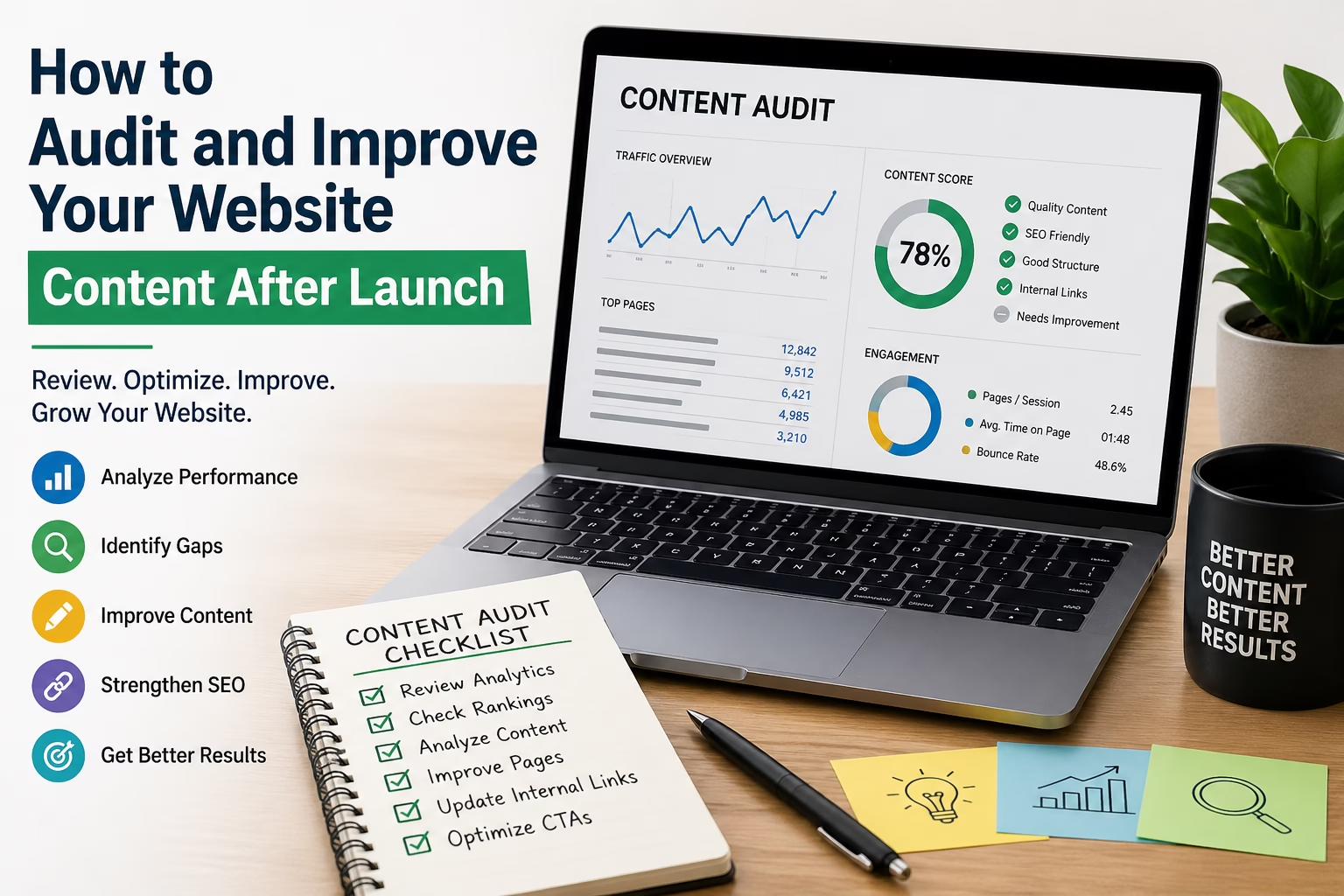
Learn how to review pages, rankings, analytics, internal links, and calls to action so you can improve a new website after launch.
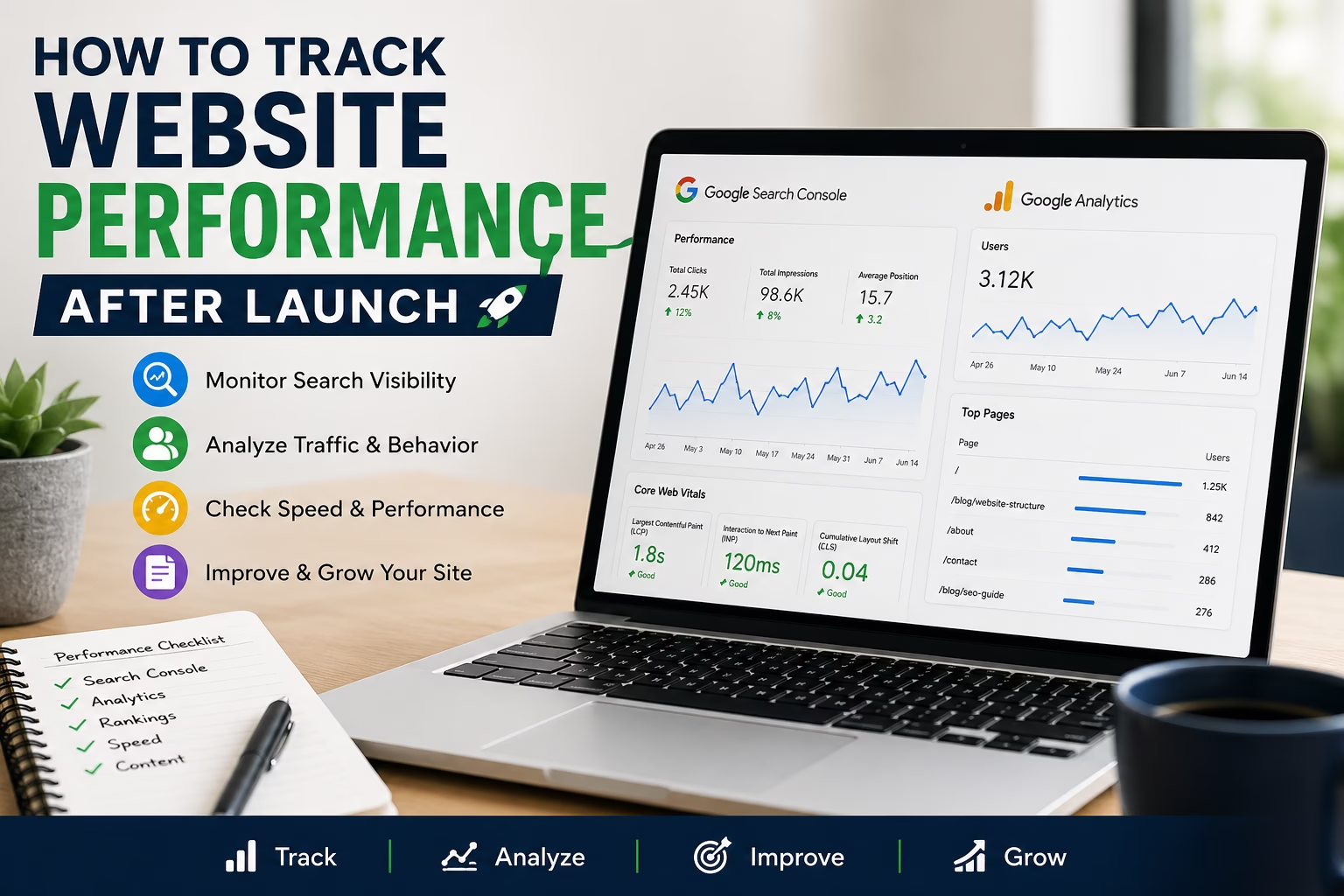
Learn how to track your new website after launch using simple metrics from Google Search Console, Google Analytics, rankings, speed checks, and content performance.
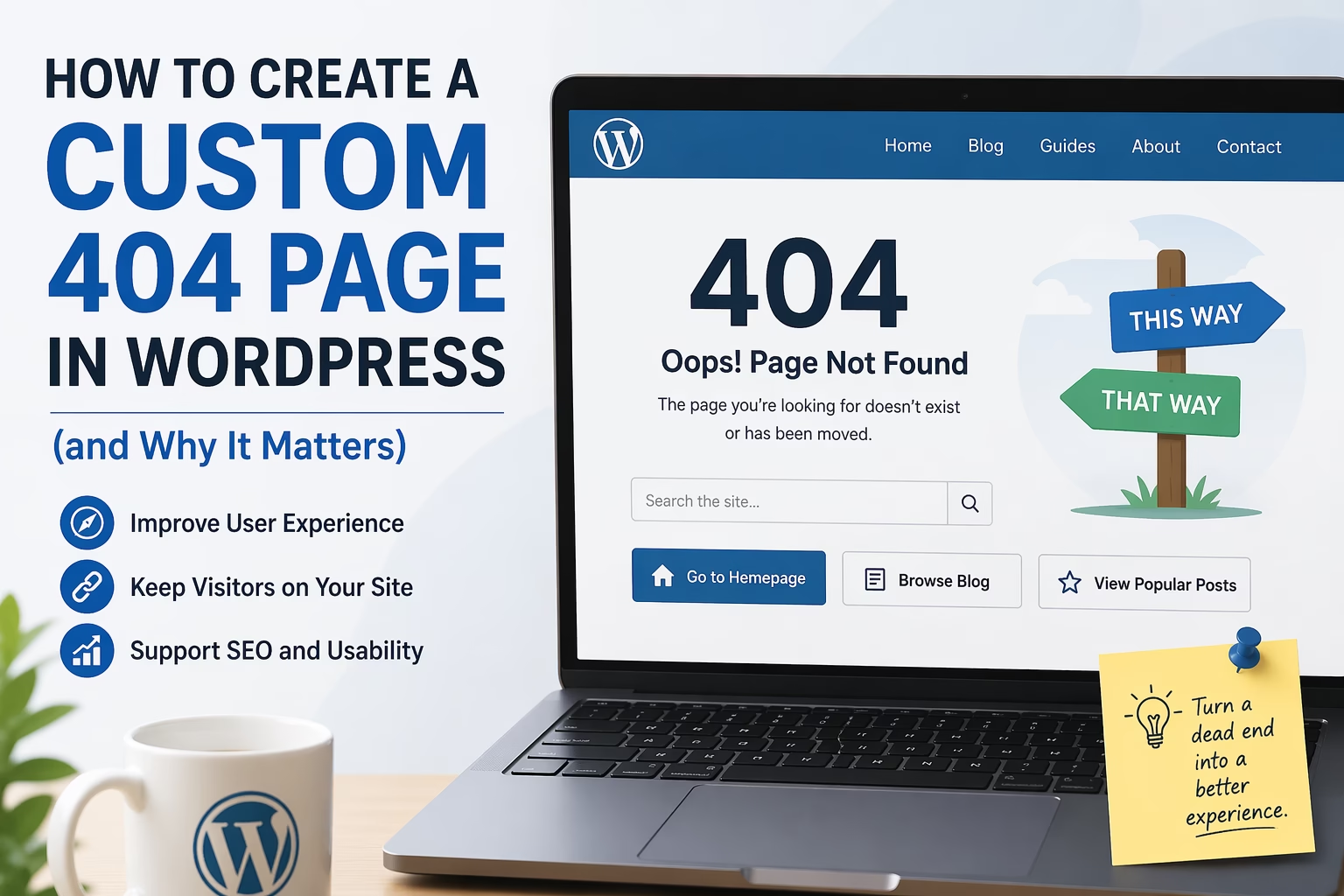
Learn how to create a custom 404 page in WordPress that helps visitors recover from broken links, improves navigation, and supports SEO without causing duplicate content issues.