Skip to content
Veravix

Veravix

Essential Steps to Create Your Website

  • Home
  • About
  • Privacy Policy
  • Terms and Conditions
  • Disclosure
  • Cookie Policy (EU)
  • Contact

WordPress Setup

This section covers the core steps required to set up a WordPress website from start to finish.

Learn how to choose hosting, install WordPress, configure settings, select themes, and install essential plugins to build a functional and reliable site.

These guides focus on practical setup decisions that help you build a strong foundation before moving on to design, content, and SEO.

How to Install a WordPress Plugin Safely (and Delete One Properly)

April 8, 2026 by Etienne Basson
How to Install a WordPress Plugin Safely (and Delete One Properly)

Learn how to install a WordPress plugin safely, configure it correctly, update it, and remove unused plugins without breaking your website. Beginner-friendly step-by-step guide.

Categories WordPress Setup

How to Set WordPress Permalinks for SEO (and Change Them Safely)

April 13, 2026April 8, 2026 by Etienne Basson
How to Set WordPress Permalinks for SEO (and Change Them Safely)

Learn how to set WordPress permalinks for SEO, choose the right URL structure, and safely change permalinks without breaking existing links

Categories WordPress Setup

How to Update WordPress Safely (Core, Themes, and Plugins)

April 2, 2026 by Etienne Basson
How to Update WordPress Safely (Core, Themes, and Plugins)

Learn how to update WordPress core, themes, and plugins safely. This beginner guide covers backups, testing, common risks, and what to do if an update breaks your site.

Categories WordPress Setup

How to Set Up SSL and HTTPS in WordPress (and Fix Mixed Content)

April 1, 2026 by Etienne Basson
How to Set Up SSL and HTTPS in WordPress (and Fix Mixed Content)

Learn how to enable SSL, force HTTPS in WordPress, fix mixed content warnings, and secure your website for visitors and search engines.

Categories WordPress Setup

How to Create a Contact Form in WordPress

March 20, 2026 by Etienne Basson
How to Create a Contact Form in WordPress

Learn how to create a contact form in WordPress using a beginner-friendly plugin. This guide covers setup, email delivery, spam protection, and testing before launch.

Categories WordPress Setup

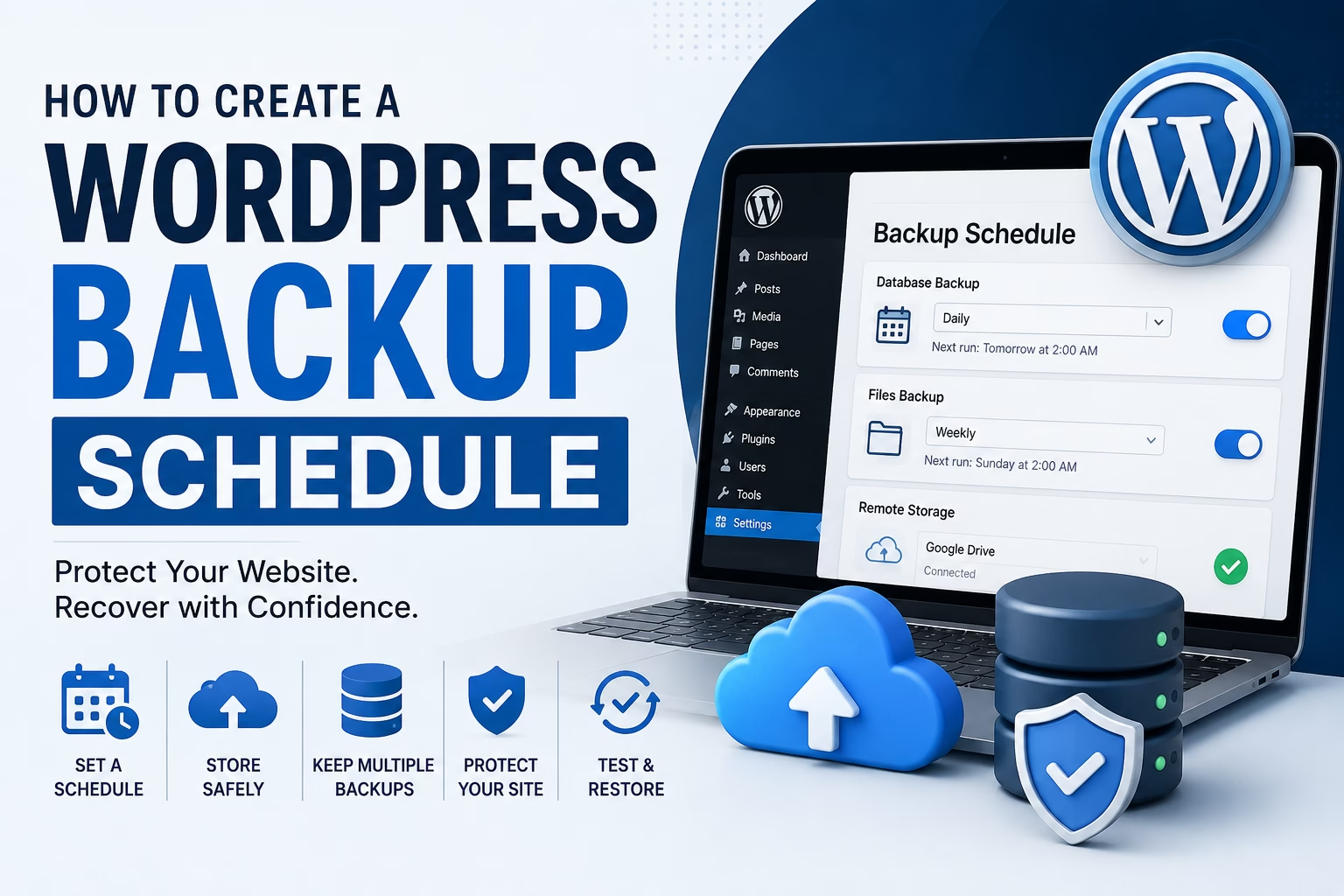
How to Back Up a WordPress Website (And Restore It If Something Breaks)

April 2, 2026March 19, 2026 by Etienne Basson
How to Back Up a WordPress Website (And Restore It If Something Breaks)

Learn how to back up a WordPress website step by step. This beginner guide covers manual and plugin backups, what to save, where to store backups, and how to restore your site if something goes wrong.

Categories WordPress Setup

WordPress Settings Explained: What to Configure Right After Installation

April 8, 2026March 18, 2026 by Etienne Basson
WordPress Settings Explained What to Configure Right After Installation

Learn which WordPress settings to configure after installation. This beginner guide covers permalinks, reading settings, discussion, media, and site basics to set up your website correctly from the start.

Categories WordPress Setup

How to Create a Navigation Menu in WordPress

April 12, 2026March 17, 2026 by Etienne Basson
How to Create a Navigation Menu in WordPress

Learn how to create a navigation menu in WordPress, add pages, organize dropdowns, choose menu locations, and improve usability for visitors.

Categories WordPress Setup

How to Create a Homepage in WordPress (And Set Your Blog Page)

April 14, 2026March 16, 2026 by Etienne Basson
How to Create a Homepage in WordPress (And Set Your Blog Page)

Learn how to create a homepage in WordPress, set a static front page, assign a blog page, and organize your site for a better user experience and cleaner navigation.

Categories WordPress Setup

How to Improve WordPress Speed and Mobile Performance for a New Website

March 27, 2026March 15, 2026 by Etienne Basson
How to Improve WordPress Speed and Mobile Performance for a New Website

Learn how to speed up a WordPress website using caching, image optimization, CDN, and performance tweaks that improve mobile speed and Core Web Vitals.

Categories WordPress Setup, SEO
Older posts
Page1 Page2 Next →

Categories

  • SEO (17)
  • Website Design (8)
  • Website Structure (16)
  • WordPress Setup (18)

Latest Posts

  • How to Create a Pricing Page for Your Website
    How to Create a Pricing Page for Your WebsiteApril 21, 2026
    Learn how to create a pricing page that is clear, trustworthy, and easy to compare. This guide explains layout, copy, packages, FAQs, and calls to action.
  • How to Create a Portfolio Page for Your Website
    How to Create a Portfolio Page for Your WebsiteApril 21, 2026
    Learn how to create a portfolio page for your website that showcases your work clearly, builds trust, and helps visitors understand your skills, services, and results.
  • How to Create a Custom 404 Page in WordPress (and Why It Matters)
    How to Create a Custom 404 Page in WordPress (and Why It Matters)April 21, 2026
    Learn how to create a custom 404 page in WordPress that helps visitors recover from broken links, improves navigation, and supports SEO without causing duplicate content issues.
  • How to Plan a Website Wireframe Before You Build in WordPress
    How to Plan a Website Wireframe Before You Build in WordPressApril 17, 2026
    Learn how to plan a simple website wireframe before building in WordPress. Map page sections, hierarchy, and calls to action so your site is easier to design and launch.
  • How to Add Breadcrumbs in WordPress for SEO and Better Navigation
    How to Add Breadcrumbs in WordPress for SEO and Better NavigationApril 17, 2026
    Learn how to add breadcrumbs in WordPress to improve navigation, support SEO, and help visitors understand your site structure.
  • How to Add Featured Images in WordPress for Better Design and SEO
    How to Add Featured Images in WordPress for Better Design and SEOApril 15, 2026
    Learn how to add featured images in WordPress and use them properly for design, consistency, social sharing, and SEO. A practical beginner guide.
  • How to Write Homepage Copy for a New Website
    How to Write Homepage Copy for a New WebsiteApril 14, 2026
    Learn how to write homepage copy for a new website. This guide explains what to include above the fold, how to structure sections, build trust, and create clear calls to action.
  • How to Create a Cookie Policy Page for Your Website
    How to Create a Cookie Policy Page for Your WebsiteApril 14, 2026
    Learn how to create a cookie policy page for your website, explain cookie usage clearly, connect it to consent banners and analytics, and cover the basics new site owners need.
  • How to Create an FAQ Page for Your Website
    How to Create an FAQ Page for Your WebsiteApril 14, 2026
    Learn how to create an FAQ page for your website that improves usability, answers common questions clearly, and supports SEO without adding duplicate content.
  • How to Use Heading Tags Properly in WordPress for SEO and Readability
    How to Use Heading Tags Properly in WordPress for SEO and ReadabilityApril 14, 2026
    Learn how to use heading tags properly in WordPress for better SEO, readability, and accessibility. This beginner guide explains H1, H2, H3 structure, common mistakes, and practical formatting tips.

Search

Quick Links

  • Home
  • About
  • Privacy Policy
  • Terms and Conditions
  • Disclosure
  • Cookie Policy (EU)
  • Contact
© 2026 Veravix • Built with GeneratePress
Manage Consent
To provide the best experiences, we use technologies like cookies to store and/or access device information. Consenting to these technologies will allow us to process data such as browsing behavior or unique IDs on this site. Not consenting or withdrawing consent, may adversely affect certain features and functions.
Functional Always active
The technical storage or access is strictly necessary for the legitimate purpose of enabling the use of a specific service explicitly requested by the subscriber or user, or for the sole purpose of carrying out the transmission of a communication over an electronic communications network.
Preferences
The technical storage or access is necessary for the legitimate purpose of storing preferences that are not requested by the subscriber or user.
Statistics
The technical storage or access that is used exclusively for statistical purposes. The technical storage or access that is used exclusively for anonymous statistical purposes. Without a subpoena, voluntary compliance on the part of your Internet Service Provider, or additional records from a third party, information stored or retrieved for this purpose alone cannot usually be used to identify you.
Marketing
The technical storage or access is required to create user profiles to send advertising, or to track the user on a website or across several websites for similar marketing purposes.
  • Manage options
  • Manage services
  • Manage {vendor_count} vendors
  • Read more about these purposes
View preferences
  • {title}
  • {title}
  • {title}