
When a new WordPress site starts getting indexed, one of the first issues I usually see is unnecessary pages showing up in search results. Things like admin URLs, tag archives, or thin content pages get crawled even though they don’t need to be.
This doesn’t always break a site, but it wastes crawl budget and can make your SEO setup less efficient. On larger sites, it becomes a real problem. Even on smaller sites, it’s something I prefer to control early rather than fix later.
That’s where the robots.txt file comes in. It’s a simple file, but it plays a direct role in how search engines interact with your website, especially alongside your XML sitemap.
Table of Contents
Quick Answer / Summary
To create a robots.txt file in WordPress, you either:
- Use an SEO plugin (like Rank Math or Yoast) to edit it directly, or
- Manually create a
robots.txtfile and upload it to your site’s root directory
A basic version usually allows search engines to crawl your site while blocking unnecessary areas like /wp-admin/.
Why This Matters
The robots.txt file controls what search engines are allowed to crawl on your website. Google provides a clear overview of how this works in their robots.txt documentation.
It does not control indexing directly, but it does guide crawlers toward the content that matters and away from areas that don’t.
In most sites I build, this helps with:
- Preventing crawling of irrelevant pages
- Keeping search engines focused on important content
- Supporting a cleaner SEO structure
- Reducing unnecessary load from bots
It’s a small file, but it affects how efficiently your site gets explored by search engines.
Step-by-Step Instructions
Option 1: Create Robots.txt Using a Plugin (Recommended)
This is the easiest and safest method.
Step 1: Install an SEO Plugin
If you’re using:
- Rank Math
- Yoast SEO
You already have access to robots.txt editing.
Step 2: Open the Robots.txt Editor
In WordPress dashboard:
- Rank Math:
Rank Math → General Settings → Edit robots.txt - Yoast:
SEO → Tools → File Editor
Step 3: Add Your Rules
Start with a simple structure:
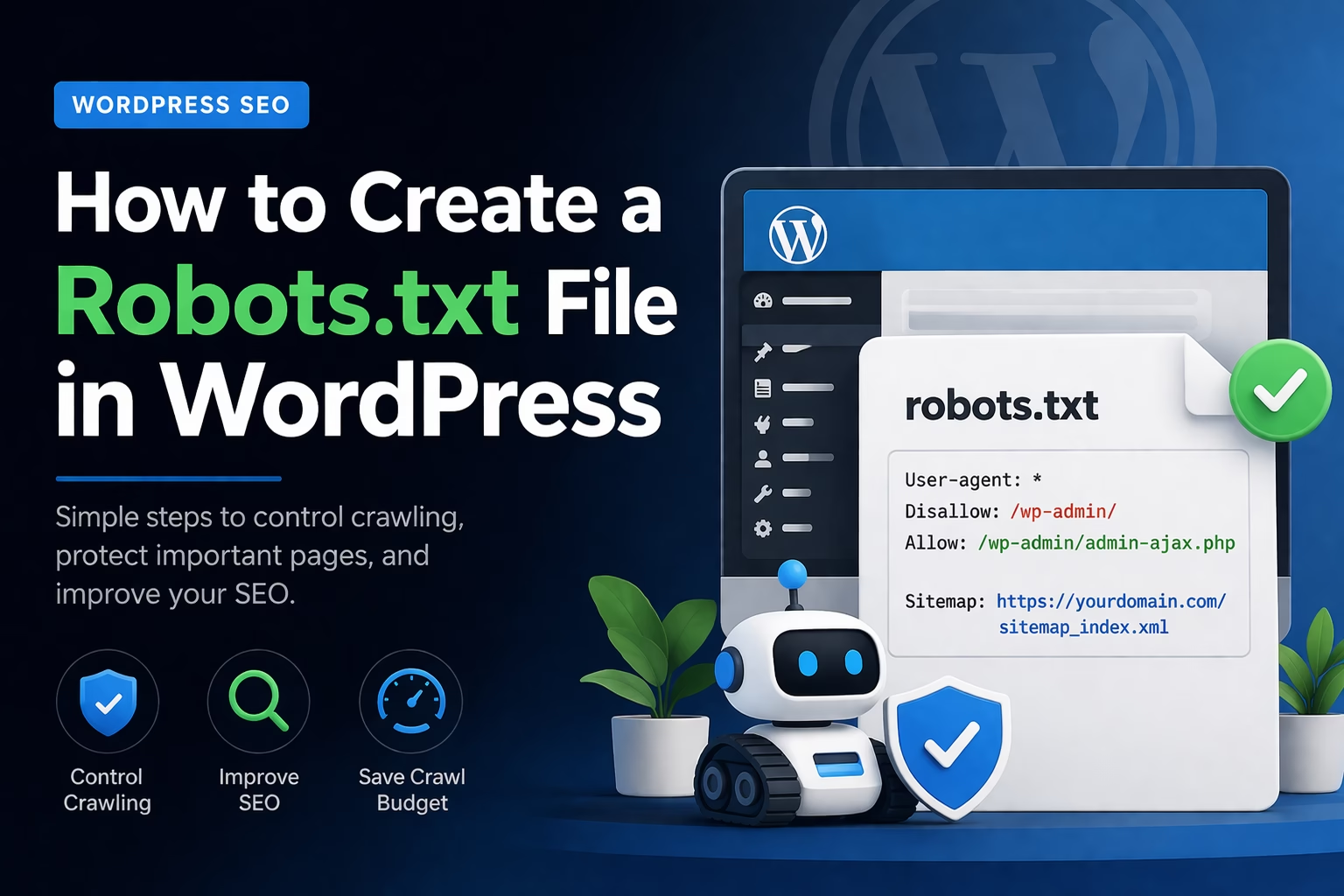
User-agent: *
Disallow: /wp-admin/
Allow: /wp-admin/admin-ajax.phpSitemap: https://veravix.com/sitemap_index.xml
Step 4: Save Changes
Once saved, your robots.txt file is live at:
https://yourdomain.com/robots.txt
Option 2: Create Robots.txt Manually
This gives you full control but requires access to your hosting.
Step 1: Create a File
Create a plain text file named:
robots.txt
Step 2: Add Rules
Use the same basic structure:
User-agent: *
Disallow: /wp-admin/
Allow: /wp-admin/admin-ajax.php
Step 3: Upload to Root Directory
Upload the file to your site root:
/public_html/robots.txt
Step 4: Test the File
Visit:
https://yourdomain.com/robots.txt
Make sure it loads correctly.
Practical Tips and Observations
In my experience, most sites don’t need a complex robots.txt file. Simpler is usually better.
A few things I typically do:
- Always include the sitemap URL
- Block
/wp-admin/but allowadmin-ajax.php - Avoid blocking entire sections unless there’s a clear reason
Also, WordPress generates a virtual robots.txt file by default if you don’t create one. But I rarely rely on that because it gives you very little control.
Common Mistakes
Blocking Important Content
One of the most common mistakes is accidentally blocking pages you want indexed.
For example:
Disallow: /
This blocks your entire website.
Trying to Control Indexing
Robots.txt controls crawling, not indexing. If you want to prevent indexing, you should use:
noindexmeta tags- SEO plugin settings
Overcomplicating the File
I often see long, complicated robots.txt files copied from forums or templates. Most of the time, they don’t help and can create issues.
Blocking CSS or JavaScript
Search engines need access to your site’s assets to understand how pages render. Blocking these can affect rankings.
When to Use This vs Alternatives
Use robots.txt when you want to:
- Control crawl behavior
- Guide bots toward or away from specific areas
Use other tools when needed:
- Use noindex for pages you don’t want in search results
- Use canonical tags for duplicate content
- Use Search Console removals for urgent cases
I usually treat robots.txt as part of a broader SEO setup, not a standalone solution.
Conclusion
A robots.txt file is a simple way to guide how search engines interact with your website.
You don’t need a complex setup. A clean, minimal file that blocks unnecessary areas and includes your sitemap is enough for most WordPress sites.
Set it up early, keep it simple, and only adjust it when you have a clear reason.

Etienne Basson works with website systems, SEO-driven site architecture, and technical implementation. He writes practical guides on building, structuring, and optimizing websites for long-term growth.