Skip to content
Veravix

Veravix

Essential Steps to Create Your Website

  • Home
  • About
  • Privacy Policy
  • Terms and Conditions
  • Disclosure
  • Cookie Policy (EU)
  • Contact

SEO

This section covers the essential SEO steps for building and growing a WordPress website.

Learn how to set up Google Search Console and Google Analytics, improve website speed, structure your content for search engines, and apply practical SEO techniques that help your site get discovered.

These guides focus on real-world implementation rather than theory, so you can improve rankings, understand your traffic, and make better decisions based on data.

How to Write SEO Titles and Meta Descriptions in WordPress
March 29, 2026 by Etienne Basson
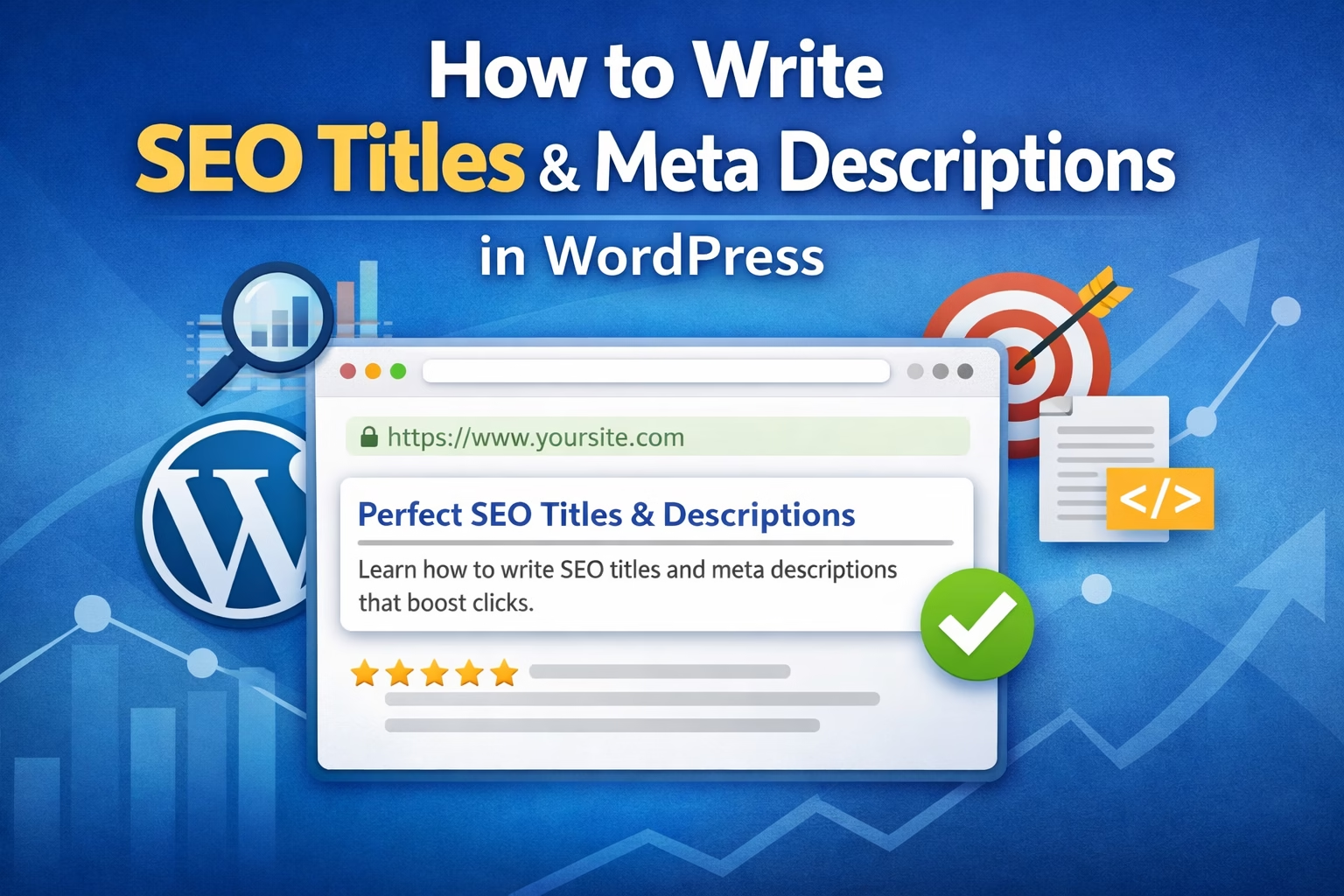
How to Write SEO Titles and Meta Descriptions in WordPress

Learn how to write SEO titles and meta descriptions in WordPress that improve click-through rate, match search intent, and support better on-page SEO without keyword stuffing.

Categories SEO

How to Create an XML Sitemap in WordPress and Submit It to Google

April 4, 2026March 28, 2026 by Etienne Basson
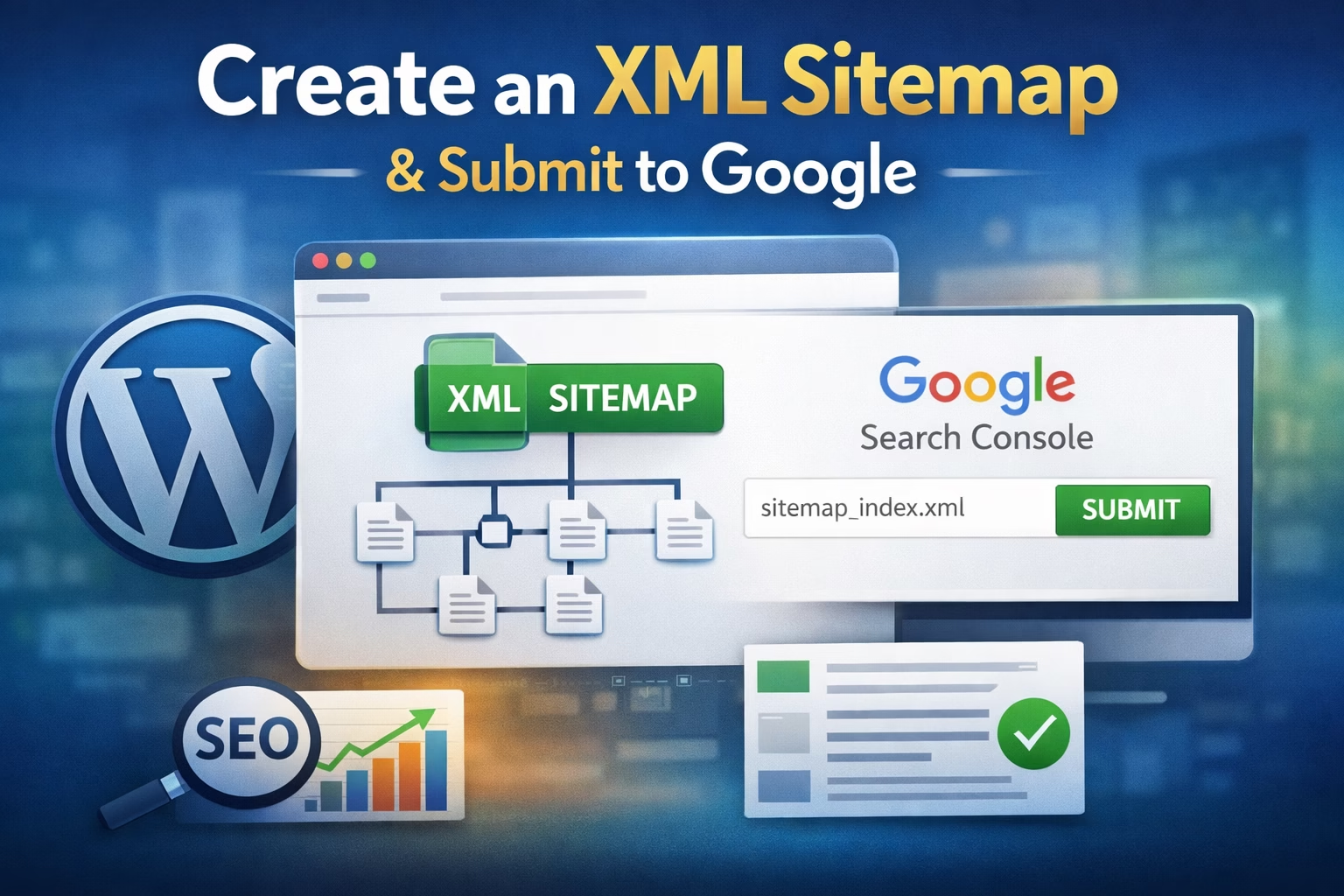
How to Create an XML Sitemap in WordPress and Submit It to Google

Learn how to create an XML sitemap in WordPress, find the sitemap URL, submit it in Google Search Console, and avoid common indexing mistakes on a new website.
Categories SEO

How to Optimize Images for SEO in WordPress

April 15, 2026March 27, 2026 by Etienne Basson
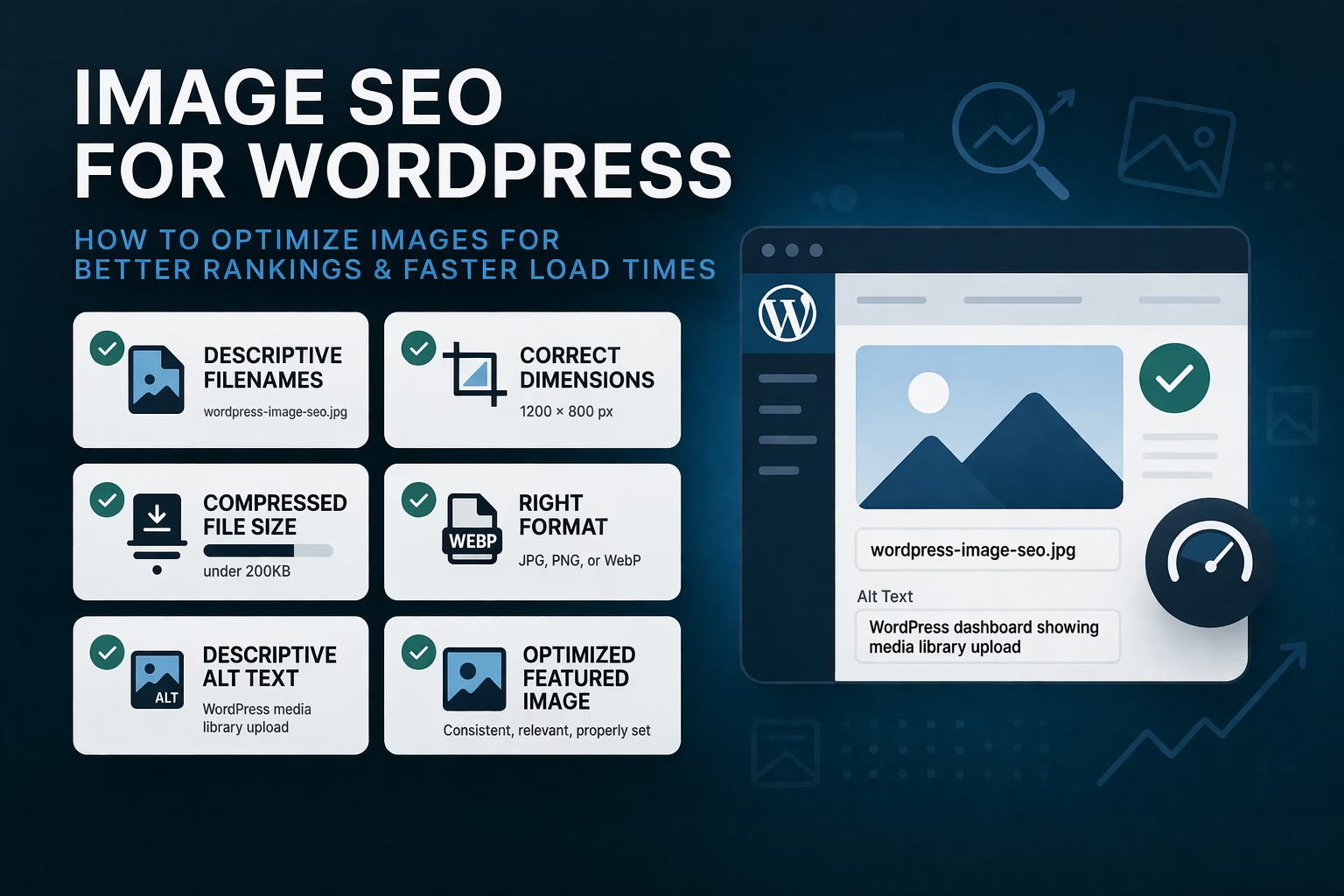
How to Optimize Images for SEO in WordPress

Learn how to optimize images for SEO in WordPress using better file names, alt text, compression, sizing, and featured images to improve rankings and page speed.
Categories SEO

How to Write an SEO-Friendly Blog Post for a New WordPress Website

April 27, 2026March 26, 2026 by Etienne Basson
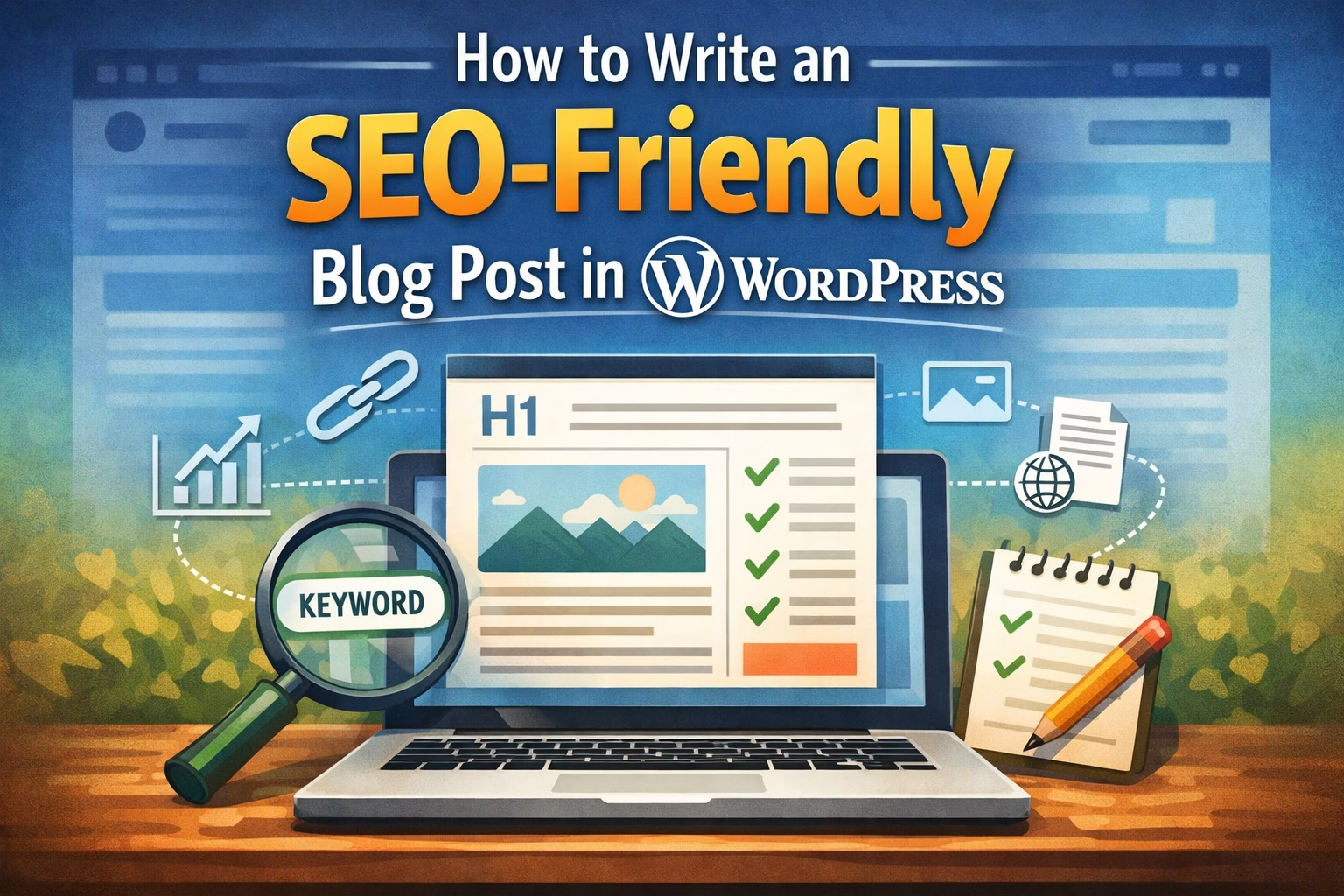
How to Write an SEO-Friendly Blog Post for a New WordPress Website

Learn how to write an SEO-friendly blog post in WordPress using keyword placement, headings, internal links, images, and clear structure without over-optimizing.

Categories SEO

How to Build an Internal Linking Strategy for a New WordPress Website

March 26, 2026March 25, 2026 by Etienne Basson
How to Build an Internal Linking Strategy for a New WordPress Website

Learn how to plan internal links on a WordPress website to improve SEO, page discovery, and user navigation. Beginner-friendly guide with practical linking examples.
Categories SEO

How to Do Keyword Research for a New Website (Beginner Guide)

March 31, 2026March 22, 2026 by Etienne Basson

Learn how to do keyword research for a new website. This beginner guide shows how to find topics, understand search intent, and plan content that can rank in search engines.
Categories SEO

How to Set Up Google Search Console and Google Analytics for a New WordPress Website

April 28, 2026March 21, 2026 by Etienne Basson
How to Set Up Google Search Console and Google Analytics for a New WordPress Website

Learn how to set up Google Search Console and Google Analytics for a new WordPress website. This beginner guide covers verification, tracking setup, key reports, and common mistakes to avoid.
Categories SEO

How to Improve WordPress Speed and Mobile Performance for a New Website

March 27, 2026March 15, 2026 by Etienne Basson
How to Improve WordPress Speed and Mobile Performance for a New Website

Learn how to speed up a WordPress website using caching, image optimization, CDN, and performance tweaks that improve mobile speed and Core Web Vitals.
Categories WordPress Setup, SEO

Basic SEO Setup for a New WordPress Website

April 8, 2026March 10, 2026 by Etienne Basson
Basic SEO Setup for a New WordPress Website

Learn how to set up basic SEO on a new WordPress website. This beginner guide covers titles, meta descriptions, headings, indexing, and essential SEO settings.
Categories WordPress Setup, SEO

Website Structure Explained: How to Plan Pages and Navigation for SEO

April 17, 2026March 6, 2026 by Etienne Basson

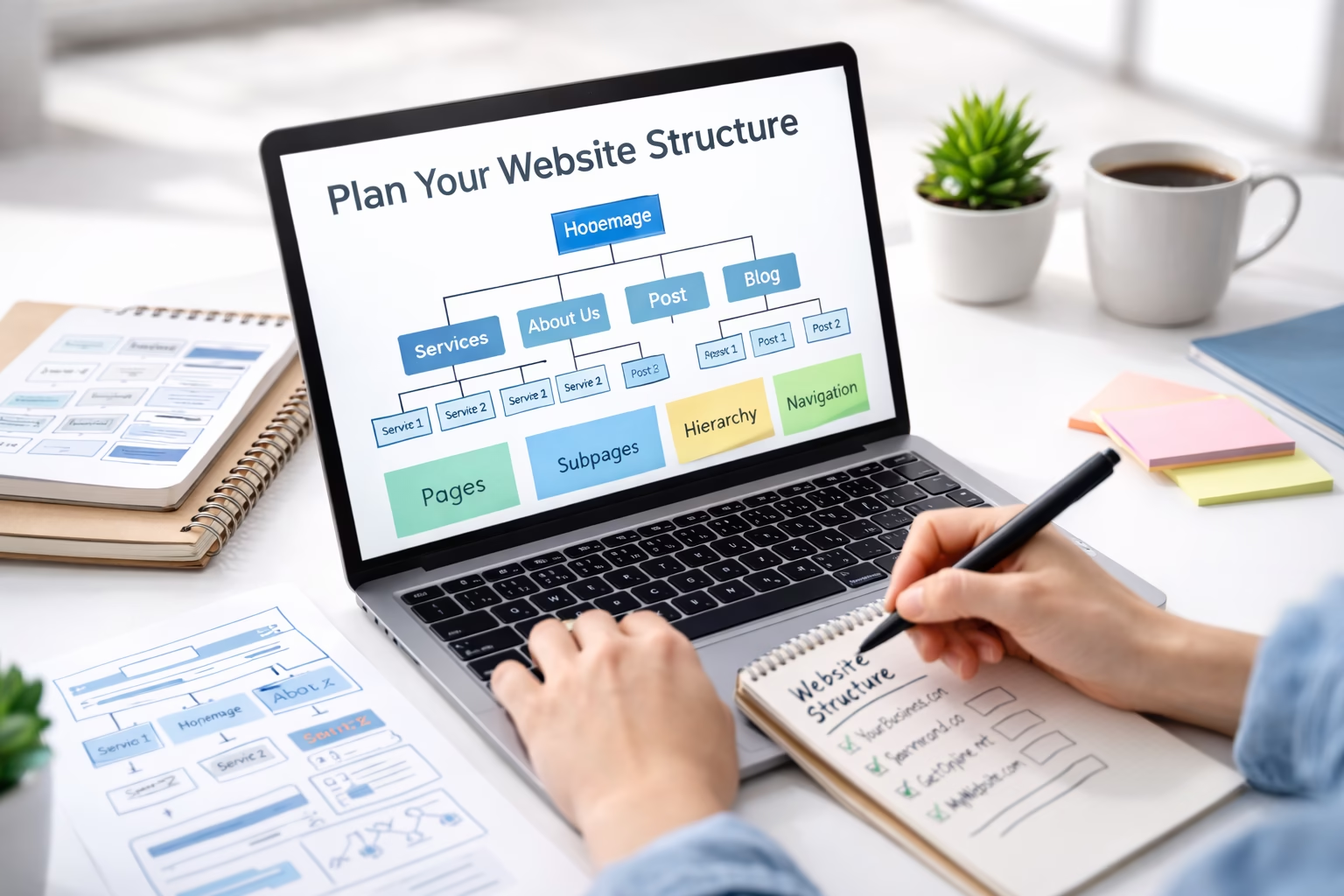
Learn how to plan website structure, page hierarchy, and navigation. This guide shows how to organize pages so visitors and search engines understand your site.

Categories Website Structure, SEO
Newer posts
← Previous Page1 Page2

Categories

  • SEO (20)
  • Website Design (8)
  • Website Structure (19)
  • WordPress Setup (32)

Latest Posts

  • How to Create a Blog Page in WordPress
    How to Create a Blog Page in WordPressApril 30, 2026
    Learn how to create a blog page in WordPress, set it as your posts page, organize your latest articles, and make your blog easier for visitors to use.
  • How Much Does It Cost to Build a WordPress Website
    How Much Does It Cost to Build a WordPress Website? Beginner Budget GuideApril 28, 2026
    Learn the main costs of building a WordPress website, including domain, hosting, themes, plugins, email, security, and maintenance.
  • How to Add a Cookie Consent Banner in WordPress
    How to Add a Cookie Consent Banner in WordPressApril 28, 2026
    Learn how to add a cookie consent banner in WordPress, connect it with your cookie policy, and choose beginner-friendly settings for a new website.
  • How to Add Social Media Links to a WordPress Website
    How to Add Social Media Links to a WordPress WebsiteApril 28, 2026
    Learn how to add social media links to a WordPress website, including header, footer, menu, sidebar, and contact page placement for beginners.
  • How to Install Google Site Kit in WordPress and Connect Search Console, Analytics, and PageSpeed
    How to Install Google Site Kit in WordPress and Connect Search Console, Analytics, and PageSpeedApril 28, 2026
    Learn how to install Google Site Kit in WordPress, connect Search Console, Analytics, PageSpeed Insights, and use the dashboard to monitor your new website.
  • How to Create a WordPress Staging Site Before Making Changes
    How to Create a WordPress Staging Site Before Making ChangesApril 28, 2026
    Learn how to create a WordPress staging site so you can safely test plugin updates, theme changes, design edits, and fixes before publishing them live.
  • How to Set Up SMTP in WordPress So Contact Form Emails Don’t Go Missing
    How to Set Up SMTP in WordPress So Contact Form Emails Don’t Go MissingApril 28, 2026
    Learn how to set up SMTP in WordPress so contact form messages, notifications, and website emails are delivered reliably instead of landing in spam or disappearing.
  • How to Point a Domain Name to Your Web Hosting
    How to Point a Domain Name to Your Web HostingApril 27, 2026
    Learn how to point a domain name to your web hosting using nameservers or DNS records, and what to check before connecting your WordPress website.
  • How to Create and Publish a Blog Post in WordPress (Step-by-Step)
    How to Create and Publish a Blog Post in WordPress (Step-by-Step)April 27, 2026
    Learn how to create, format, and publish a WordPress blog post step by step, including adding content, images, categories, tags, and featured images.
  • How to Audit and Improve Your Website Content After Launch
    How to Audit and Improve Your Website Content After LaunchApril 27, 2026
    Learn how to review pages, rankings, analytics, internal links, and calls to action so you can improve a new website after launch.

Search

Quick Links

  • Home
  • About
  • Privacy Policy
  • Terms and Conditions
  • Disclosure
  • Cookie Policy (EU)
  • Contact
© 2026 Veravix • Built with GeneratePress
Manage Consent
To provide the best experiences, we use technologies like cookies to store and/or access device information. Consenting to these technologies will allow us to process data such as browsing behavior or unique IDs on this site. Not consenting or withdrawing consent, may adversely affect certain features and functions.
Functional Always active
The technical storage or access is strictly necessary for the legitimate purpose of enabling the use of a specific service explicitly requested by the subscriber or user, or for the sole purpose of carrying out the transmission of a communication over an electronic communications network.
Preferences
The technical storage or access is necessary for the legitimate purpose of storing preferences that are not requested by the subscriber or user.
Statistics
The technical storage or access that is used exclusively for statistical purposes. The technical storage or access that is used exclusively for anonymous statistical purposes. Without a subpoena, voluntary compliance on the part of your Internet Service Provider, or additional records from a third party, information stored or retrieved for this purpose alone cannot usually be used to identify you.
Marketing
The technical storage or access is required to create user profiles to send advertising, or to track the user on a website or across several websites for similar marketing purposes.
  • Manage options
  • Manage services
  • Manage {vendor_count} vendors
  • Read more about these purposes
View preferences
  • {title}
  • {title}
  • {title}