How to Build E-E-A-T for Your Website
E-E-A-T isn’t a ranking factor you can toggle — it’s the framework Google’s human quality raters use, and here’s what actually building it into a real website looks like.

Step-by-Step Guides to Building and Growing Your Website
SEO is a technical and structural problem before it’s a content one. This category covers the technical foundations — sitemaps, structured data, redirects, canonical URLs — and the ongoing content work: keyword research, internal linking, cornerstone content, and refreshing old posts.
It also covers the trust and visibility signals Google weights most heavily, from E-E-A-T to whether AI-assisted content helps or hurts. Written for site owners managing their own SEO without an agency, focused on what actually moves the needle.
E-E-A-T isn’t a ranking factor you can toggle — it’s the framework Google’s human quality raters use, and here’s what actually building it into a real website looks like.
Learn how to optimize your website’s content to win featured snippets in Google Search — matching the right format to the question, structuring headings, and using real semantic HTML.
Image SEO in WordPress means getting filenames, alt text, compression, file formats, responsive sizing, and lazy loading right. This guide covers every practical step, including the srcset mechanics behind responsive images and why you should never lazy-load your featured image.
Learn how to add breadcrumbs to your website for better navigation and SEO. Covers theme-native options, breadcrumb plugins and apps, a no-plugin alternative, handling multi-category posts and products, and verifying your breadcrumb schema.
A practical guide to building an internal linking strategy for a website. Covers priority pages, topic clusters, anchor text, click depth, auditing for orphan pages, and how to keep content properly connected as your site grows.
How to configure basic SEO settings on a new website — search indexing, titles, meta descriptions, heading structure, Google Search Console, XML sitemaps, and how to verify it’s all actually working.
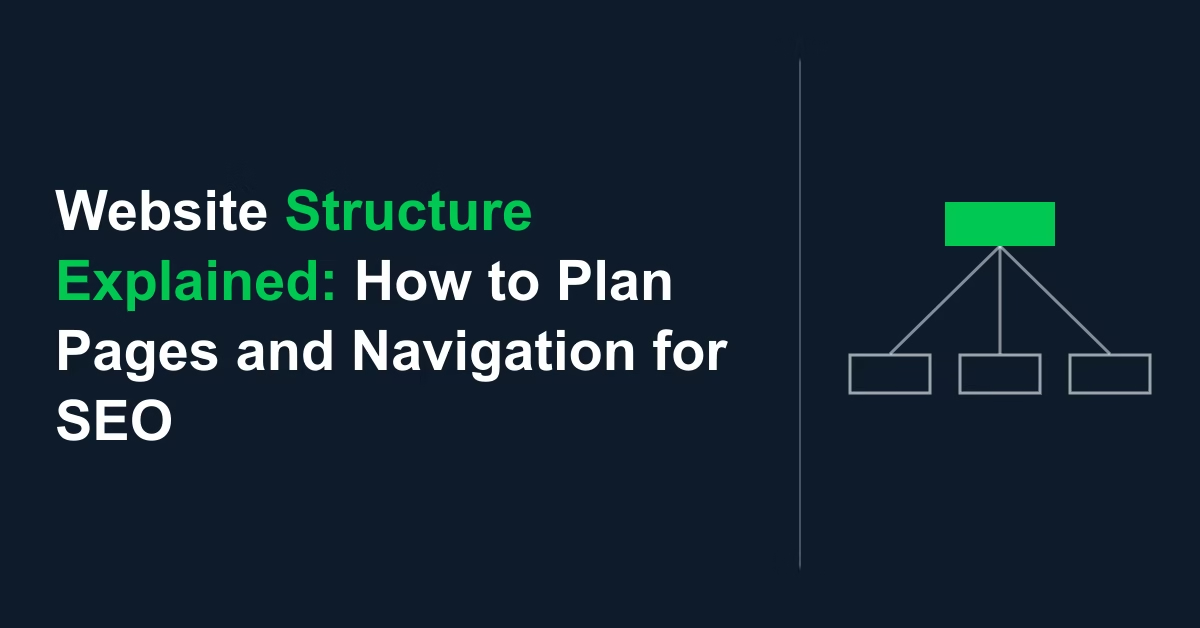
A clear website structure makes your site easier to navigate and easier for search engines to understand. This guide covers planning your sections, page hierarchy, navigation menus, internal links, categories, breadcrumbs, and your XML sitemap before you build.
How to add Open Graph tags in WordPress so shared links show the right title, description, and image on Facebook, X, and other platforms.
A visible author bio is one of the concrete, controllable ways to signal real expertise behind a post — what to include, how to add one, and what author schema honestly does and doesn’t do for rankings.
AI can draft alt text for every image in your WordPress media library in seconds — but the output needs a careful edit before it’s ready to publish, and the ‘125-character rule’ most guides repeat is a myth worth knowing about.