How to Set Up a WordPress Website on Cloud Hosting (AWS, Google Cloud, or DigitalOcean)
Learn how to move a WordPress website from shared hosting to cloud hosting on DigitalOcean, AWS Lightsail, or Google Cloud, step by step.

Essential Steps to Create Your Website
Web Hosting covers the decisions involved in choosing and managing hosting for a website — comparing shared, VPS, and managed hosting plans, pointing a domain at a hosting account, migrating a live site to a new host, setting up professional email on a custom domain, working with cPanel, and understanding what genuinely separates hosting tiers well enough to pick the right one at each stage of growth.
Hosting is easy to underweight during an initial build, because the gap between a cheap host and a genuinely reliable one isn’t obvious on day one. It tends to show up months later — in slow load times, unexpected downtime, or a support team that takes days to answer something urgent.
The articles here focus on what to check before committing to a provider, and what migrating to somewhere better actually involves once that time comes.
Learn how to move a WordPress website from shared hosting to cloud hosting on DigitalOcean, AWS Lightsail, or Google Cloud, step by step.
Losing a live website to a missed domain or hosting renewal is entirely avoidable. Here’s how to switch on auto-renewal for both, add a backup payment method, and set a manual safety-net reminder in under ten minutes.
Domain privacy protection hides your personal contact details from the public WHOIS record. Here is how to check it, enable it, and verify it took effect.
Learn how to enable SSH on your WordPress hosting account, generate an SSH key pair, and use command-line access for faster file management and WP-CLI.
Where your server physically sits changes load time before a single image or script even downloads. Here is how to check where your visitors are, test your current host, and choose the right data centre.
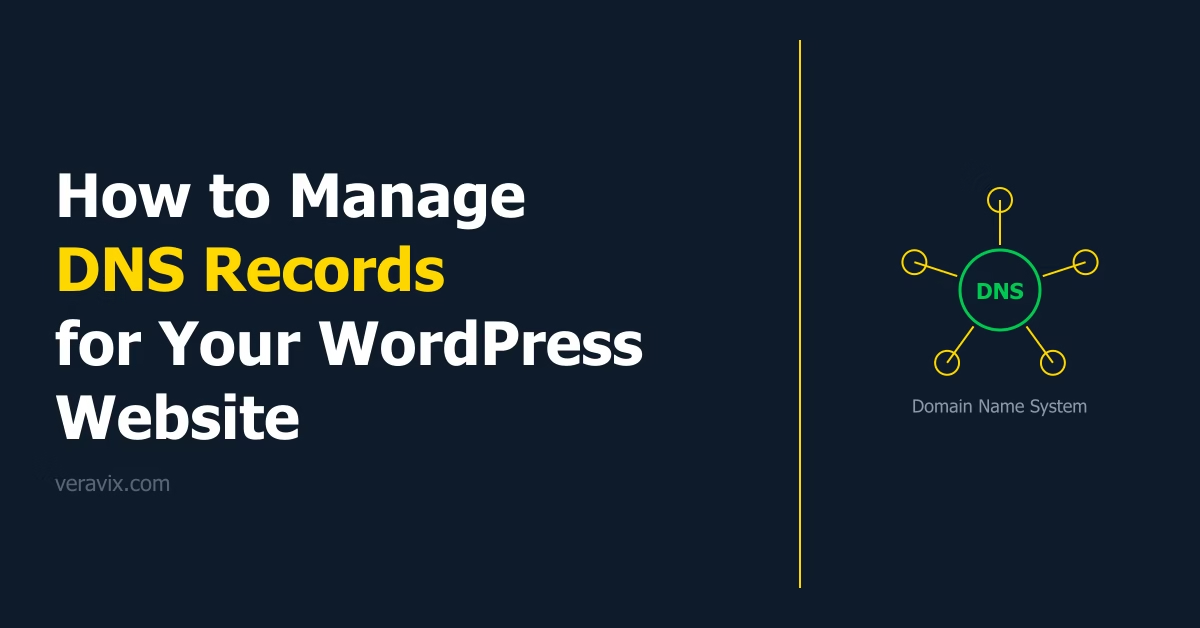
DNS records control where your domain name points — to your hosting server, email provider, and verification services. This guide explains the main record types and how to edit them safely for a WordPress website.
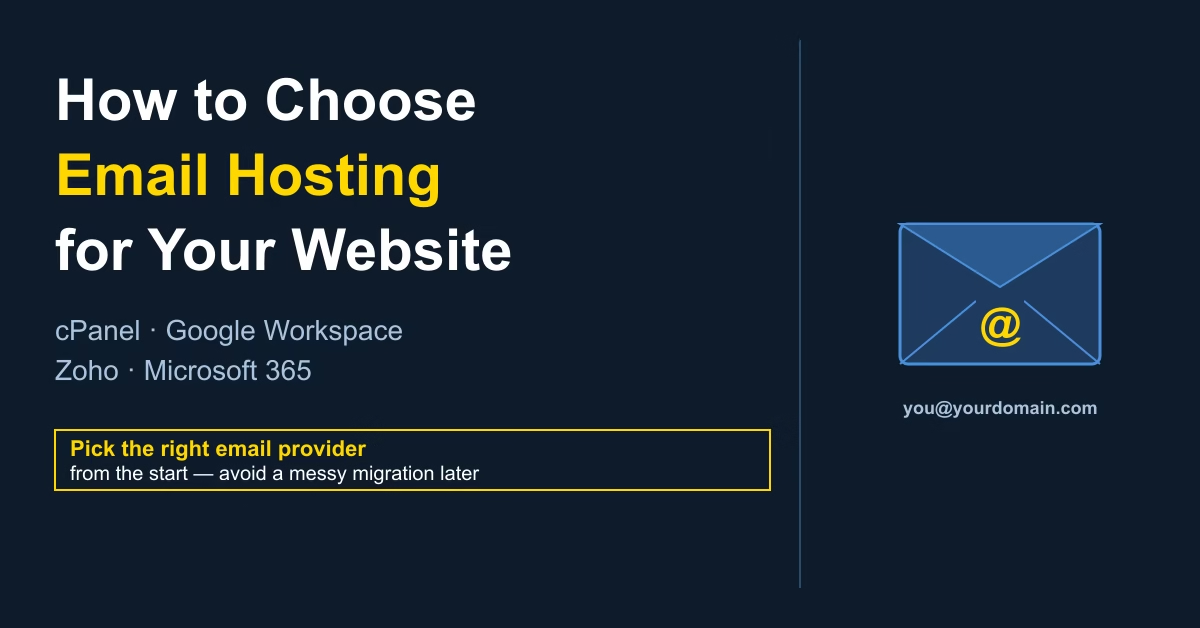
A practical guide to email hosting options for WordPress websites — cPanel webmail, Google Workspace, Zoho Mail, and Microsoft 365. Covers what each costs, when to use it, and how to set it up.
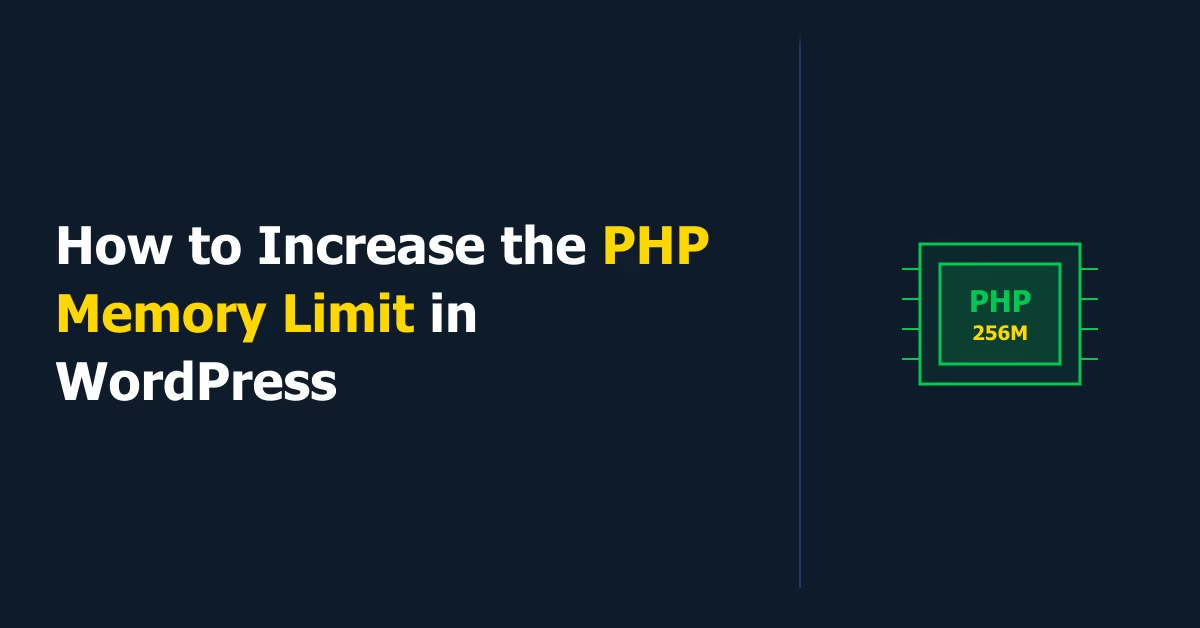
Learn how to increase the PHP memory limit in WordPress using wp-config.php, php.ini, or your hosting control panel — with steps to verify the change in Site Health.
Learn how to upload files to WordPress via FTP using the free FileZilla client. This guide covers finding your FTP credentials, connecting to your hosting server, navigating your WordPress files, and safely uploading, downloading, or replacing files.
Learn how to transfer your domain name to a new registrar without downtime. Covers eligibility checks, unlocking your domain, getting the auth code, and completing the transfer in 5–7 days.