How to Choose the Right Domain Name for Your Website
How to choose the right domain name for your website. Covers length, extensions, brand conflicts, checking a used domain’s history, and when keyword domains still make sense.

Essential Steps to Create Your Website
Website Setup covers the core configuration decisions that shape how a site performs, behaves, and scales from the start — choosing a platform, initial settings, theme or template selection, URL structure, core page creation, and getting comfortable with your chosen editor. The emphasis throughout is on sequencing: many of these decisions are difficult or disruptive to change once content is live and indexed.
Whether this is a first build or a fresh setup for a client project, this category covers the choices that matter most and the defaults that need changing before anything goes public — plus the decisions that are easy to put off but expensive to revisit later, like category structure, navigation hierarchy, and how pages and posts relate to each other.
The articles assume a live hosting environment and a real site rather than a local sandbox. The goal is a site that’s genuinely ready to publish on, not one that technically works but still needs untangling a few months in.
How to choose the right domain name for your website. Covers length, extensions, brand conflicts, checking a used domain’s history, and when keyword domains still make sense.
How to configure basic SEO settings on a new WordPress website — search indexing, titles, meta descriptions, heading structure, Google Search Console, XML sitemaps, and how to verify it’s all actually working.
WordPress shows your latest posts on the front page by default. This guide covers creating a custom homepage, assigning it in Settings → Reading, choosing how to build it, getting the SEO basics right, and fixing the most common issue: a homepage that doesn’t seem to update.
Learn the real difference between WordPress.com and WordPress.org — hosting, control, plugins, cost, and SEO — and which one fits a beginner’s long-term plans.
Learn how to add Google Maps to a WordPress website using a free embed code or a maps plugin, including tips for accurate pin placement and mobile display.
Adding live chat to a WordPress website takes about fifteen minutes with the right plugin. This guide walks through setup, configuration, and the settings that make it actually work.
How to add a simple payment button to WordPress without WooCommerce — covers WP Simple Pay with Stripe, PayPal Buttons, and when to use WooCommerce instead. Includes step-by-step setup and testing.
Add self-service online booking to your WordPress website with a free plugin. This guide covers choosing a booking plugin, setting up appointment types, and embedding the booking form on any page.
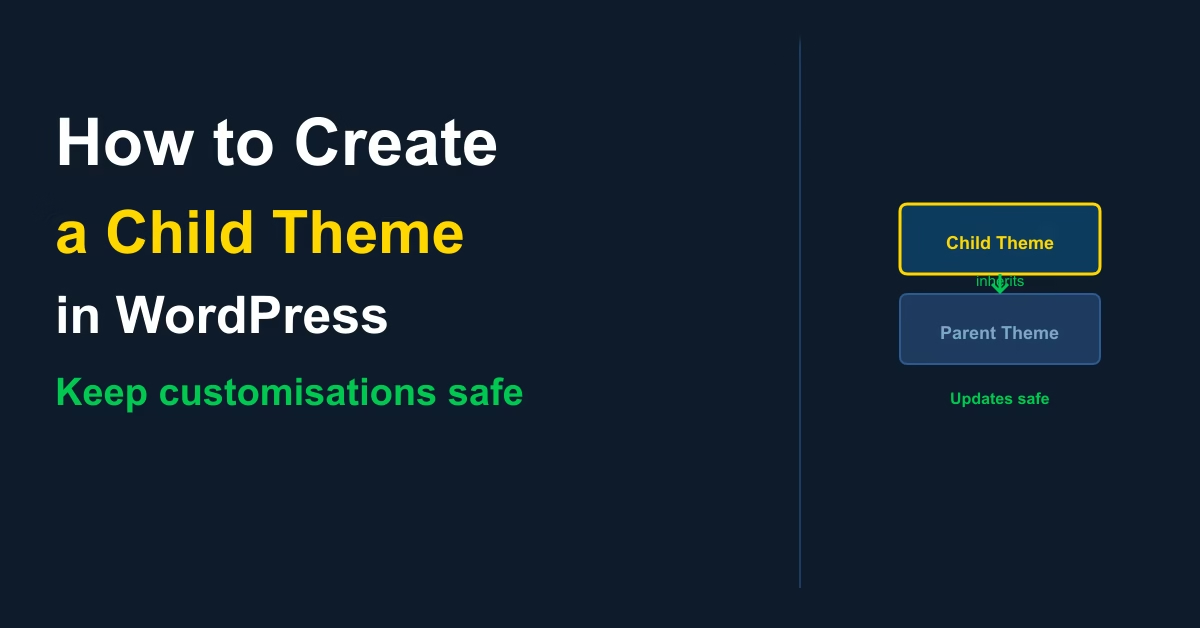
A WordPress child theme keeps your customisations safe when the parent theme updates. Here’s how to create one in five steps — no plugins required.
Learn how to add related posts in WordPress to reduce bounce rate and increase pages per session. Plugin recommendations, configuration steps, and placement tips included.