How to Set Up a CDN for WordPress to Speed Up Your Website
A CDN speeds up your WordPress site by serving static files from servers closest to your visitors. Here’s how to set one up using BunnyCDN and what to pair it with.

Essential Steps to Create Your Website
WordPress Performance covers the technical changes that affect how fast a site loads and how efficiently it delivers content — caching, image optimisation, lazy loading, GZIP compression, database cleanup, CDN setup, browser caching, converting images to WebP, HTTP security headers, and using tools like Google PageSpeed Insights to find the actual bottleneck rather than guessing at one.
Page speed affects both search rankings and visitor behaviour in ways that are easy to measure and hard to ignore. Visitors abandon slow pages before they’ve read anything, and speed is something Google weighs on both desktop and mobile. The performance issues that affect most WordPress sites aren’t obscure — they’re the predictable result of skipping a handful of well-understood configuration steps.
The articles here focus on changes that make a genuine difference on a typical WordPress install, without needing server administration skills or a developer working at the infrastructure level.
A CDN speeds up your WordPress site by serving static files from servers closest to your visitors. Here’s how to set one up using BunnyCDN and what to pair it with.
Learn how to improve Core Web Vitals in WordPress by fixing LCP, CLS, and INP. Covers image optimisation, lazy loading, caching, and reducing JavaScript.
Browser caching speeds up your WordPress website by storing static files on visitors’ devices after their first visit. This guide shows you how to enable it using LiteSpeed Cache or by editing your .htaccess file directly.
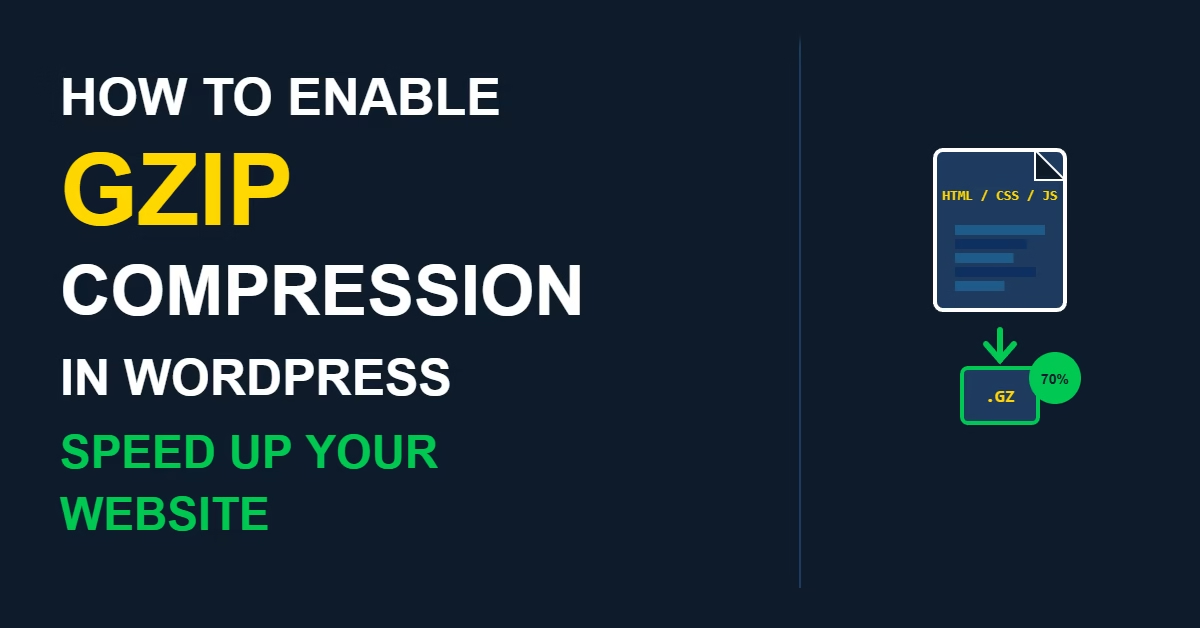
GZIP compression reduces the size of HTML, CSS, and JavaScript files your server sends to visitors by 60–80%, making pages load faster without changing how they look. This guide explains how to check whether GZIP is already active on your WordPress site, and how to enable it via a caching plugin, .htaccess, or Nginx configuration if it isn’t.
Lazy loading delays the loading of images and iframes until they enter the viewport, reducing initial page load time and improving Core Web Vitals scores. This guide explains how WordPress handles lazy loading natively, what isn’t covered by default, and how to extend it using a caching plugin or the Performance Lab plugin.