How to Create WooCommerce Coupons and Discount Codes for Beginners
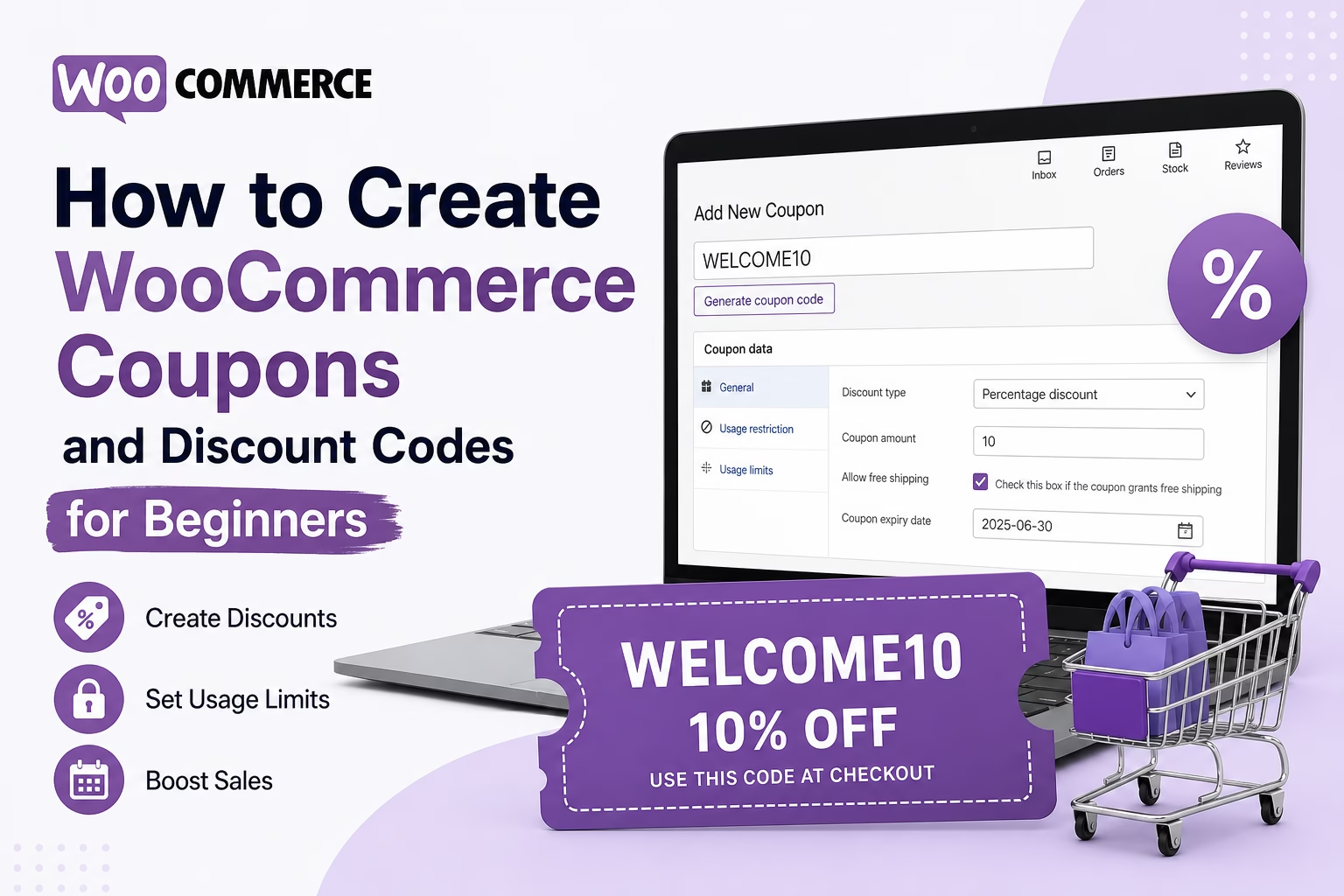
Learn how to create WooCommerce coupons and discount codes, set usage limits, choose discount types, and test your coupon before sharing it with customers.

Essential Steps to Create Your Website
This section covers the practical steps for building and managing a WordPress ecommerce website.
Learn how to set up WooCommerce, create products, configure payments, manage shipping, and build a reliable online store from start to finish.
These guides focus on real-world ecommerce setup and simple implementation, helping you move from a basic website to a site that can sell products or services effectively.
Learn how to create WooCommerce coupons and discount codes, set usage limits, choose discount types, and test your coupon before sharing it with customers.
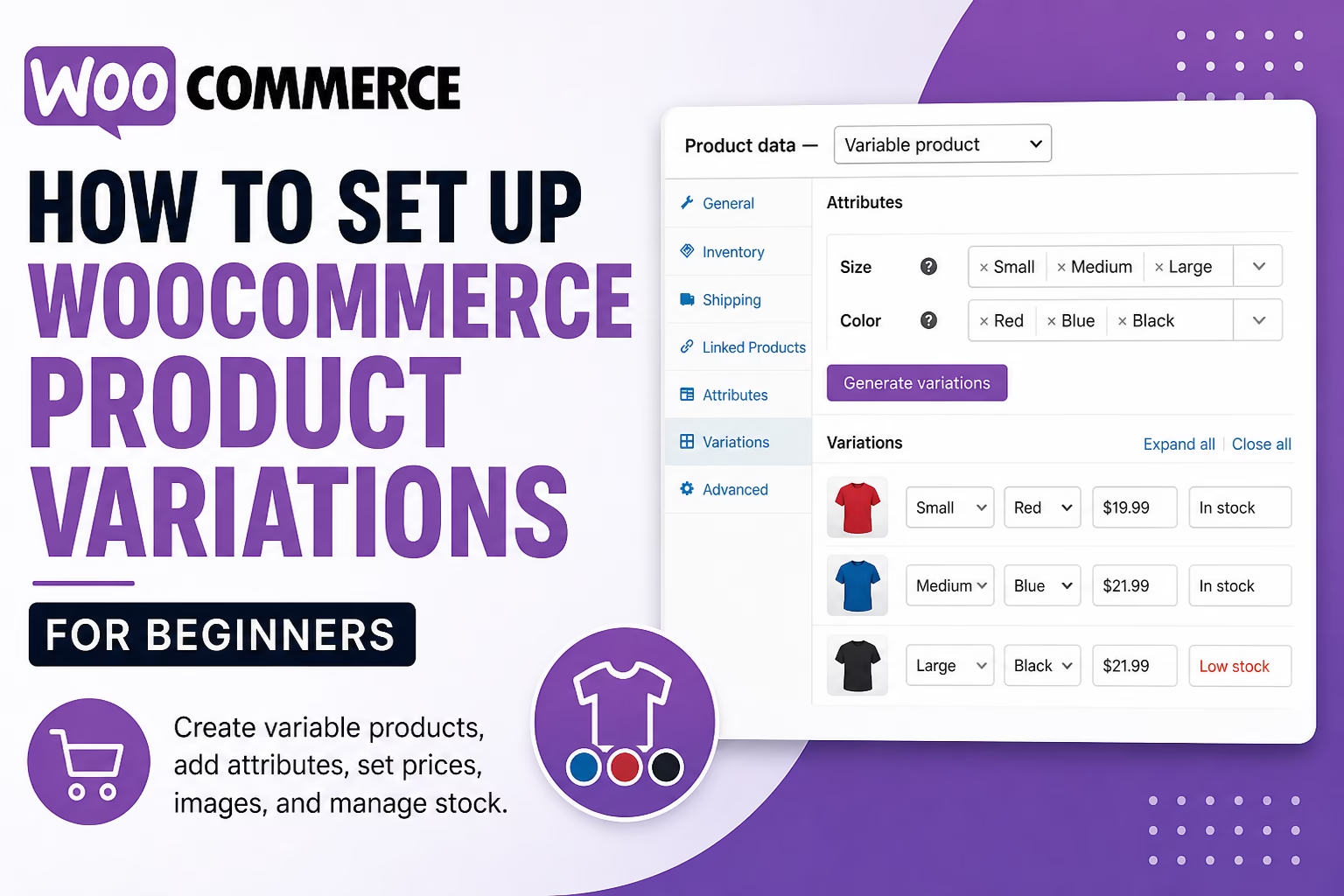
Learn how to create WooCommerce variable products, add attributes like size and color, set prices, upload images, and manage stock for product variations.
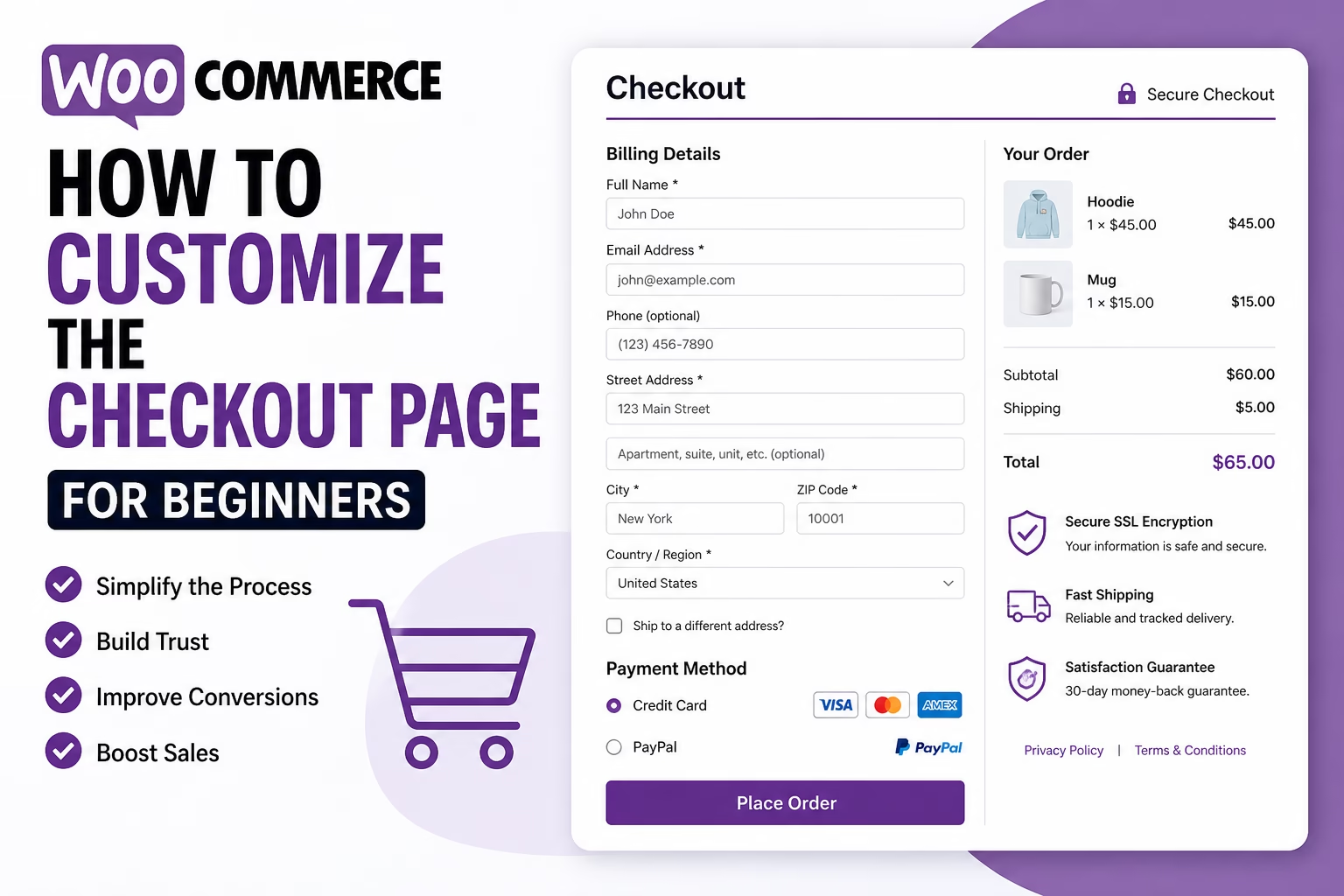
Learn how to customize the WooCommerce checkout page in WordPress, including checkout fields, payment options, trust signals, layout, testing, and beginner-friendly setup tips.
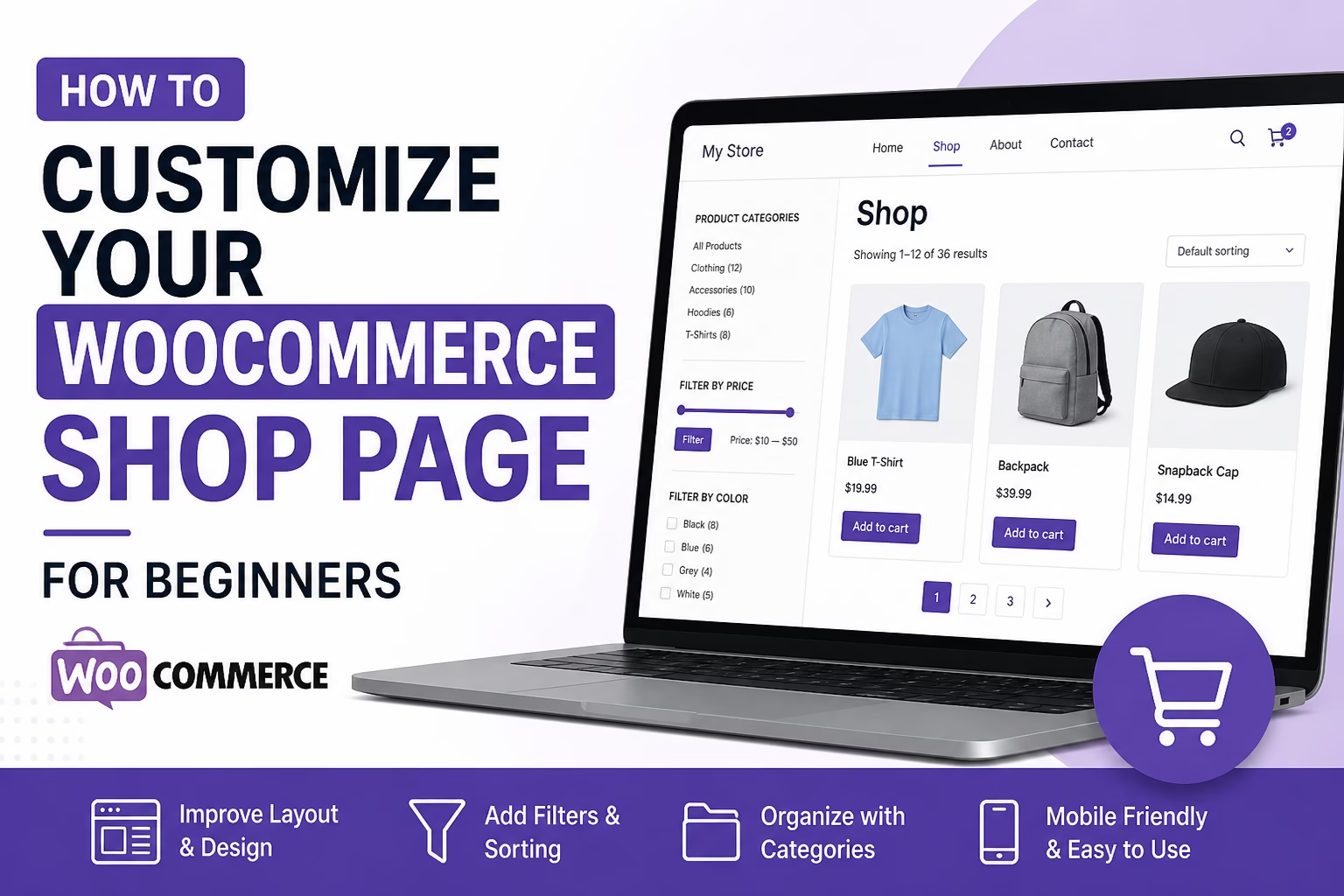
Learn how to customize your WooCommerce shop page in WordPress, organize products, improve layout, and make your online store easier for customers to browse.
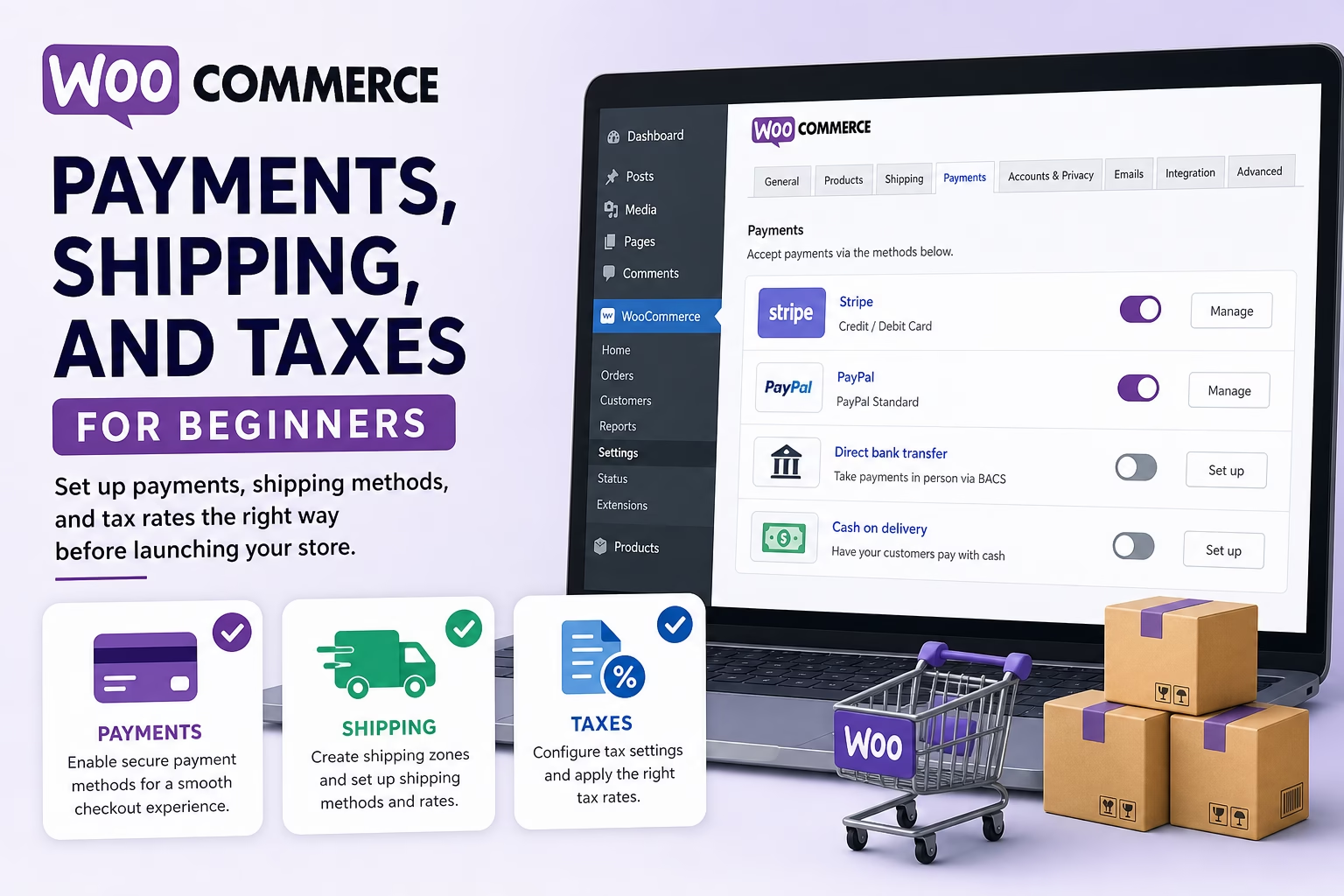
Learn how to configure WooCommerce payments, shipping zones, shipping methods, and basic tax settings before launching your online store.
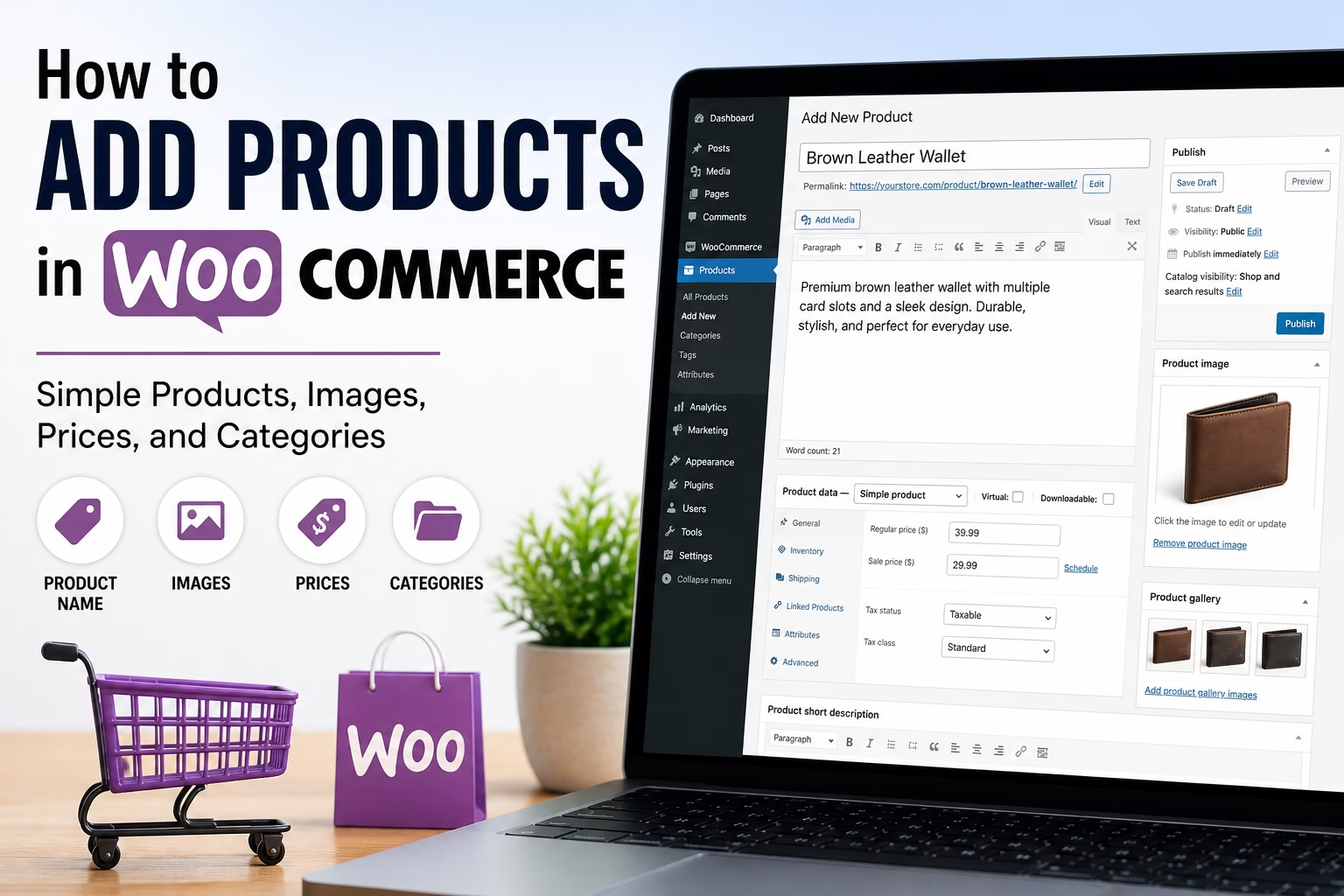
Learn how to add products in WooCommerce, including product titles, descriptions, images, prices, categories, inventory settings, and publish checks.

Learn how to create a basic WooCommerce store in WordPress, including products, payments, shipping, taxes, store pages, and launch checks.