
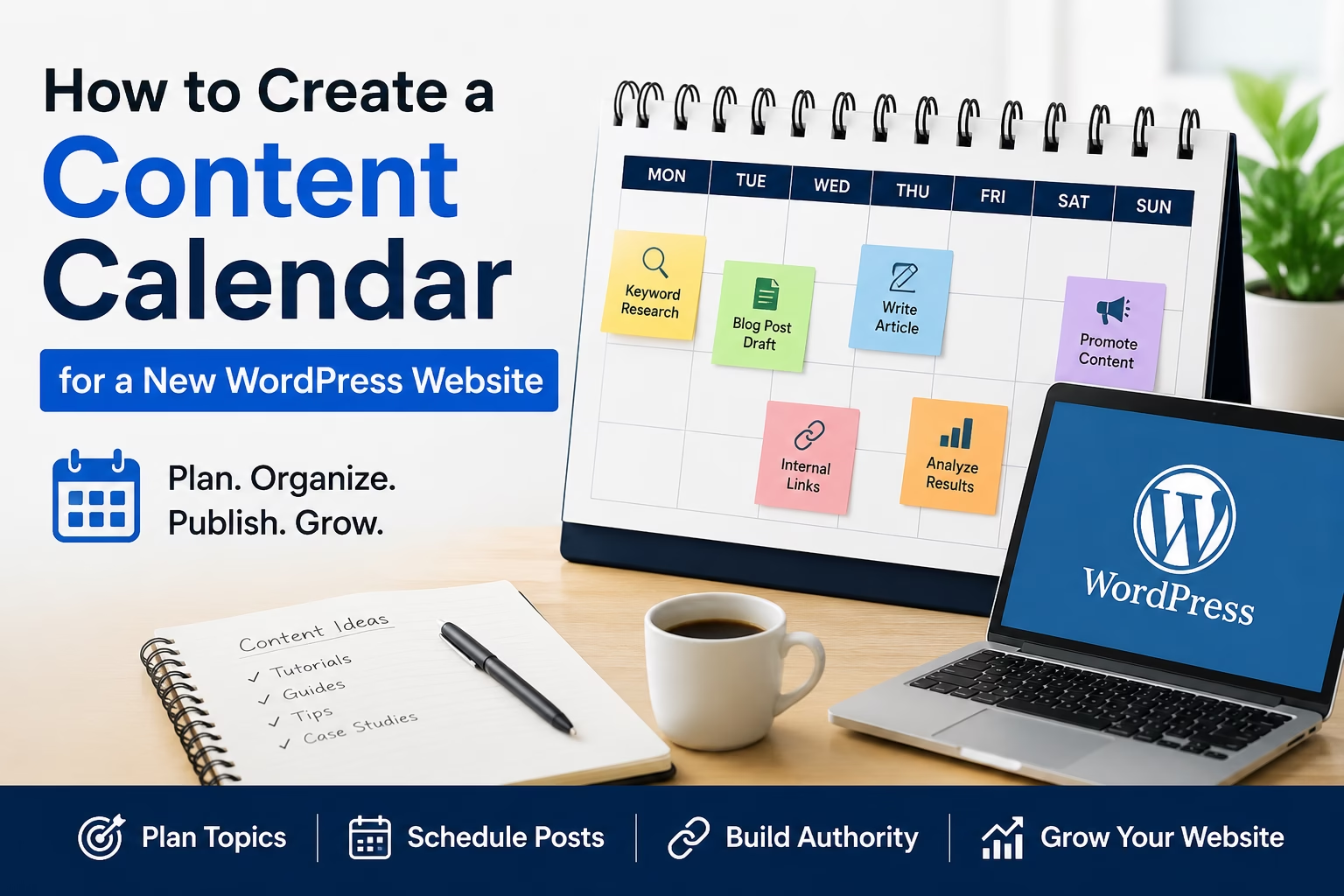
Creating content consistently is one of the biggest problems new website owners run into after launch. Most people start with a few blog ideas, publish some articles, and then eventually stop because they run out of structure.
That usually creates two problems at the same time. First, the website stops growing because no new content is being published. Second, the articles that already exist often do not connect together properly because there was never a real content plan behind them.
A simple content calendar fixes both problems.
When I set this up on WordPress sites, the goal is not to create a complicated marketing system. The goal is to create a realistic publishing structure that helps the website grow steadily without becoming difficult to manage.
Table of Contents
Quick Answer
A WordPress content calendar is a publishing plan that organizes your future website content by topic, keyword, category, and publish date.
For most new websites, a simple calendar should include:
- Article topic
- Target keyword
- Content category
- Publishing date
- Article status
- Internal linking opportunities
This helps you publish consistently, avoid duplicate content, improve SEO structure, and build topic authority over time.
Why a Content Calendar Matters
Many websites fail to grow because content gets created randomly.
One week the site publishes an SEO article. The next week there is an ecommerce tutorial. Then nothing gets published for two months.
Search engines usually respond better to websites that publish content consistently around connected topics. A content calendar helps create that structure. Google also recommends creating helpful, people-first content that demonstrates clear expertise and organization across a website. You can read more about that in Google’s helpful content guidelines.
It also makes internal linking much easier because related articles are planned ahead of time.
For example, your website already covers:
- Keyword research
- SEO-friendly blog posts
- Website structure
- Internal linking strategies
A content calendar naturally connects these topics together instead of treating every article as a separate project. It also works well alongside a content plan built from keyword research, since both systems help organize articles around related topics and search intent.
In my experience, websites grow faster when articles support each other rather than compete with each other.
Step 1: Define Your Main Website Categories
Before planning articles, organize the main content areas of the website.
Your site already has strong category structure:
- WordPress Setup
- Website Structure
- Website Design
- SEO
- Ecommerce
- Website Marketing
These categories become the foundation of the content calendar.
The easiest mistake is creating random articles that do not fit into a broader topic cluster. That often creates thin content organization and weak internal linking opportunities.
Try to keep future content connected to these existing sections unless the website is expanding into a completely new area.
Step 2: Build Topic Clusters Instead of Random Articles
A good content calendar is not just a list of article ideas.
It should group related articles together.
For example, your SEO category already includes:
- Keyword research
- SEO titles and meta descriptions
- Internal linking
- Schema markup
- XML sitemaps
- Heading tags
A content calendar helps identify what is missing between those topics.
For example, content gaps currently include topics like:
- Content calendars
- Content pruning
- SEO content refresh strategies
- Cornerstone content
- Search intent optimization
These are natural expansions that strengthen the SEO section without duplicating existing content.
Step 3: Create a Simple Spreadsheet
You do not need special software to manage a content calendar.
For most WordPress sites, a spreadsheet works perfectly.
Create columns for:
| Column | Purpose |
|---|---|
| Article Title | Working title for the post |
| Target Keyword | Main keyword phrase |
| Category | Existing WordPress category |
| Publish Date | Planned publishing date |
| Status | Draft, Writing, Published |
| Internal Links | Existing articles to link to |
| Notes | Images, affiliate links, updates |
This makes it much easier to track content progress as the website grows.
I usually recommend starting with 10–20 planned articles instead of trying to map an entire year immediately.
Step 4: Plan Content Around Search Intent
One common mistake is choosing topics based only on what sounds interesting.
Instead, focus on what people are actually searching for.
For beginner WordPress websites, most successful content falls into these categories:
- Setup tutorials
- Problem-solving guides
- Comparisons
- Configuration walkthroughs
- SEO improvement tutorials
- Website maintenance guides
Your existing site already performs this structure well because most articles solve practical website problems directly.
For example:
- “How to Set Up SSL and HTTPS in WordPress”
- “How to Create a Homepage in WordPress”
- “How to Set WordPress Permalinks for SEO”
These are clear search-intent articles.
A content calendar helps maintain that consistency.
Step 5: Balance Evergreen and Timely Content
Most WordPress tutorial sites benefit from evergreen content.
Evergreen articles stay useful for years with occasional updates.
Examples include:
- Website structure
- SEO basics
- Internal linking
- WordPress navigation
- Contact forms
- Homepage setup
However, it also helps to occasionally publish newer or evolving topics such as:
- AI website tools
- Google Search Console changes
- New WooCommerce features
- Core WordPress updates
A balanced calendar keeps the site stable while still allowing growth into newer topics.
Step 6: Schedule Realistically
One of the fastest ways to abandon a content calendar is creating an unrealistic publishing schedule.
Publishing one high-quality article every week is usually better than publishing five articles one week and then disappearing for two months.
Consistency matters more than volume for most smaller websites.
When I build content systems for WordPress sites, I usually recommend:
- 1 article per week for solo site owners
- 2–3 articles per week for active content projects
- Regular updates to older articles every month
This keeps the site active without sacrificing article quality.
Practical Tips for Managing a Content Calendar
Use Internal Linking Opportunities Early
When planning future articles, identify which existing posts they should connect to.
For this article, natural internal links would include:
- How to Create a Content Plan for a New Website Using Keyword Research
- How to Build an Internal Linking Strategy for a New WordPress Website
- How to Write an SEO-Friendly Blog Post for a New WordPress Website
Planning links ahead of time improves site structure significantly.
Track Articles That Need Updates
Some tutorials become outdated over time.
Keep a simple “last updated” tracking column in the calendar so older articles can be refreshed before they decline in search rankings.
Avoid Publishing Similar Articles Too Closely Together
Publishing multiple articles targeting nearly identical keywords can create keyword cannibalization.
For example:
- “WordPress Content Calendar”
- “Content Planning for WordPress”
- “Blog Scheduling in WordPress”
These topics overlap heavily.
It is usually better to create one strong article instead of several weak competing articles.
Common Mistakes to Avoid
Creating Too Many Categories
Too many categories make the website harder to organize.
Most websites work better with a smaller number of strong topic sections.
Planning Content Without Keywords
Even beginner keyword research helps guide article direction.
Without keyword planning, content often becomes disconnected from actual search demand.
Ignoring Internal Linking
Many websites publish articles without connecting them together afterward.
This weakens both SEO and user navigation.
Publishing Inconsistently
Large gaps between posts often slow website growth and make content systems harder to maintain.
When a Different Approach Might Work Better
A spreadsheet-based content calendar works well for most smaller WordPress websites.
However, larger content teams may prefer tools like:
- Trello
- Notion
- Asana
- ClickUp
- Airtable
These tools help manage workflows, approvals, and multiple writers.
For solo WordPress site owners, though, simple systems are usually easier to maintain consistently.
Final Thoughts
A content calendar helps turn random publishing into a structured website growth strategy.
It keeps articles organized, improves internal linking, supports SEO planning, and makes publishing more consistent over time.
For most WordPress websites, the best approach is to keep the system simple, focus on practical search-driven topics, and publish consistently enough that the website continues expanding naturally.

Etienne Basson works with website systems, SEO-driven site architecture, and technical implementation. He writes practical guides on building, structuring, and optimizing websites for long-term growth.