Skip to content
Veravix

Veravix

Essential Steps to Create Your Website

  • Home
  • About
  • Privacy Policy
  • Terms and Conditions
  • Disclosure
  • Cookie Policy (EU)
  • Contact

Website Marketing

This section covers the practical steps for using your WordPress website to attract leads, grow an audience, and support your business goals.

Learn how to create lead magnets, build email lists, improve calls to action, connect landing pages, and turn website visitors into subscribers or customers.

These guides focus on simple marketing actions you can add to a WordPress website after launch, helping you move beyond setup and start getting measurable results.

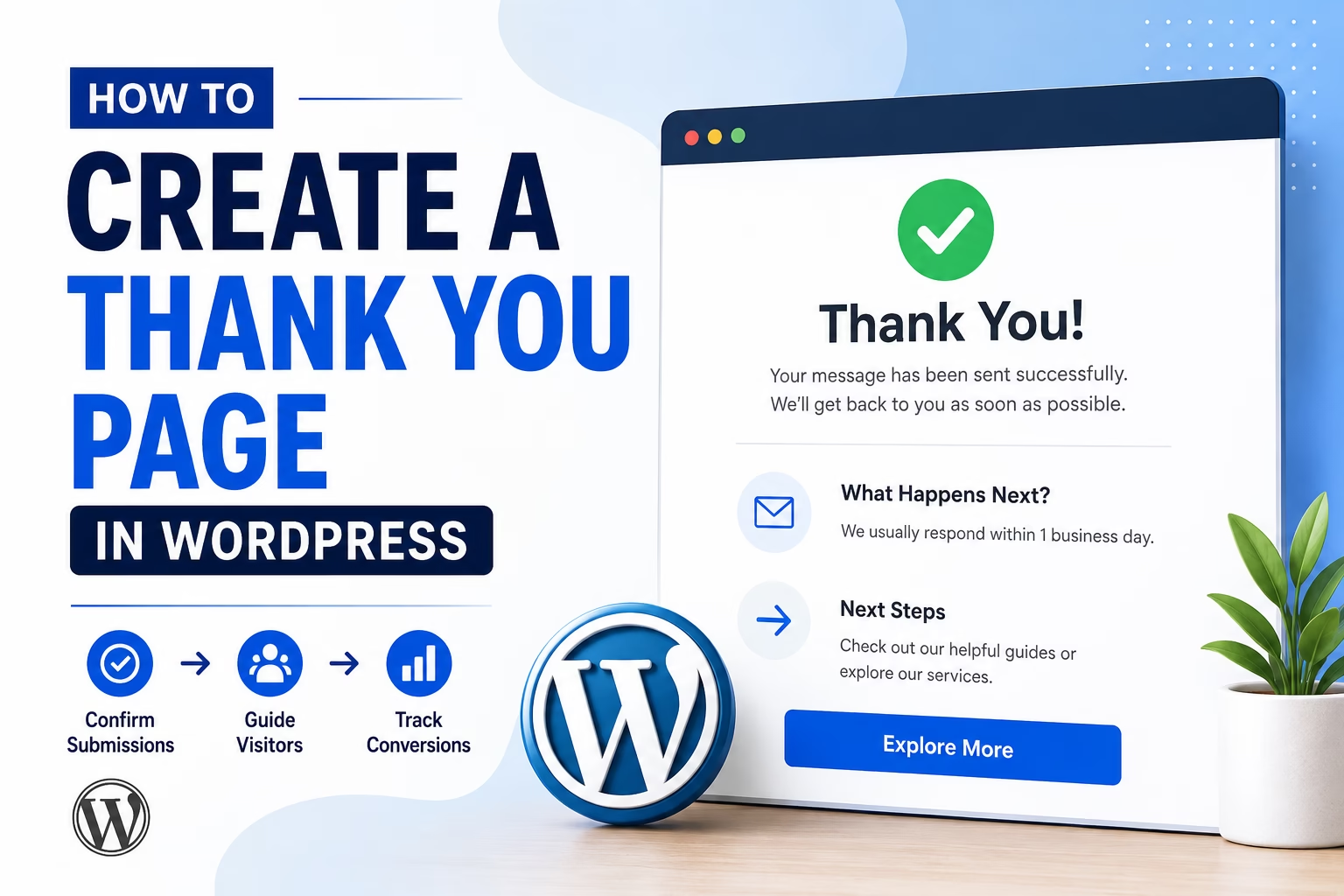
How to Create a Thank You Page in WordPress for Beginners
May 10, 2026 by Etienne Basson
How to Create a Thank You Page in WordPress for Beginners

Learn how to create a simple thank you page in WordPress, what to include on it, and how to use it after contact forms, lead magnets, bookings, or purchases.

Categories Website Marketing

How to Create a Lead Capture Funnel in WordPress for Beginners

May 10, 2026May 10, 2026 by Etienne Basson
How to Create a Lead Capture Funnel in WordPress for Beginners

Learn how to create a simple WordPress lead capture funnel with a landing page, lead magnet, signup form, thank you page, email follow-up, and conversion tracking.

Categories Website Marketing

How to Create a Lead Magnet in WordPress for Beginners

May 10, 2026May 10, 2026 by Etienne Basson
How to Create a Lead Magnet in WordPress for Beginners

Learn how to create a lead magnet in WordPress, connect it to an email form, and turn website visitors into subscribers and leads.

Categories Website Marketing

Categories

  • Ecommerce (22)
  • SEO (26)
  • Website Design (10)
  • Website Marketing (3)
  • Website Structure (20)
  • WordPress Setup (41)

Latest Posts

  • How to Create a Thank You Page in WordPress for Beginners
    How to Create a Thank You Page in WordPress for BeginnersMay 10, 2026
    Learn how to create a simple thank you page in WordPress, what to include on it, and how to use it after contact forms, lead magnets, bookings, or purchases.
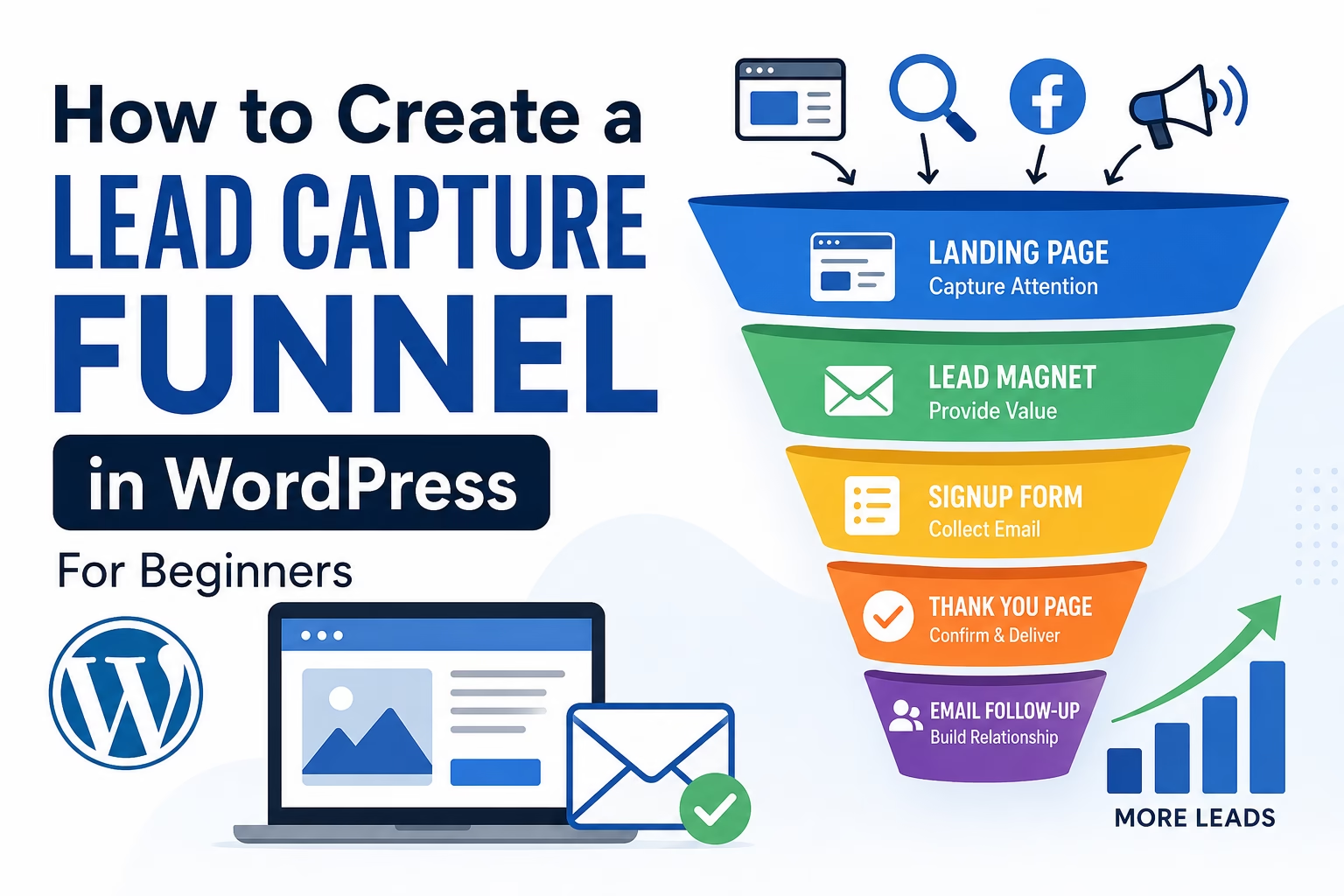
  • How to Create a Lead Capture Funnel in WordPress for Beginners
    How to Create a Lead Capture Funnel in WordPress for BeginnersMay 10, 2026
    Learn how to create a simple WordPress lead capture funnel with a landing page, lead magnet, signup form, thank you page, email follow-up, and conversion tracking.

  • How to Create a Lead Magnet in WordPress for Beginners
    How to Create a Lead Magnet in WordPress for BeginnersMay 10, 2026
    Learn how to create a lead magnet in WordPress, connect it to an email form, and turn website visitors into subscribers and leads.
  • How to Add Product Filters to WooCommerce for Beginners
    How to Add Product Filters to WooCommerce for BeginnersMay 10, 2026
    Learn how to add product filters to WooCommerce so shoppers can browse by category, price, attributes, ratings, and availability.
  • How to Create a WooCommerce Product Page That Converts for Beginners
    How to Create a WooCommerce Product Page That Converts for BeginnersMay 10, 2026
    Learn how to create a better WooCommerce product page with clear copy, strong images, pricing details, trust signals, calls to action, and beginner-friendly layout tips.
  • How to Set Up WooCommerce Subscriptions for Beginners
    How to Set Up WooCommerce Subscriptions for BeginnersMay 9, 2026
    Learn how WooCommerce subscriptions work, what tools beginners need, and how to set up recurring products, payments, customer accounts, renewals, and subscription settings.
  • How to Set Up WooCommerce Refunds and Returns for Beginners
    How to Set Up WooCommerce Refunds and Returns for BeginnersMay 7, 2026
    Learn how to set up WooCommerce refunds and returns, create a clear return policy, handle customer requests, and reduce store confusion.
  • How to Sell Digital Downloads in WooCommerce for Beginners
    How to Sell Digital Downloads in WooCommerce for BeginnersMay 6, 2026
    Learn how to sell digital downloads in WooCommerce, including product settings, files, download limits, payments, emails, and customer access.
  • How to Set Up WooCommerce Security for Beginners
    How to Set Up WooCommerce Security for BeginnersMay 6, 2026
    Learn how to secure a WooCommerce store with safe login settings, updates, backups, SSL, payment security, anti-spam protection, and beginner-friendly security checks.
  • How to Set Up WooCommerce Customer Accounts for Beginners
    How to Set Up WooCommerce Customer Accounts for BeginnersMay 5, 2026
    Learn how to set up WooCommerce customer accounts, guest checkout, account pages, login settings, and order access for a beginner-friendly online store.

Search

Quick Links

  • Home
  • About
  • Privacy Policy
  • Terms and Conditions
  • Disclosure
  • Cookie Policy (EU)
  • Contact
© 2026 Veravix • Built with GeneratePress
Manage Consent
To provide the best experiences, we use technologies like cookies to store and/or access device information. Consenting to these technologies will allow us to process data such as browsing behavior or unique IDs on this site. Not consenting or withdrawing consent, may adversely affect certain features and functions.
Functional Always active
The technical storage or access is strictly necessary for the legitimate purpose of enabling the use of a specific service explicitly requested by the subscriber or user, or for the sole purpose of carrying out the transmission of a communication over an electronic communications network.
Preferences
The technical storage or access is necessary for the legitimate purpose of storing preferences that are not requested by the subscriber or user.
Statistics
The technical storage or access that is used exclusively for statistical purposes. The technical storage or access that is used exclusively for anonymous statistical purposes. Without a subpoena, voluntary compliance on the part of your Internet Service Provider, or additional records from a third party, information stored or retrieved for this purpose alone cannot usually be used to identify you.
Marketing
The technical storage or access is required to create user profiles to send advertising, or to track the user on a website or across several websites for similar marketing purposes.
  • Manage options
  • Manage services
  • Manage {vendor_count} vendors
  • Read more about these purposes
View preferences
  • {title}
  • {title}
  • {title}