How to Create a Custom 404 Page in WordPress (and Why It Matters)
Learn how to create a custom 404 page in WordPress that helps visitors recover from broken links, improves navigation, and supports SEO without causing duplicate content issues.
Essential Steps to Create Your Website
This section covers the essential WordPress SEO steps for building and growing a website.
Learn how to set up Google Search Console and Google Analytics, improve website speed, structure your content for search engines, and apply practical SEO techniques that help your site get discovered.
These guides focus on real-world implementation rather than theory, so you can improve rankings, understand your traffic, and make better decisions based on data.
Learn how to create a custom 404 page in WordPress that helps visitors recover from broken links, improves navigation, and supports SEO without causing duplicate content issues.
Learn how to add breadcrumbs in WordPress to improve navigation, support SEO, and help visitors understand your site structure.
Learn how to use heading tags properly in WordPress for better SEO, readability, and accessibility. This beginner guide explains H1, H2, H3 structure, common mistakes, and practical formatting tips.
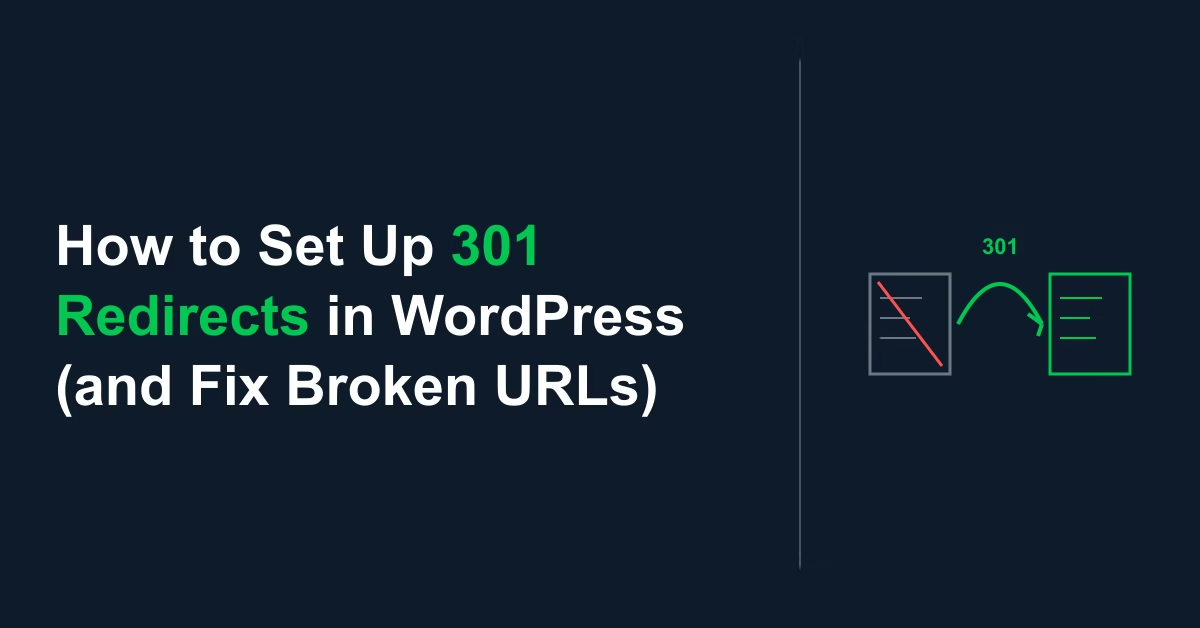
Learn how to set up 301 redirects in WordPress to fix broken URLs, preserve SEO value, and handle permalink changes safely. Step-by-step beginner guide.
Learn what schema markup is, which structured data types matter for a new website, and how to add schema in WordPress using beginner-friendly methods.
Learn how to create and edit a robots.txt file in WordPress, what to allow or block, how it affects crawling, and the common mistakes to avoid on a new website.
Learn how to turn keyword research into a practical content plan for a new website. This beginner guide shows how to group topics, prioritize articles, and build a simple publishing roadmap.
Learn how to write SEO titles and meta descriptions in WordPress that improve click-through rate, match search intent, and support better on-page SEO without keyword stuffing.
Learn how to create an XML sitemap in WordPress, find the sitemap URL, submit it in Google Search Console, and avoid common indexing mistakes on a new website.
Learn how to optimize images for SEO in WordPress using better file names, alt text, compression, sizing, and featured images to improve rankings and page speed.