
Most new WordPress websites start by publishing isolated blog posts without a clear structure behind them. Over time, the site ends up with dozens of articles competing against each other, weak internal linking, and no clear indication of which pages matter most.
That becomes a problem once you start focusing on SEO seriously. Search engines need context. They need to understand which pages are your main resources and which articles support those resources.
This is where cornerstone content becomes useful.
In most sites I build, cornerstone content becomes the foundation of the SEO structure. Instead of publishing random standalone posts, the website develops around a small group of important pages that connect related topics together.
Quick Answer
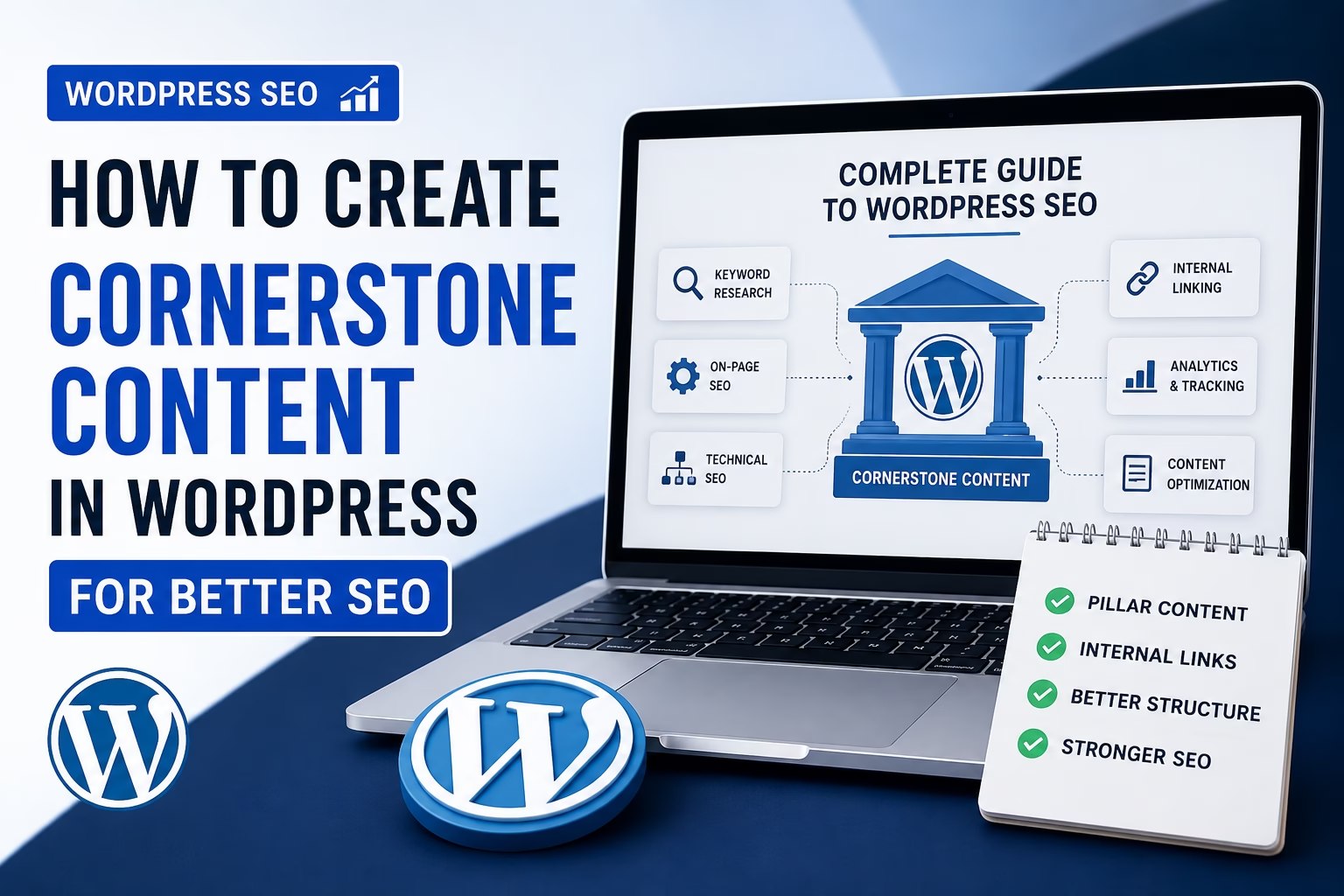
Cornerstone content is a small set of highly important pages or articles that cover your main topics in depth. These pages are usually longer, more comprehensive, and heavily linked from related posts across your website.
In WordPress, cornerstone content typically works as a pillar page that connects supporting articles through internal links. This helps improve SEO, website structure, and content organization.
Why Cornerstone Content Matters
Without cornerstone pages, websites often become difficult to navigate and harder for search engines to understand.
For example, if you publish separate articles about:
- keyword research
- SEO titles
- XML sitemaps
- internal linking
- robots.txt
…Google may not clearly understand how these topics connect.
A cornerstone page solves that problem by acting as the central guide for a broader subject.
For a site like Veravix, a cornerstone article could support multiple related SEO posts while becoming the primary page for broader search intent.
Cornerstone content also helps with:
- stronger internal linking
- better crawl structure
- improved topical authority
- easier navigation for readers
- reduced keyword cannibalization
Google’s SEO Starter Guide also highlights the importance of clear site structure and helpful content, which aligns closely with how cornerstone content works.
How to Choose a Cornerstone Topic
Not every article should become cornerstone content.
A cornerstone page should usually target:
- broad search intent
- high-value topics
- foundational concepts
- topics with multiple supporting articles
Good examples include:
- WordPress SEO
- Website Structure
- WordPress Setup
- Website Design Basics
- WooCommerce Setup
A poor cornerstone topic would be something too narrow, such as:
- how to add breadcrumbs
- fixing mixed content errors
- setting up SMTP
Those work better as supporting articles.
In my experience, a good test is simple: if you can naturally create several related posts around the topic, it can probably become cornerstone content.
How to Structure Cornerstone Content in WordPress
A cornerstone page should not look like a short blog post.
It should work more like a complete resource hub.
A practical structure usually includes:
1. A Clear Introduction
Explain the overall problem or goal clearly.
Readers should immediately understand what the page covers and who it helps.
2. Main Topic Sections
Break the article into logical sections using heading tags properly.
For example, a cornerstone SEO page might include:
- keyword research
- on-page SEO
- technical SEO
- internal linking
- analytics
- content optimization
3. Internal Links to Supporting Articles
This is one of the most important parts.
Each section should link to a more detailed supporting article. For example, if you are explaining internal links, you can point readers to a dedicated guide like How to Build an Internal Linking Strategy for a New WordPress Website.
For example:
- “How to Create an XML Sitemap in WordPress”
- “How to Build an Internal Linking Strategy”
- “How to Write SEO Titles and Meta Descriptions”
This creates topical relationships across the site.
4. Simple Navigation
Long cornerstone pages should remain easy to navigate.
I usually recommend adding:
- a table of contents
- short paragraphs
- descriptive headings
- clear spacing between sections
This improves readability and helps visitors find information quickly.
How to Create Cornerstone Content in WordPress
Step 1: Identify Your Main Topic
Choose a topic broad enough to support multiple related articles.
Avoid choosing highly specific tutorials.
Step 2: Audit Existing Content
Review your current articles and group related topics together.
For example, your SEO category already contains articles about:
- keyword research
- XML sitemaps
- internal linking
- robots.txt
- SEO titles
- schema markup
These can support a broader cornerstone SEO page.
Step 3: Create the Main Pillar Page
Write a long-form article that introduces the major concepts clearly without going too deep into every detail.
The goal is to guide readers through the topic while linking to more detailed resources.
Step 4: Add Internal Links
Link from the cornerstone page to related articles.
Then update supporting articles so they also link back to the cornerstone page.
This two-way linking structure helps search engines understand page importance.
Step 5: Feature the Page Prominently
Cornerstone pages should not remain buried in your archive.
I usually recommend linking them from:
- navigation menus
- category pages
- homepage sections
- resource hubs
- related posts
Practical Tips for Better Cornerstone Content
Focus on Evergreen Topics
Cornerstone pages should stay useful for a long time.
Avoid topics that become outdated quickly.
Keep Updating the Page
As you publish new related articles, add them to the cornerstone page.
This keeps the page growing over time.
Avoid Thin Content
A cornerstone page should feel substantial.
Short 500-word articles rarely work well as cornerstone content.
Use Descriptive Internal Anchor Text
Instead of generic links like “click here,” use anchor text that describes the destination page naturally.
Prioritize User Experience
A cornerstone page should help readers solve a larger problem step by step.
Good structure matters as much as SEO.
Common Mistakes to Avoid
Creating Too Many Cornerstone Pages
Not every article should become a pillar page.
Too many cornerstone pages weaken the structure.
Publishing Supporting Articles Without Linking
A supporting article should almost always connect back to the main cornerstone page.
Choosing Topics That Are Too Narrow
Specific tutorials work better as supporting content.
Ignoring Content Overlap
If several articles target nearly identical keywords, they may compete against each other.
Cornerstone content helps organize those relationships properly.
Forgetting Navigation
Very long pages become difficult to read without proper headings and structure.
When to Use Cornerstone Content vs Regular Blog Posts
Cornerstone content works best for broad foundational topics.
Regular blog posts work better for:
- specific tutorials
- troubleshooting
- plugin setup
- narrow how-to guides
- feature explanations
A healthy website usually contains both.
The cornerstone page becomes the central resource, while smaller posts support it.
Final Thoughts
Cornerstone content helps organize a WordPress website into clear topic clusters instead of disconnected articles.
For SEO, this improves internal linking, strengthens topical authority, and helps search engines understand which pages matter most.
For visitors, it creates a better browsing experience because related information becomes easier to find.
As your website grows, cornerstone pages often become some of the most important assets on the entire site.

Etienne Basson works with website systems, SEO-driven site architecture, and technical implementation. He writes practical guides on building, structuring, and optimizing websites for long-term growth.