Skip to content
Veravix

Veravix

Essential Steps to Create Your Website

  • Home
  • About
  • Privacy Policy
  • Terms and Conditions
  • Disclosure
  • Cookie Policy (EU)
  • Contact

Ecommerce

This section covers the practical steps for building and managing a WordPress ecommerce website.

Learn how to set up WooCommerce, create products, configure payments, manage shipping, and build a reliable online store from start to finish.

These guides focus on real-world ecommerce setup and simple implementation, helping you move from a basic website to a site that can sell products or services effectively.

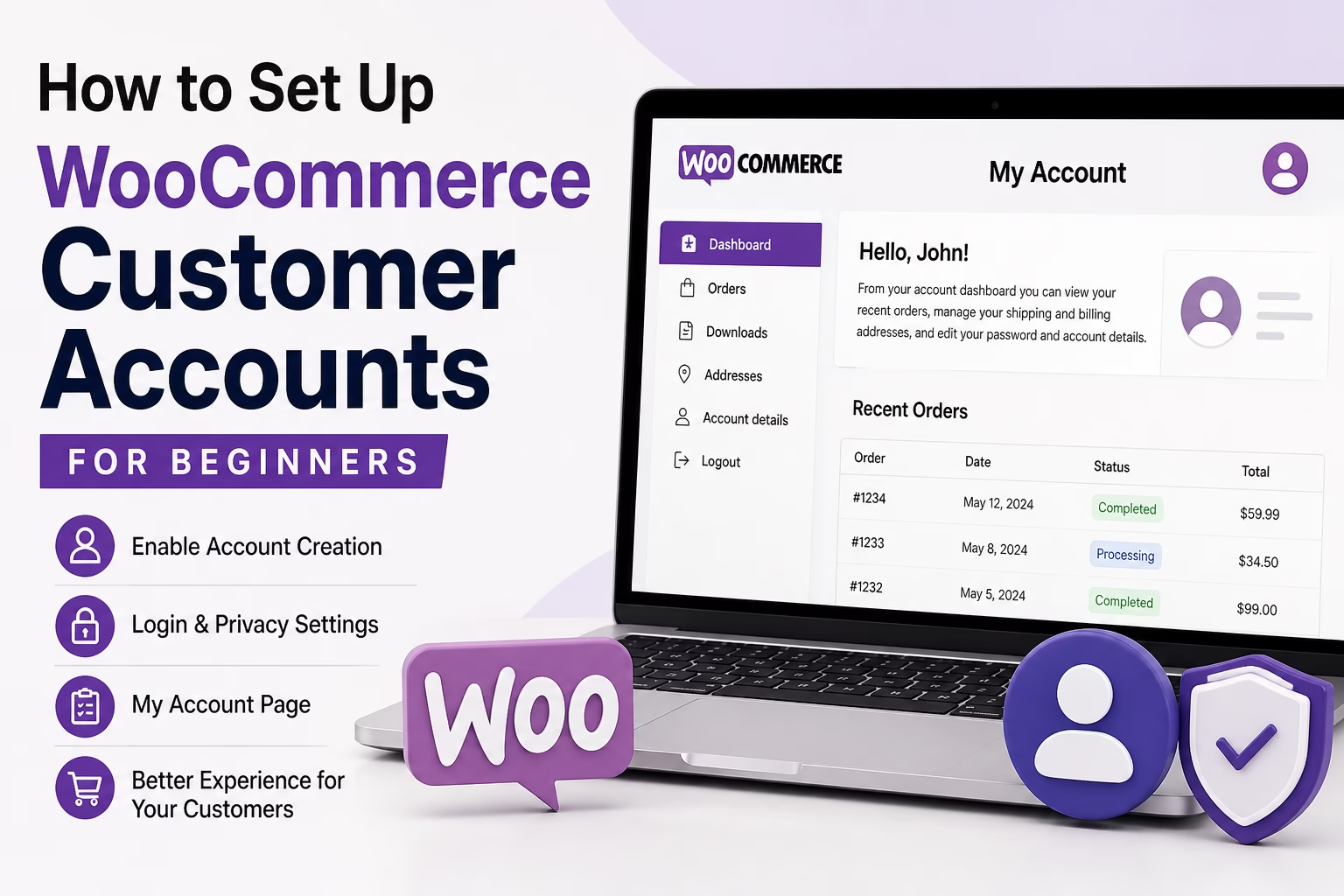
How to Set Up WooCommerce Customer Accounts for Beginners
May 5, 2026 by Etienne Basson
How to Set Up WooCommerce Customer Accounts for Beginners

Learn how to set up WooCommerce customer accounts, guest checkout, account pages, login settings, and order access for a beginner-friendly online store.

Categories Ecommerce

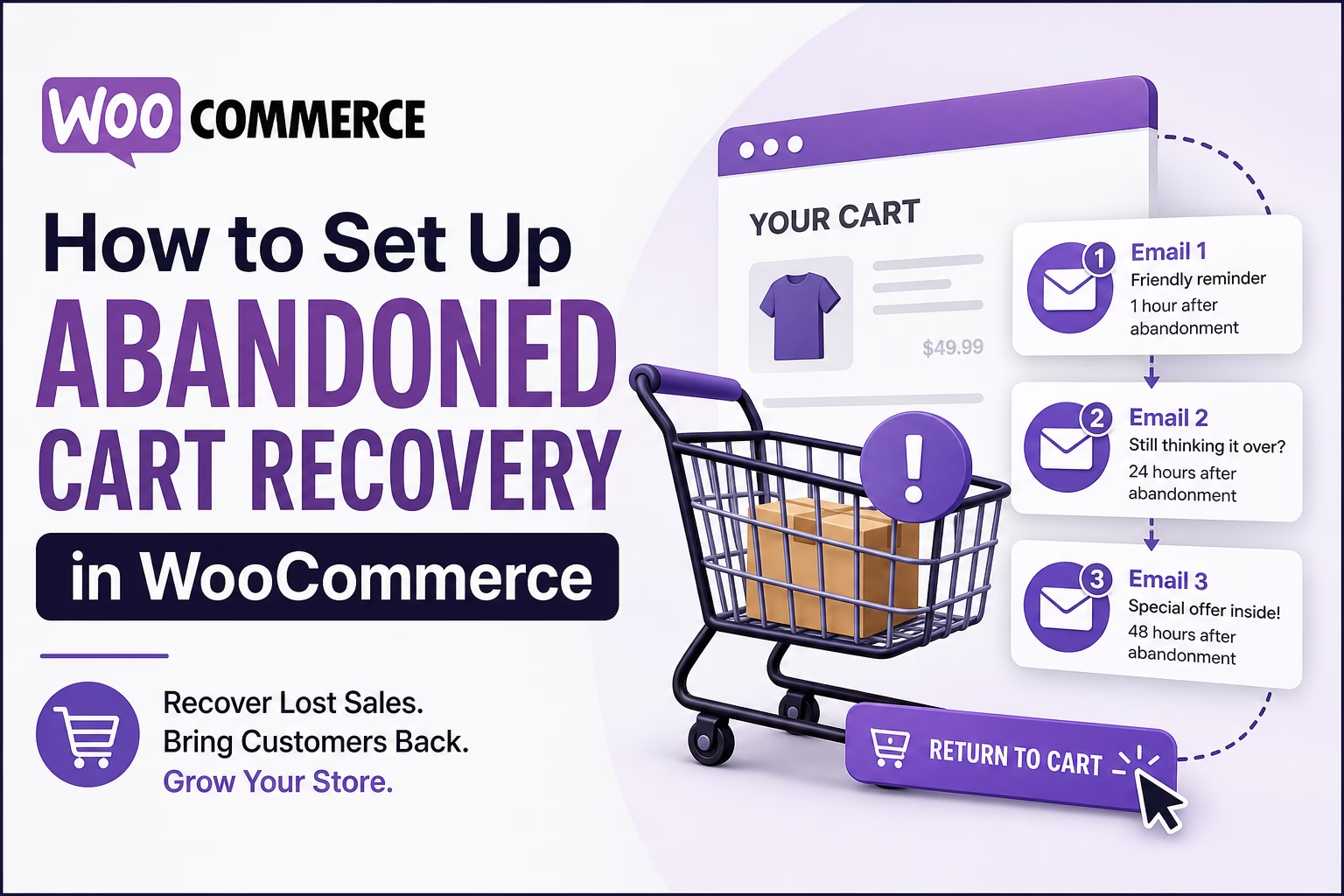
How to Set Up Abandoned Cart Recovery in WooCommerce for Beginners

May 3, 2026 by Etienne Basson
How to Set Up Abandoned Cart Recovery in WooCommerce for Beginners

Learn how to set up abandoned cart recovery in WooCommerce, including reminder emails, timing, incentives, and beginner-friendly setup tips.
Categories Ecommerce

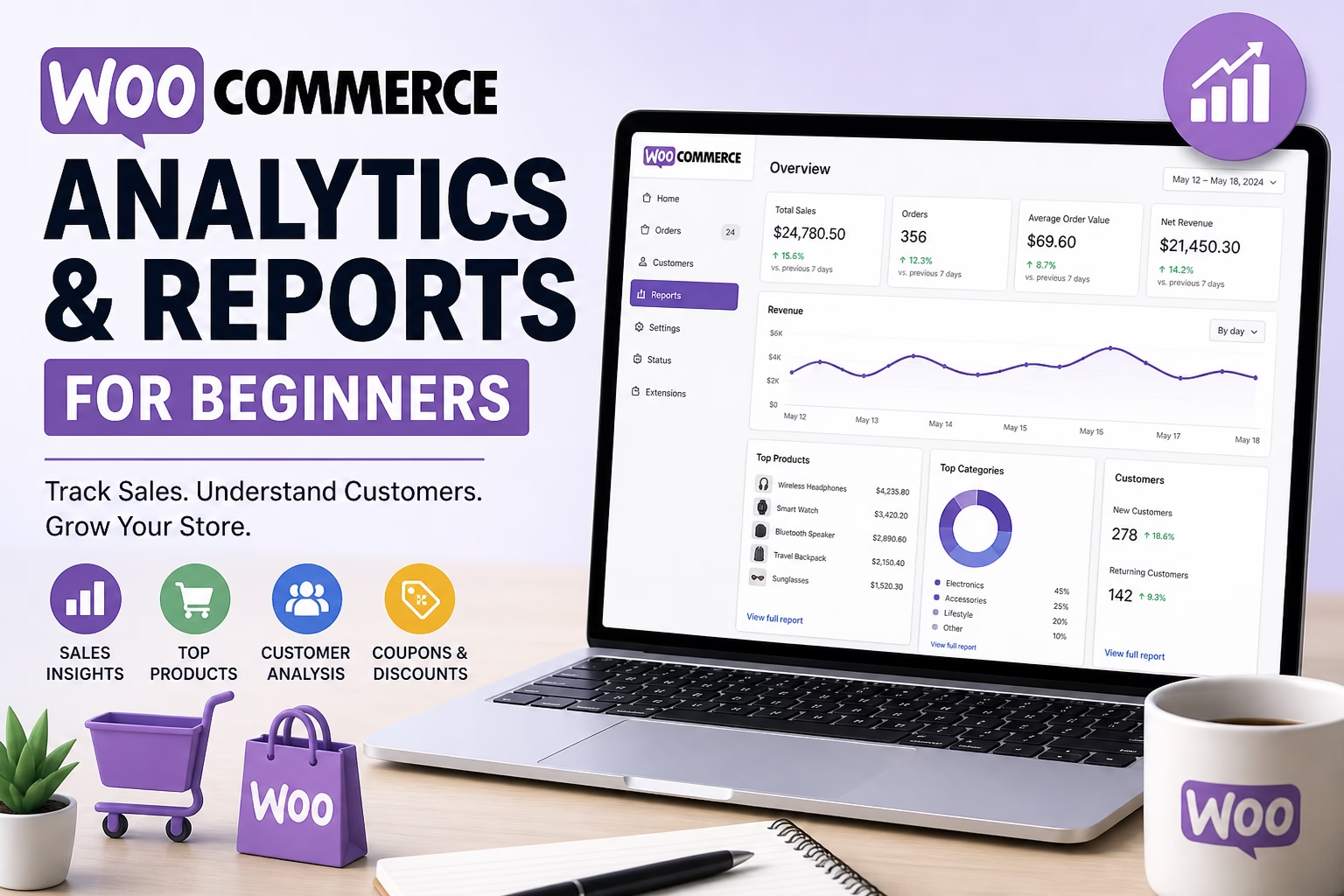
How to Set Up WooCommerce Analytics and Reports for Beginners

May 3, 2026 by Etienne Basson
How to Set Up WooCommerce Analytics and Reports for Beginners

Learn how to use WooCommerce analytics and reports to track sales, orders, products, customers, coupons, taxes, and store performance as a beginner.
Categories Ecommerce

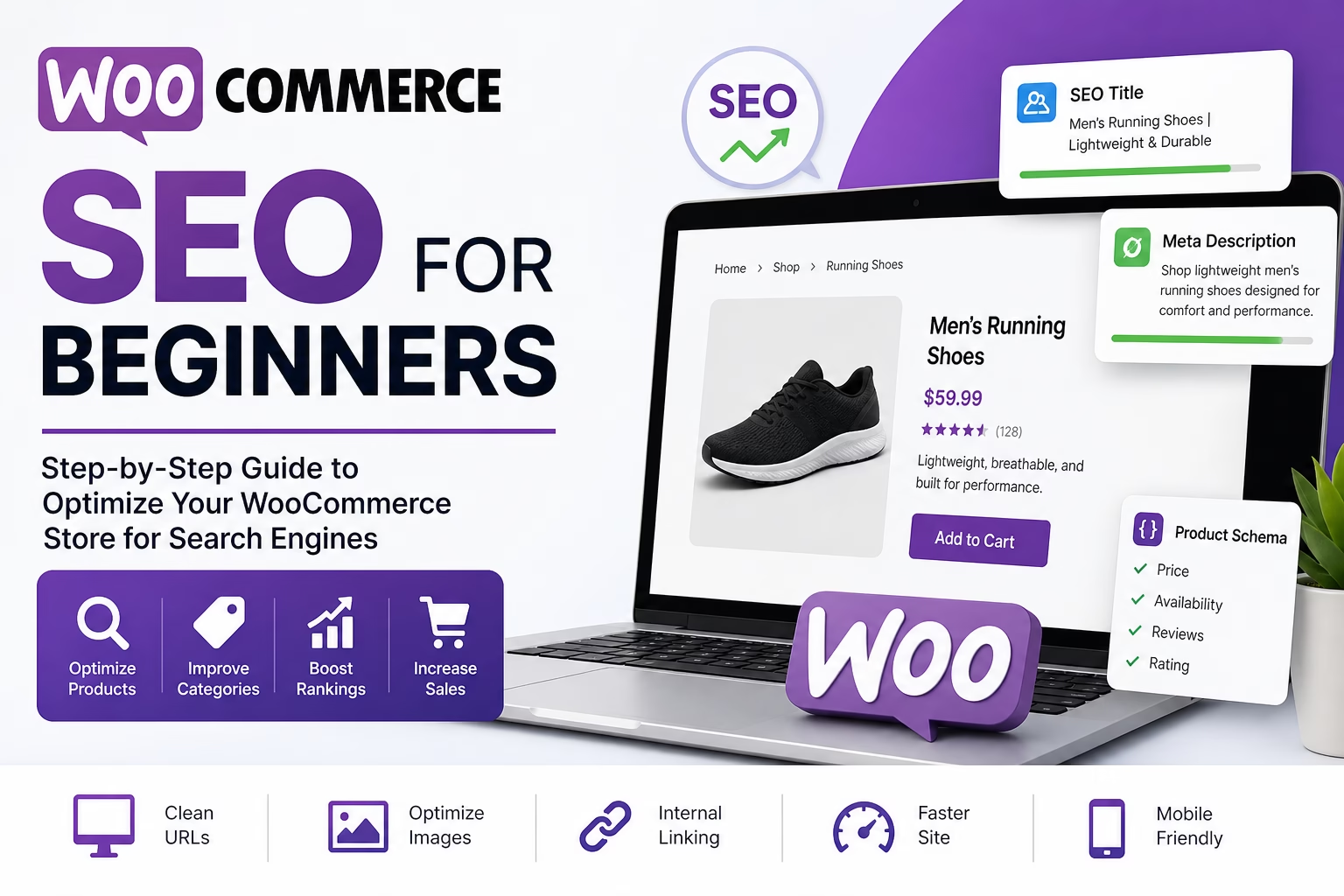
How to Set Up WooCommerce SEO for Beginners

May 3, 2026 by Etienne Basson
How to Set Up WooCommerce SEO for Beginners

Learn how to set up WooCommerce SEO for beginners, including product page titles, descriptions, category pages, images, URLs, schema, and internal links.
Categories Ecommerce

How to Set Up WooCommerce Shipping Zones for Beginners

May 3, 2026 by Etienne Basson
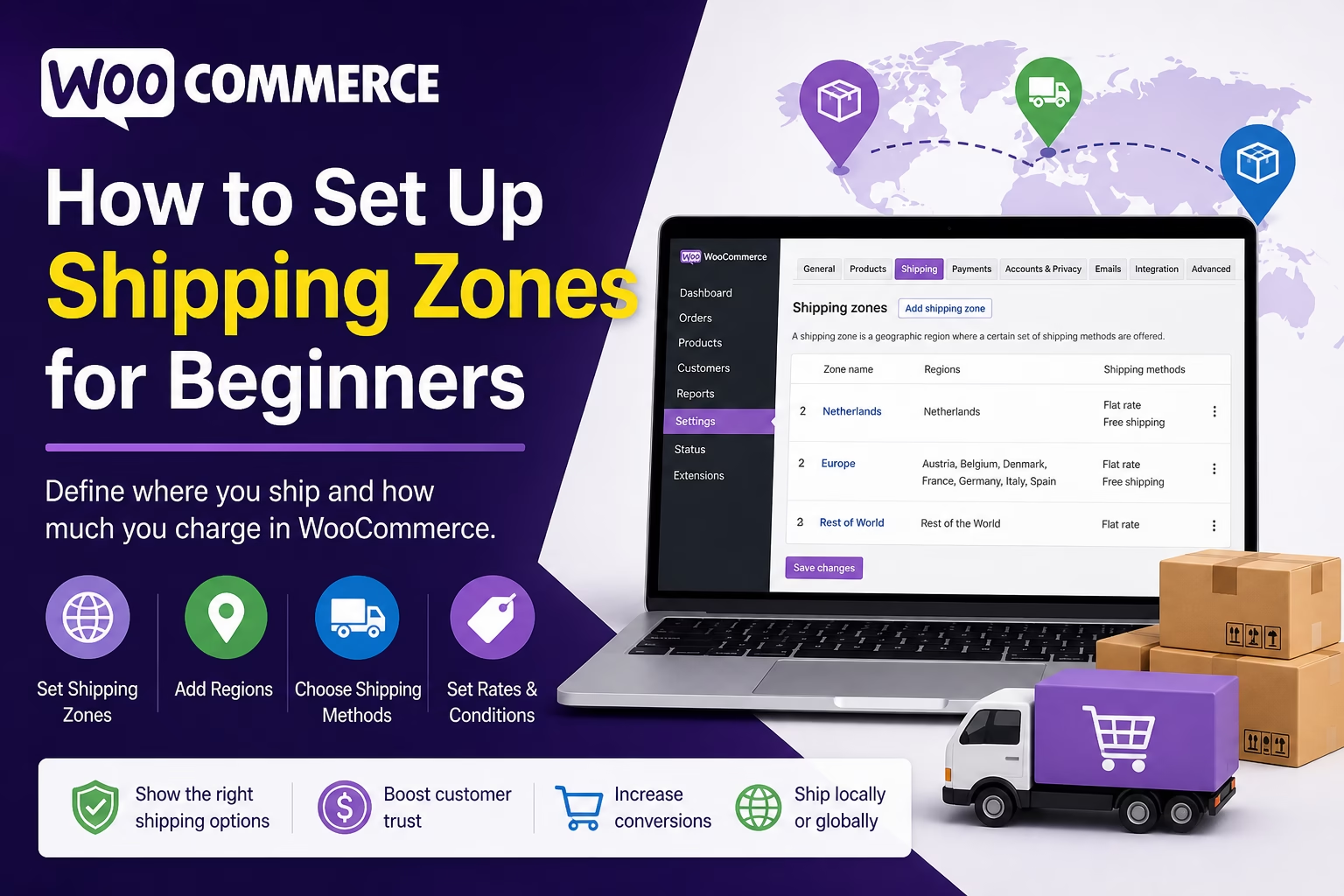
How to Set Up WooCommerce Shipping Zones for Beginners

Learn how to set up WooCommerce shipping zones, shipping methods, flat rates, free shipping, and local pickup for a beginner-friendly online store.
Categories Ecommerce

How to Set Up WooCommerce Product Reviews for Beginners

May 3, 2026 by Etienne Basson
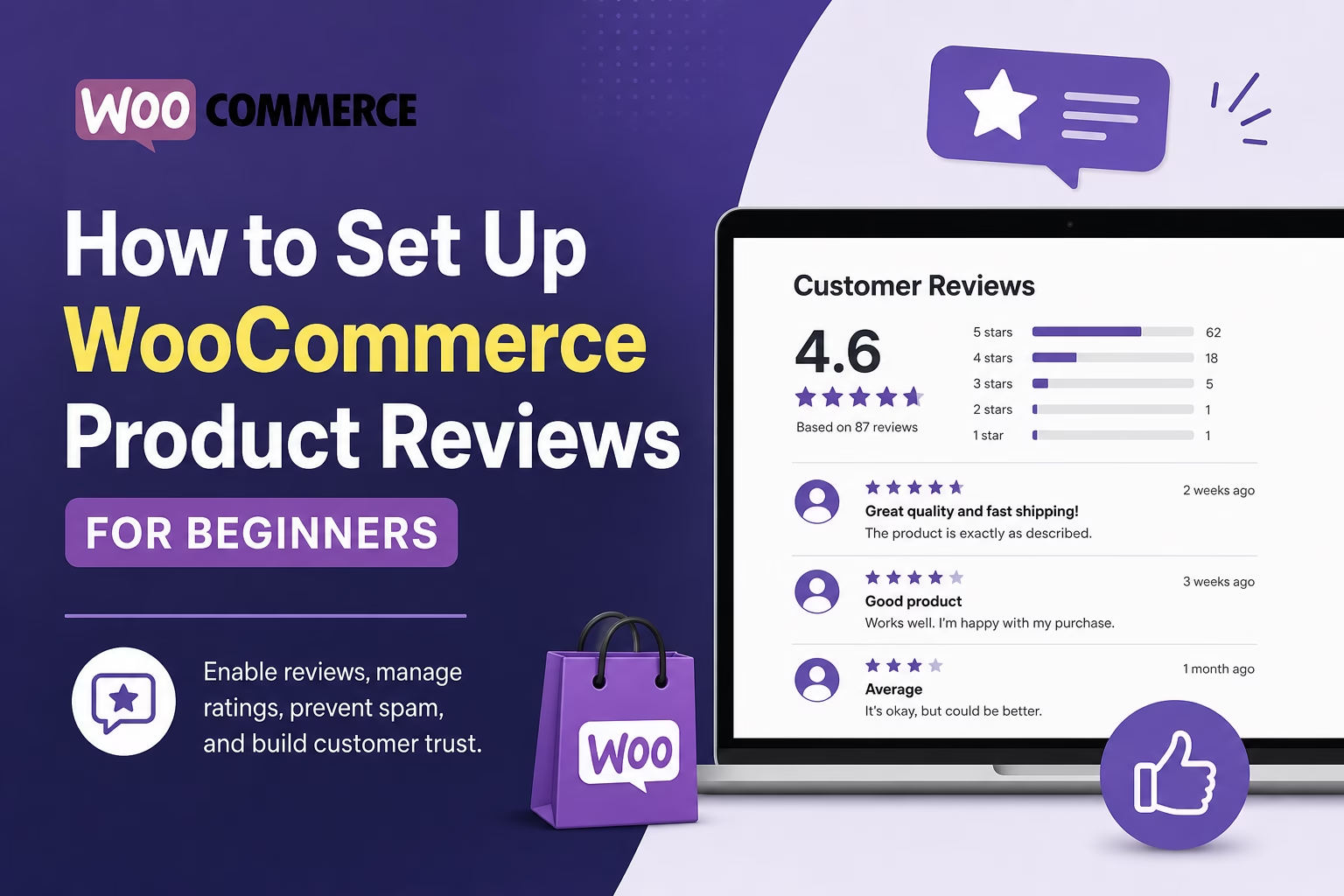
How to Set Up WooCommerce Product Reviews for Beginners

Learn how to enable, manage, and display WooCommerce product reviews in WordPress so customers can build trust before buying.
Categories Ecommerce

How to Set Up WooCommerce Inventory Management for Beginners

May 3, 2026 by Etienne Basson
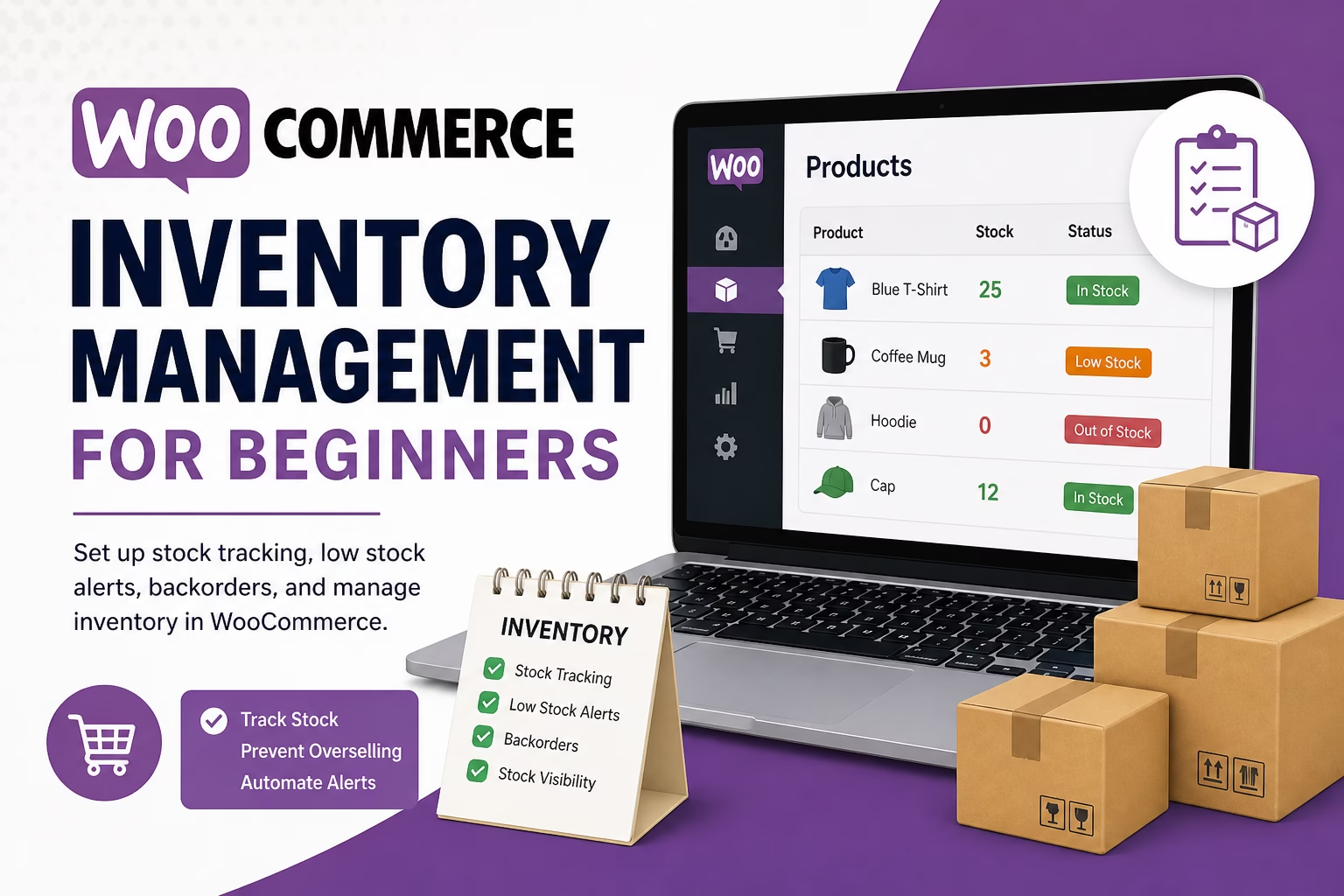
How to Set Up WooCommerce Inventory Management for Beginners

Learn how to manage WooCommerce stock settings, product inventory, low-stock alerts, backorders, and simple inventory workflows for a new online store.
Categories Ecommerce

How to Set Up WooCommerce Emails for Beginners

May 3, 2026May 3, 2026 by Etienne Basson
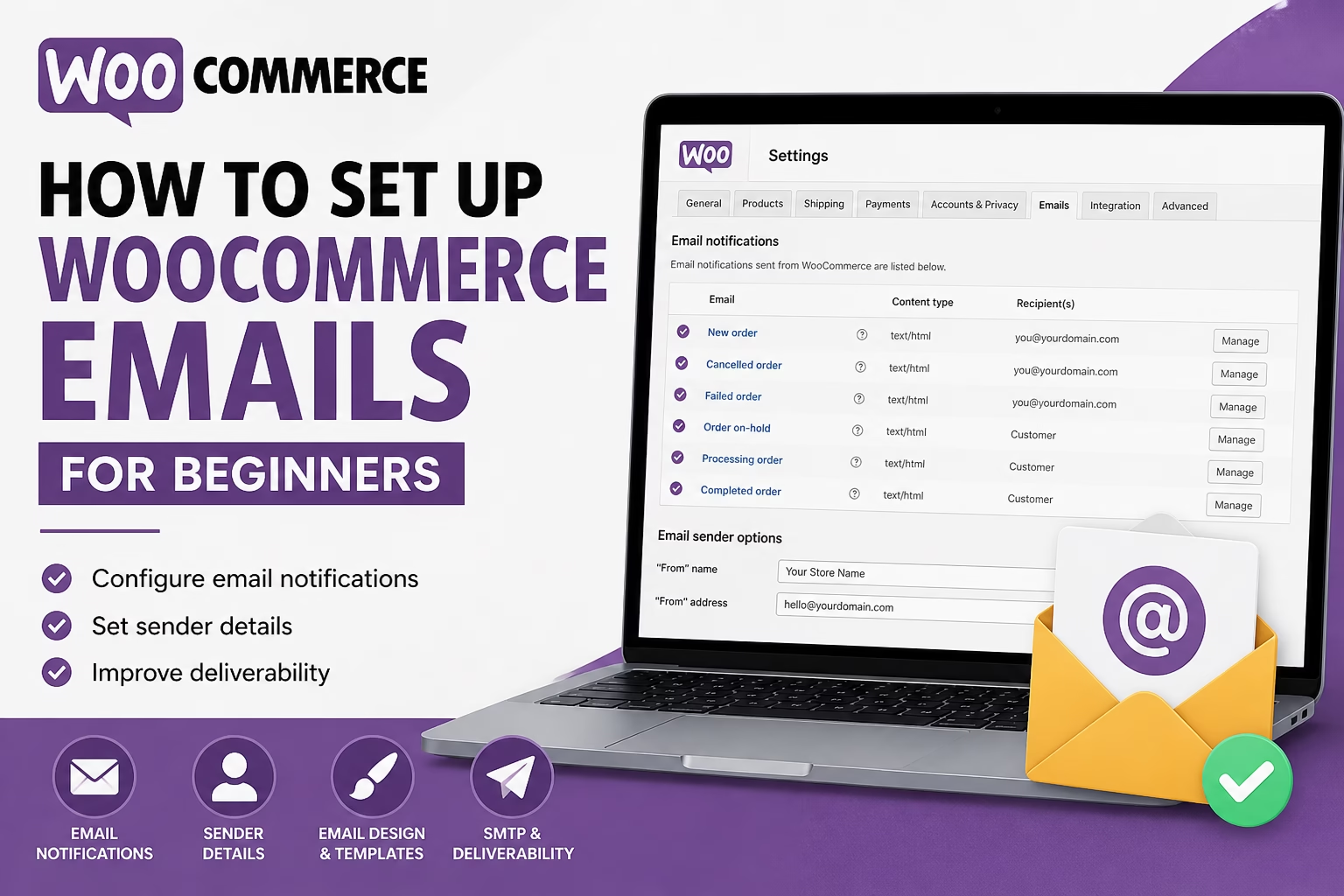
How to Set Up WooCommerce Emails for Beginners

Learn how to set up WooCommerce emails for orders, customers, notifications, sender details, templates, and deliverability so your store messages reach buyers.
Categories Ecommerce

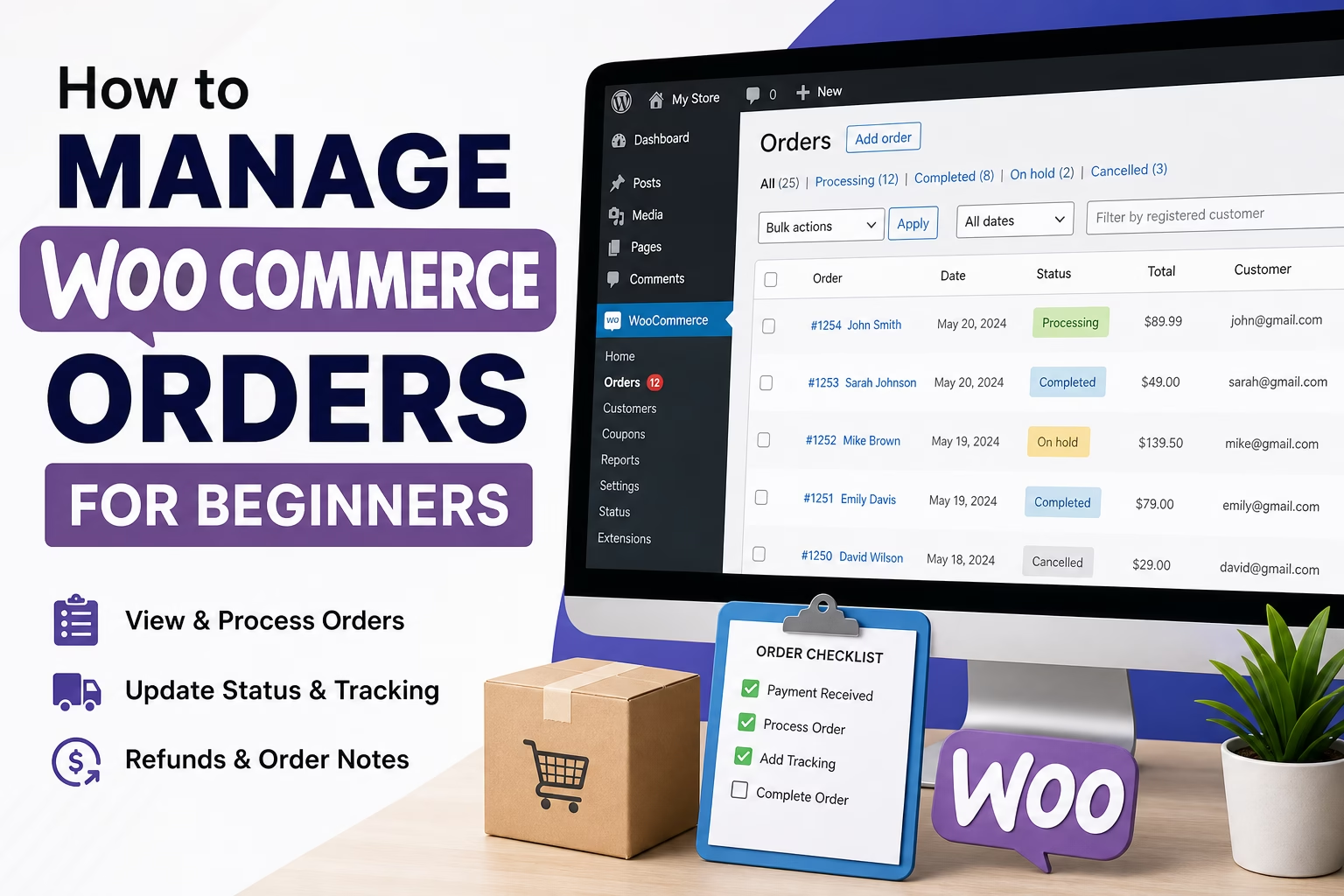
How to Manage WooCommerce Orders for Beginners

May 3, 2026 by Etienne Basson
How to Manage WooCommerce Orders for Beginners

Learn how to view, process, update, refund, and complete WooCommerce orders so your online store runs smoothly after launch.
Categories Ecommerce

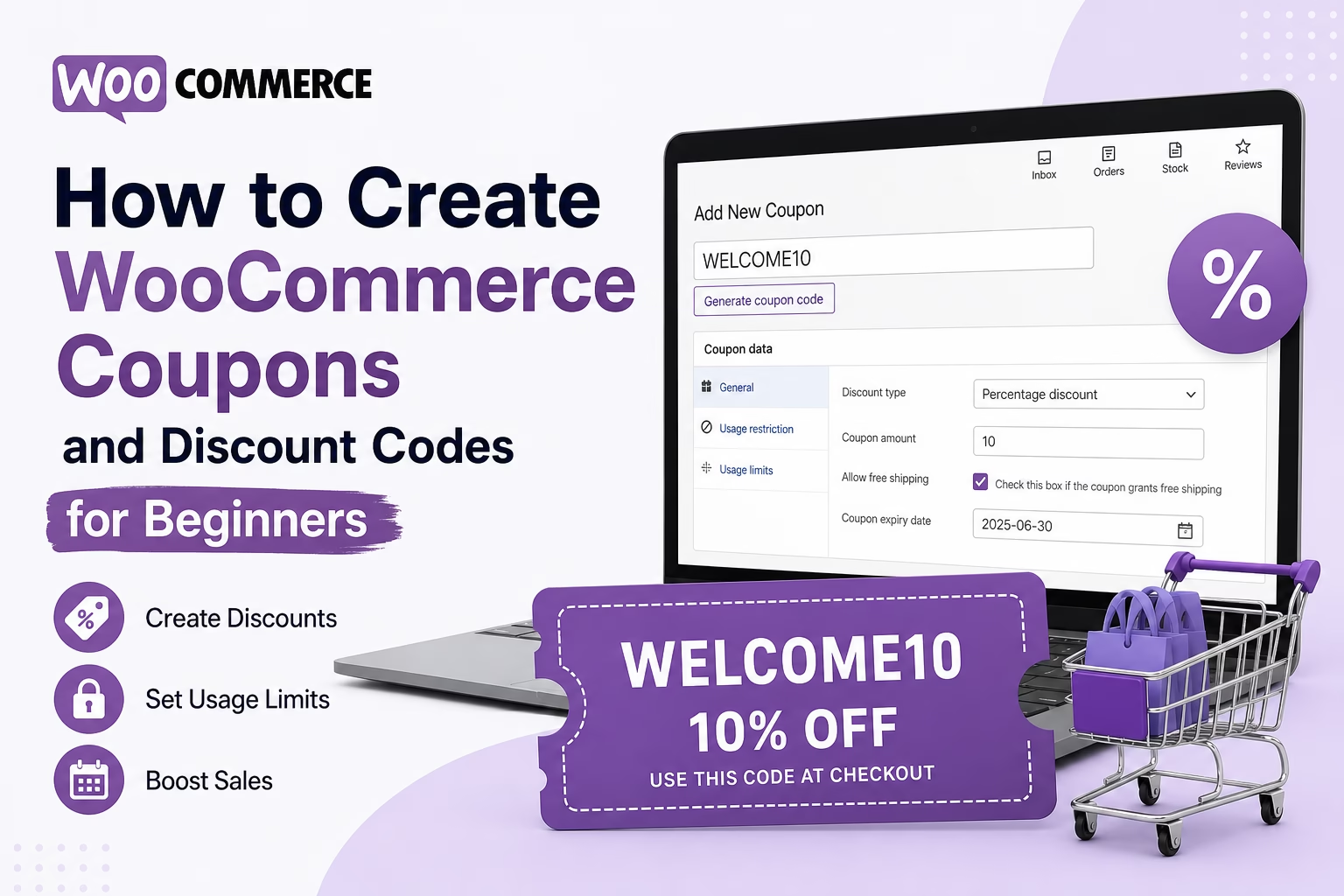
How to Create WooCommerce Coupons and Discount Codes for Beginners

May 2, 2026 by Etienne Basson
How to Create WooCommerce Coupons and Discount Codes for Beginners

Learn how to create WooCommerce coupons and discount codes, set usage limits, choose discount types, and test your coupon before sharing it with customers.

Categories Ecommerce
Older posts
Newer posts
← Previous Page1 Page2 Page3 Next →

Categories

  • Ecommerce (26)
  • SEO (37)
  • Website Design (12)
  • Website Marketing (17)
  • Website Structure (21)
  • WordPress Setup (47)

Latest Posts

  • How to Choose a WordPress Page Builder for Your Website
    How to Choose a WordPress Page Builder for Your WebsiteMay 23, 2026
    Learn how to choose the right WordPress page builder for your website, including ease of use, speed, design control, theme compatibility, and long-term maintenance.
  • How to Scan WordPress for Malware and Clean a Hacked Website
    How to Scan WordPress for Malware and Clean a Hacked WebsiteMay 23, 2026
    Learn how to scan a WordPress website for malware, identify signs of a hack, clean infected files, restore backups, and improve security after recovery.
  • How to Use Noindex in WordPress Without Hurting Your SEO
    How to Use Noindex in WordPress Without Hurting Your SEOMay 23, 2026
    Learn when to use noindex in WordPress, which pages should not appear in Google, and how to avoid common indexing mistakes that hurt SEO.
  • How to Add Canonical URLs in WordPress for Better SEO
    How to Add Canonical URLs in WordPress for Better SEOMay 23, 2026
    Learn what canonical URLs are, why they matter for WordPress SEO, and how to set them correctly to avoid duplicate content and indexing problems.
  • How to Set Up SPF, DKIM, and DMARC for Your Website Email
    How to Set Up SPF, DKIM, and DMARC for Your Website EmailMay 22, 2026
    Learn how to set up SPF, DKIM, and DMARC for your website email so contact forms, newsletters, and business emails are more likely to reach inboxes.
  • How to Do Competitor Research for a New Website
    How to Do Competitor Research for a New WebsiteMay 22, 2026
    Learn how to research competing websites before creating content, choosing keywords, planning pages, and improving your WordPress SEO strategy.
  • How to Update Old Blog Posts in WordPress for Better SEO
    How to Update Old Blog Posts in WordPress for Better SEOMay 22, 2026
    Learn how to refresh old WordPress blog posts, improve outdated content, update SEO titles, add internal links, and keep articles useful for search traffic.
  • How to Create Cornerstone Content in WordPress for Better SEO
    How to Create Cornerstone Content in WordPress for Better SEOMay 22, 2026
    Learn how to create cornerstone content in WordPress, choose the right topics, structure pillar pages, add internal links, and improve SEO for your most important guides.
  • How to Create a Website Sidebar in WordPress for Beginners
    How to Create a Website Sidebar in WordPress for BeginnersMay 21, 2026
    Learn how to create a useful WordPress sidebar with widgets, navigation, calls to action, recent posts, and simple layout choices that improve usability.
  • How to Use Google Search Console to Find New Blog Post Ideas
    How to Use Google Search Console to Find New Blog Post IdeasMay 21, 2026
    Learn how to use Google Search Console to find keyword opportunities, improve existing content, and plan new WordPress blog posts based on real search data.

Search

Quick Links

  • Home
  • About
  • Privacy Policy
  • Terms and Conditions
  • Disclosure
  • Cookie Policy (EU)
  • Contact
© 2026 Veravix • Built with GeneratePress
Manage Consent
To provide the best experiences, we use technologies like cookies to store and/or access device information. Consenting to these technologies will allow us to process data such as browsing behavior or unique IDs on this site. Not consenting or withdrawing consent, may adversely affect certain features and functions.
Functional Always active
The technical storage or access is strictly necessary for the legitimate purpose of enabling the use of a specific service explicitly requested by the subscriber or user, or for the sole purpose of carrying out the transmission of a communication over an electronic communications network.
Preferences
The technical storage or access is necessary for the legitimate purpose of storing preferences that are not requested by the subscriber or user.
Statistics
The technical storage or access that is used exclusively for statistical purposes. The technical storage or access that is used exclusively for anonymous statistical purposes. Without a subpoena, voluntary compliance on the part of your Internet Service Provider, or additional records from a third party, information stored or retrieved for this purpose alone cannot usually be used to identify you.
Marketing
The technical storage or access is required to create user profiles to send advertising, or to track the user on a website or across several websites for similar marketing purposes.
  • Manage options
  • Manage services
  • Manage {vendor_count} vendors
  • Read more about these purposes
View preferences
  • {title}
  • {title}
  • {title}