
Most first-time site owners spend a lot of energy on design before thinking about structure. They find a theme they like, adjust the colours, and start filling the homepage. The site begins to look presentable, but visitors still struggle to get a basic sense of what it is and how to use it.
When I look at sites that feel unfinished, the problem is rarely design. It is usually missing pages. Visitors land somewhere and cannot quickly find who is behind the site, what it offers, or how to get in touch. Those gaps erode trust, even on an otherwise well-built site.
Setting up the right pages early gives the site a clear foundation. It makes navigation logical, improves search engine understanding, and gives visitors what they need to make a decision.
Quick Answer
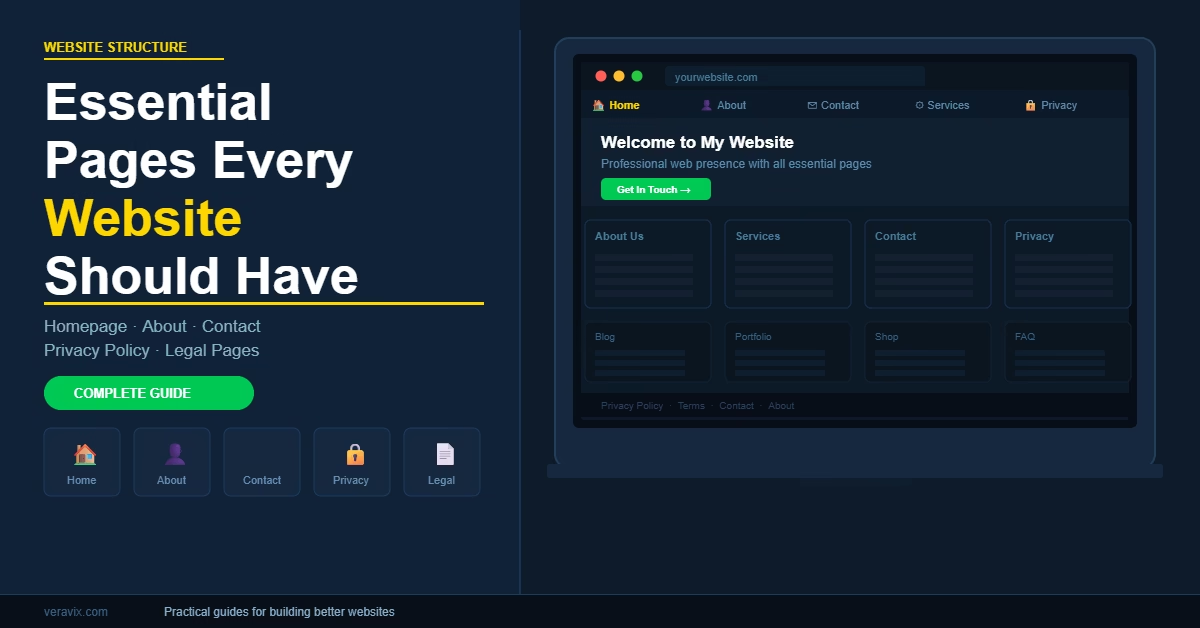
Most websites should have these core pages in place before launch: a homepage, an about page, a contact page, a services or products page, and a privacy policy. Legal pages such as terms and conditions or a disclosure are also needed depending on the type of site. These pages cover the basics of usability, credibility, and legal compliance.
Why These Pages Matter
The pages on a site do more than hold content – they shape how visitors and search engines understand the whole thing. A site with only blog posts but no about page, contact page, or policy pages looks incomplete and raises questions about who is behind it.
Three things improve significantly once these pages are in place. First, visitors can orient themselves quickly. They want to know what the site is, who runs it, and what to do next. Core pages answer all of that in seconds. Second, search engines can build a clearer picture of the site’s structure and purpose. Third, the site starts to feel more credible – especially to visitors arriving for the first time from search.
Advertising networks, including Google AdSense, also check for certain pages before approving a site. Missing a privacy policy or about page can hold back an application.
The Essential Pages to Set Up
The following pages cover the core requirements for most websites. I usually create all of these before publishing any content.
1. Homepage
The homepage is the main entry point for most visitors. It does not need to explain everything – it needs to communicate what the site is, who it is for, and where to go next.
A clear homepage structure usually includes a short introduction, a summary of the main topics or services, and links to the most important sections of the site. In most sites I build, the homepage works best as a navigation hub rather than a long article.
In WordPress, the homepage is either a static page or the posts feed. For most sites, a static page gives you more control. You can assign it under Settings ? Reading.
2. About Page
The about page is often one of the most visited pages on a site. People want to know who is behind what they are reading and whether they can trust it.
A good about page does not need to be long. It should explain the purpose of the site, who runs it, and what kind of experience or background informs the content. For tutorial and how-to sites, this is also where you establish why your guidance is worth following.
Keep it specific. Vague statements about being passionate or committed to quality say very little. A short paragraph that explains what you actually do and why the site exists is more effective. For a full breakdown of how to structure and write this page, see the guide on how to create an about page for your website.
3. Contact Page
Even if the site does not offer services directly, a contact page is still useful. Visitors may want to ask a question, report an issue, or explore a collaboration. Removing that route makes the site feel less open and can reduce trust.
A basic contact page usually needs a contact form and an email address. On WordPress sites, I use a lightweight form plugin such as WPForms Lite or Contact Form 7. Messages go directly to email, and there is nothing complex to configure.
For a full walkthrough of what to include and how to structure it, the guide to creating a contact page for your website covers the form setup, introduction copy, and the mistakes that reduce the number of people who actually get in touch.
4. Services or Products Page
If the site represents a business, visitors need to see what you offer. This page can be called Services, Products, Solutions, or What We Do – whichever makes sense for the site.
The goal is a clear summary of the main offerings, with links to more detailed pages if needed. Even a simple list of services with short descriptions is enough to start. The key is that visitors do not have to guess what the site is selling or offering.
5. Privacy Policy
A privacy policy is required for almost every website that collects any user data. That includes analytics tools, contact forms, cookies, and advertising networks. If you use Google Analytics or Google AdSense, a privacy policy is mandatory.
For a step-by-step walkthrough of what to include and how to set it up, see how to create a privacy policy page for your website.
WordPress includes a built-in privacy policy template that you can customise. You can access it under Settings ? Privacy. The WordPress privacy settings documentation explains how to create or assign a privacy policy page directly from the admin.
The policy should explain what information is collected, how it is used, and whether any third-party services are involved. Keep it accurate and up to date whenever you add new tools to the site.
6. Terms and Legal Pages
Depending on what the site does, additional legal pages may be necessary. A terms and conditions page is important for any site selling products, running memberships, or operating as an affiliate site. A disclosure page is required in most countries if the site earns revenue through affiliate links or sponsored content.
Not every site needs all of these pages. Check the requirements for any services or affiliate programmes you use and add the relevant pages before you start monetising.
For a full walkthrough of what to include and how to customise it for your specific site, see How to Create a Terms and Conditions Page for Your Website.
Practical Tips
A few habits make it easier to set up these pages well from the start.
Create pages before publishing content. In my experience, sites grow more smoothly when the core pages exist before posts start going live. It gives the site a clear frame that content fits into, rather than content that exists with no context around it.
Keep the navigation focused. Not every page needs to appear in the main menu. The primary menu should cover the main sections – usually Home, About, Services or Blog, and Contact. Legal pages belong in the footer.
Link these pages together. The about page can link to the contact page. The contact page can mention services. Blog posts can link to the about page or services. These internal connections improve navigation and help search engines understand the site structure. If you want to think through this more carefully, the guide on website structure and navigation planning covers how to organise pages and links for both usability and SEO.
Common Mistakes
Skipping the about page. Some site owners treat it as optional. In practice, it is one of the first pages a new visitor checks, and its absence signals that the site may not be trustworthy or maintained.
Missing contact information. A site with no way to make contact feels anonymous. Even a simple form is enough – visitors just need to know the option exists.
Publishing too many pages too early. Some sites launch with dozens of half-finished pages. A smaller set of complete, clear pages is always better. You can expand later once the core structure is solid.
No privacy policy. This is a legal requirement in most jurisdictions for sites collecting any data. It is also checked by ad networks during the approval process. Create it before the site goes live.
When to Use a Different Structure
The pages above apply to most general websites, blogs, and business sites. Some site types need a slightly different setup.
E-commerce sites need product pages, category pages, a cart, and a checkout – but they still benefit from about, contact, and policy pages. Portfolio sites often lead with project work, with services and contact supporting it. The core principle stays the same: visitors should always be able to understand what the site is and how to interact with it.
Once the core pages are in place, the next step is working through the full build process in the right order. The step-by-step guide to building a WordPress website covers every stage — from installing WordPress and choosing a theme to configuring SEO, securing the site, and launching.
Once you have your core pages in place, it's worth adding an FAQ page to your website — it's one of the fastest pages to build and one of the most effective at reducing support messages and helping visitors make decisions.
Before building any of these pages, it is worth mapping their layout and content in a simple wireframe. How to plan a website wireframe before you build in WordPress covers the process step by step — including how to define the purpose of each page before writing a single word of content.
Conclusion
Getting these pages in place early takes less time than most people expect, and the difference it makes to how a site feels is significant. Start with the homepage, about, contact, and privacy policy – then add the remaining pages before monetising or launching. Everything else on the site will be easier to build once that foundation exists.

Etienne Basson works with website systems, SEO-driven site architecture, and technical implementation. He writes practical guides on building, structuring, and optimizing websites for long-term growth.