How to Add a Payment Button to a WordPress Website
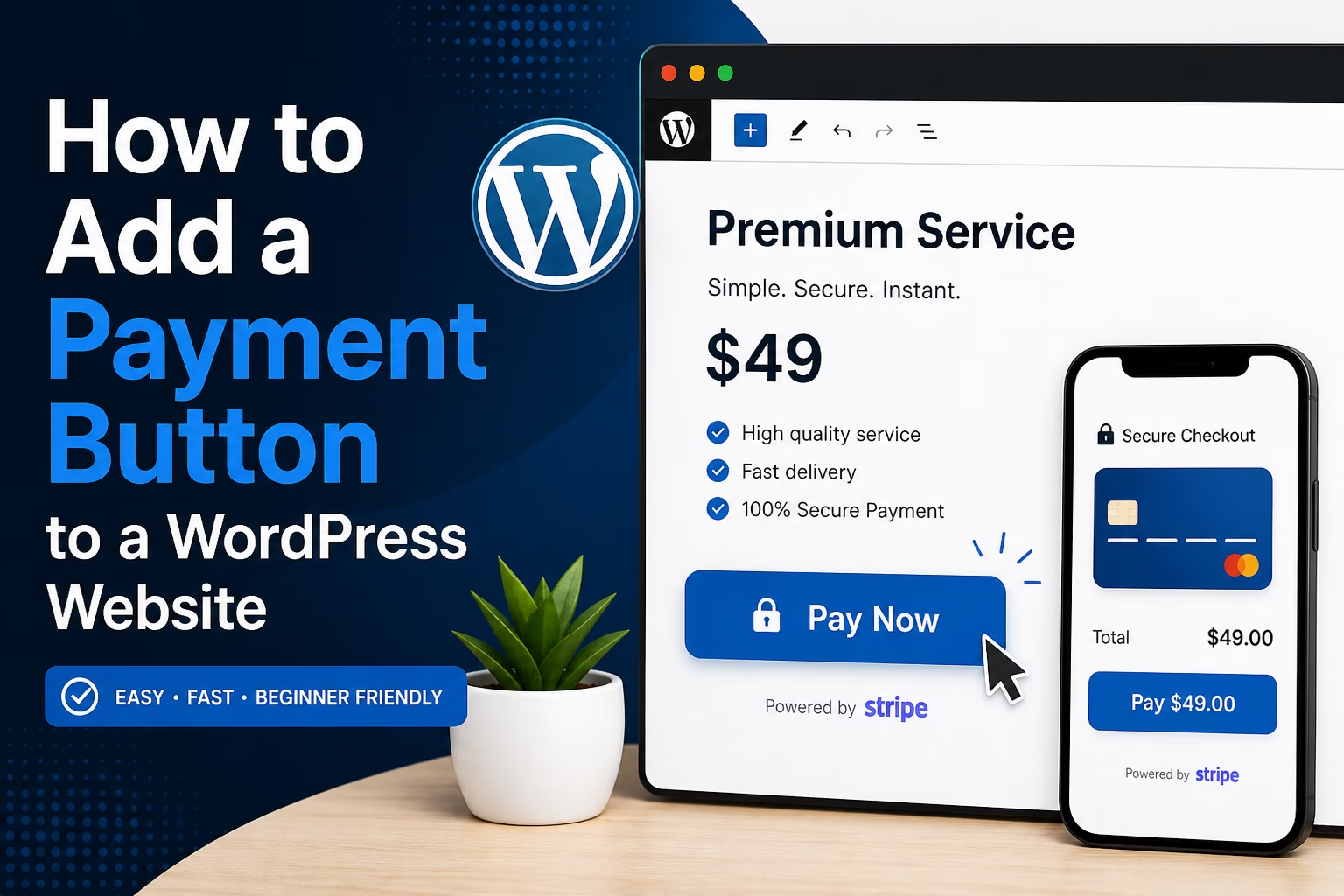
Learn how to add a simple payment button to a WordPress website, choose where to place it, connect it to your offers, and avoid common beginner mistakes.

Essential Steps to Create Your Website
This section covers the core steps required to set up a WordPress website from start to finish.
Learn how to choose hosting, install WordPress, configure settings, select themes, and install essential plugins to build a functional and reliable site.
These guides focus on practical setup decisions that help you build a strong foundation before moving on to design, content, and SEO.
Learn how to add a simple payment button to a WordPress website, choose where to place it, connect it to your offers, and avoid common beginner mistakes.
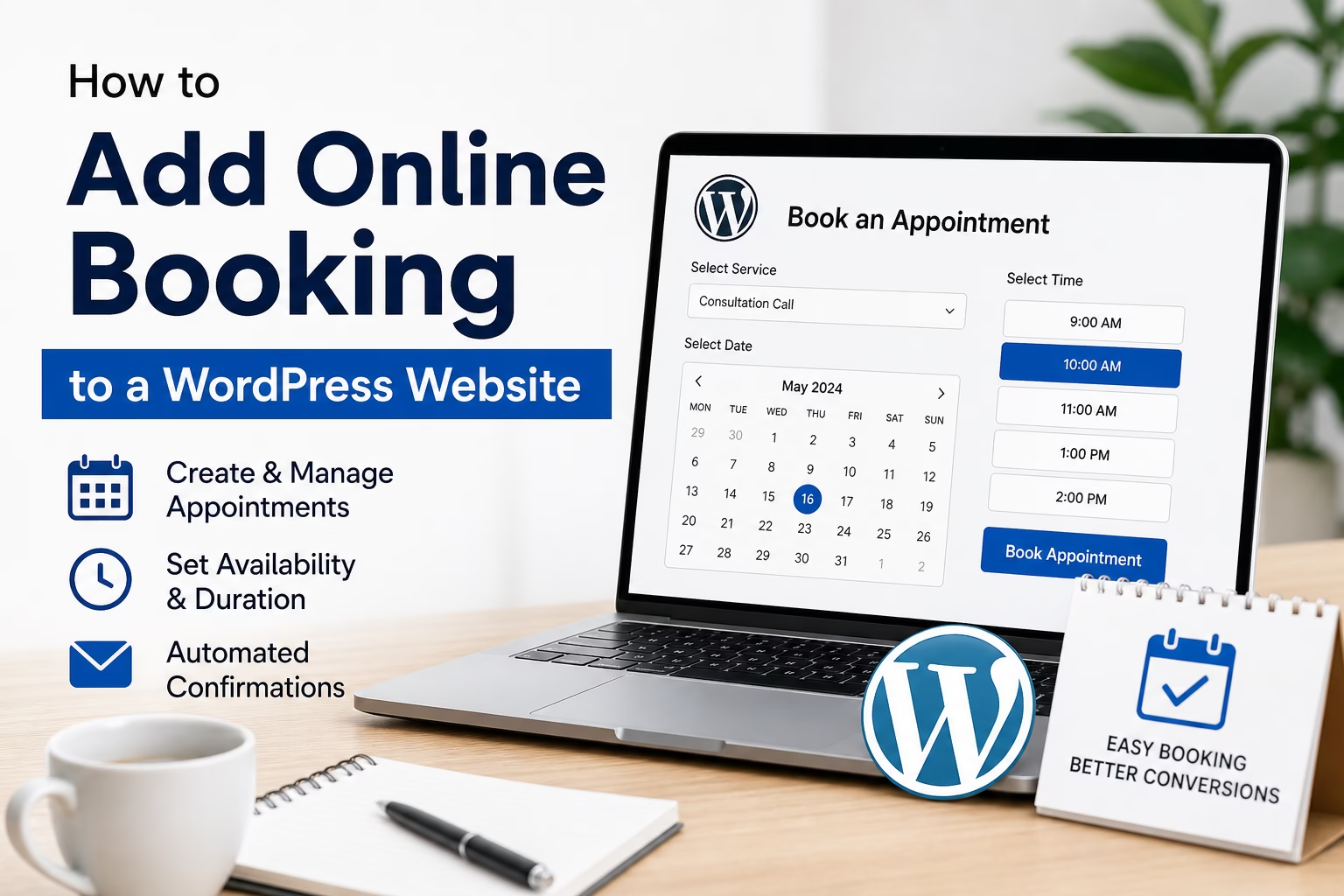
Learn how to add online booking to a WordPress website, choose the right booking method, create a booking page, and connect it with your service and contact pages.
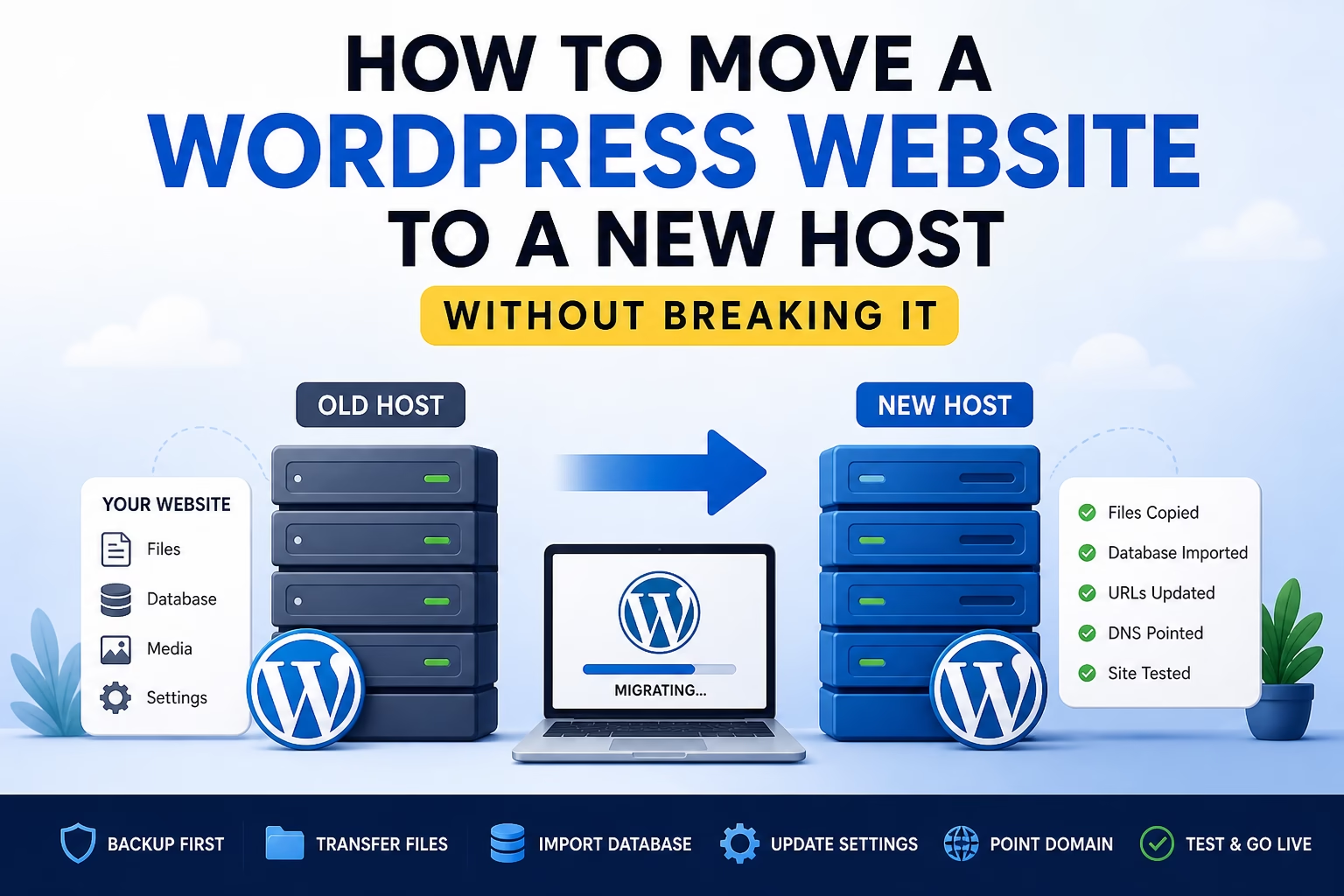
Learn how to move a WordPress website to a new host safely, including backups, files, database, DNS, testing, redirects, and post-migration checks.
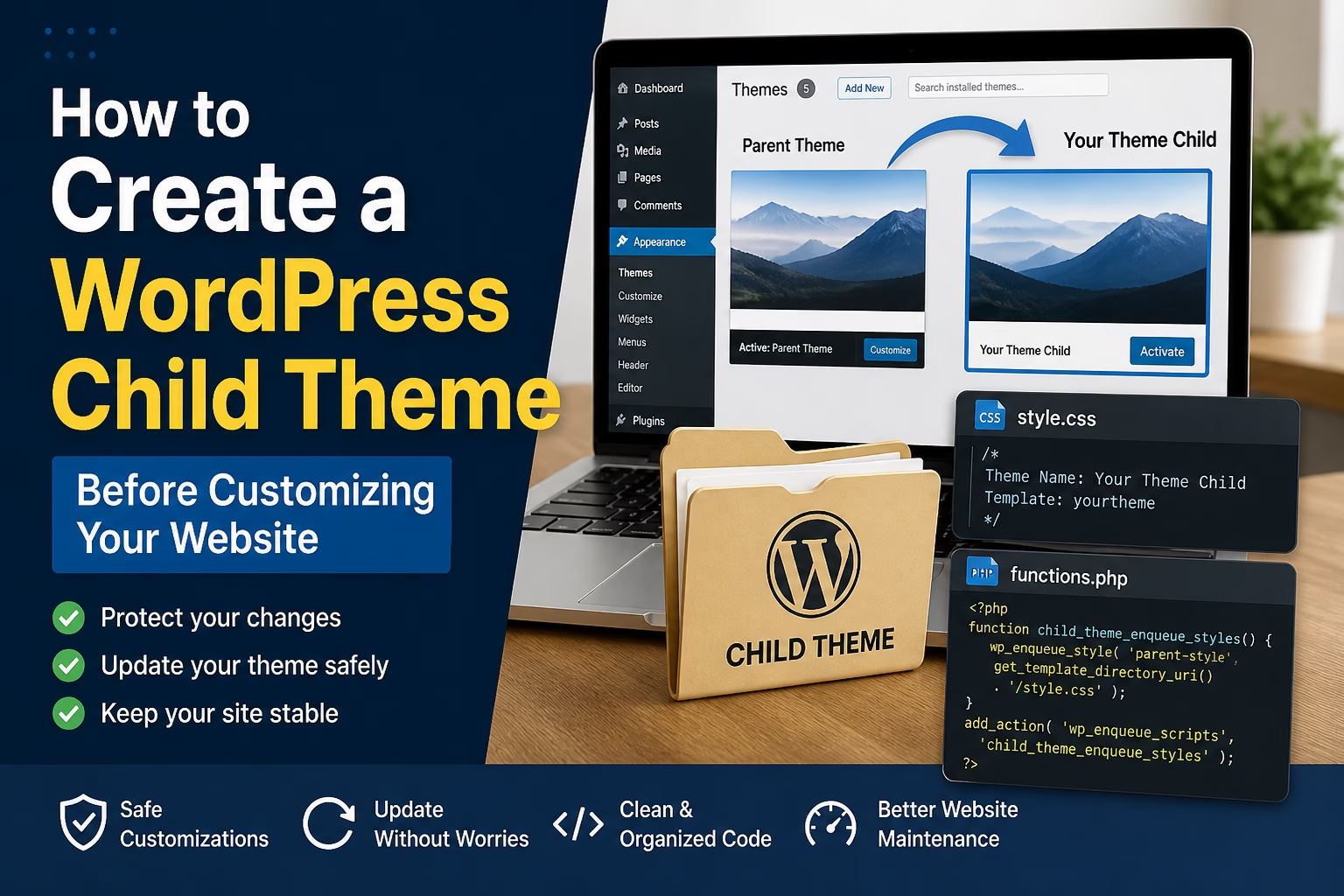
Learn what a WordPress child theme is, when you need one, and how to create one safely before editing your website design or theme files.
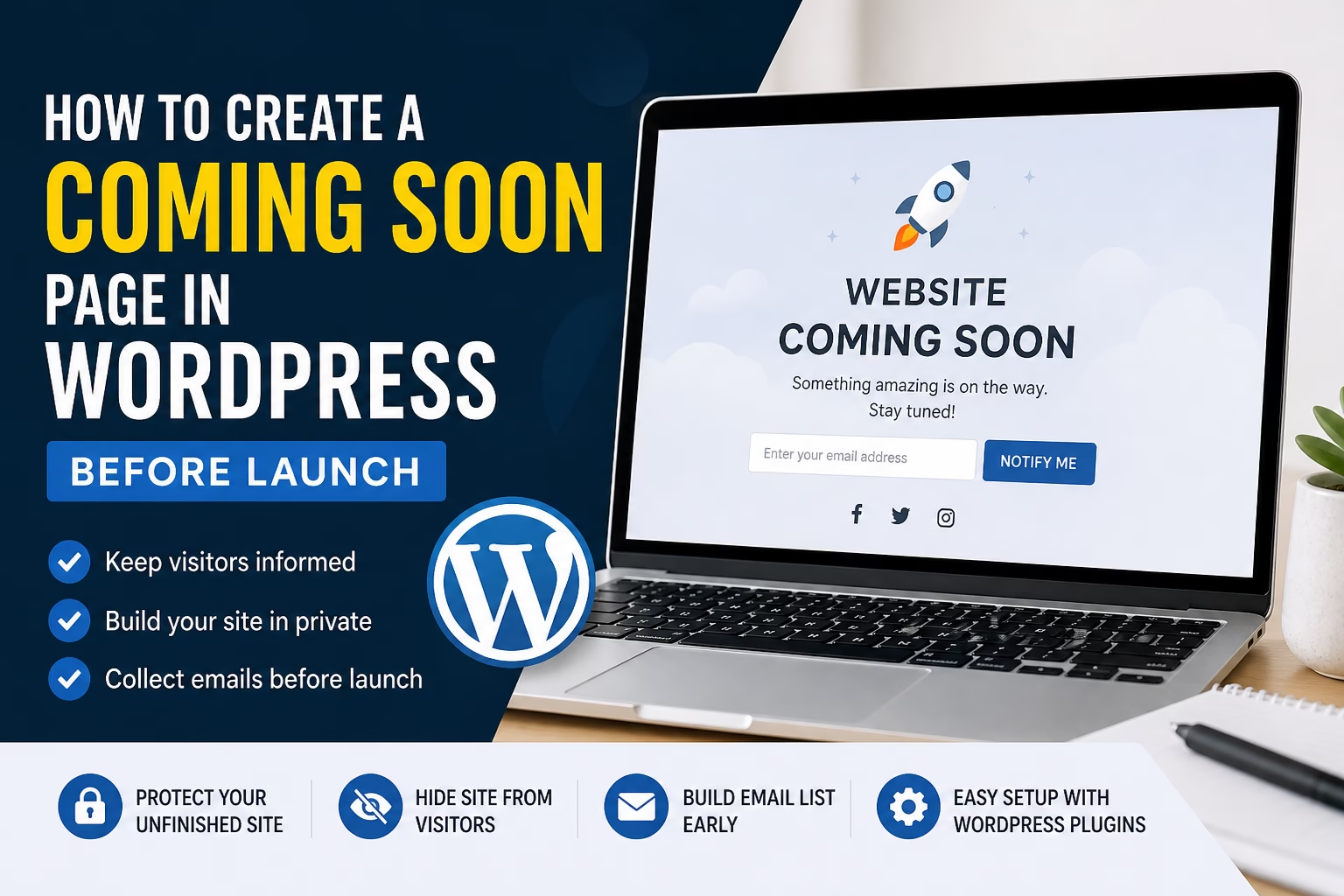
Learn how to create a coming soon page in WordPress before launch, what to include on it, and how to use it without blocking important setup work.
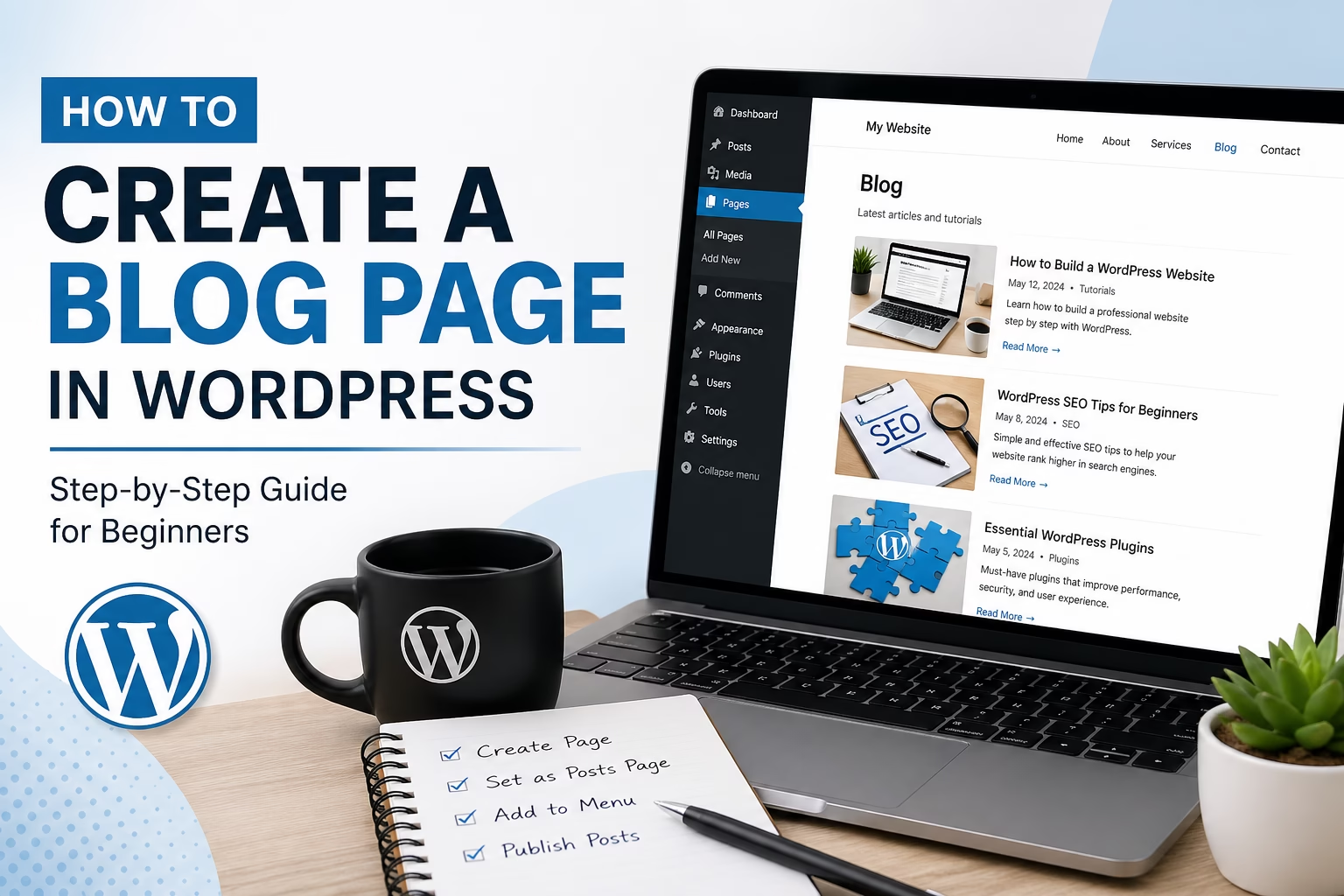
Learn how to create a blog page in WordPress, set it as your posts page, organize your latest articles, and make your blog easier for visitors to use.
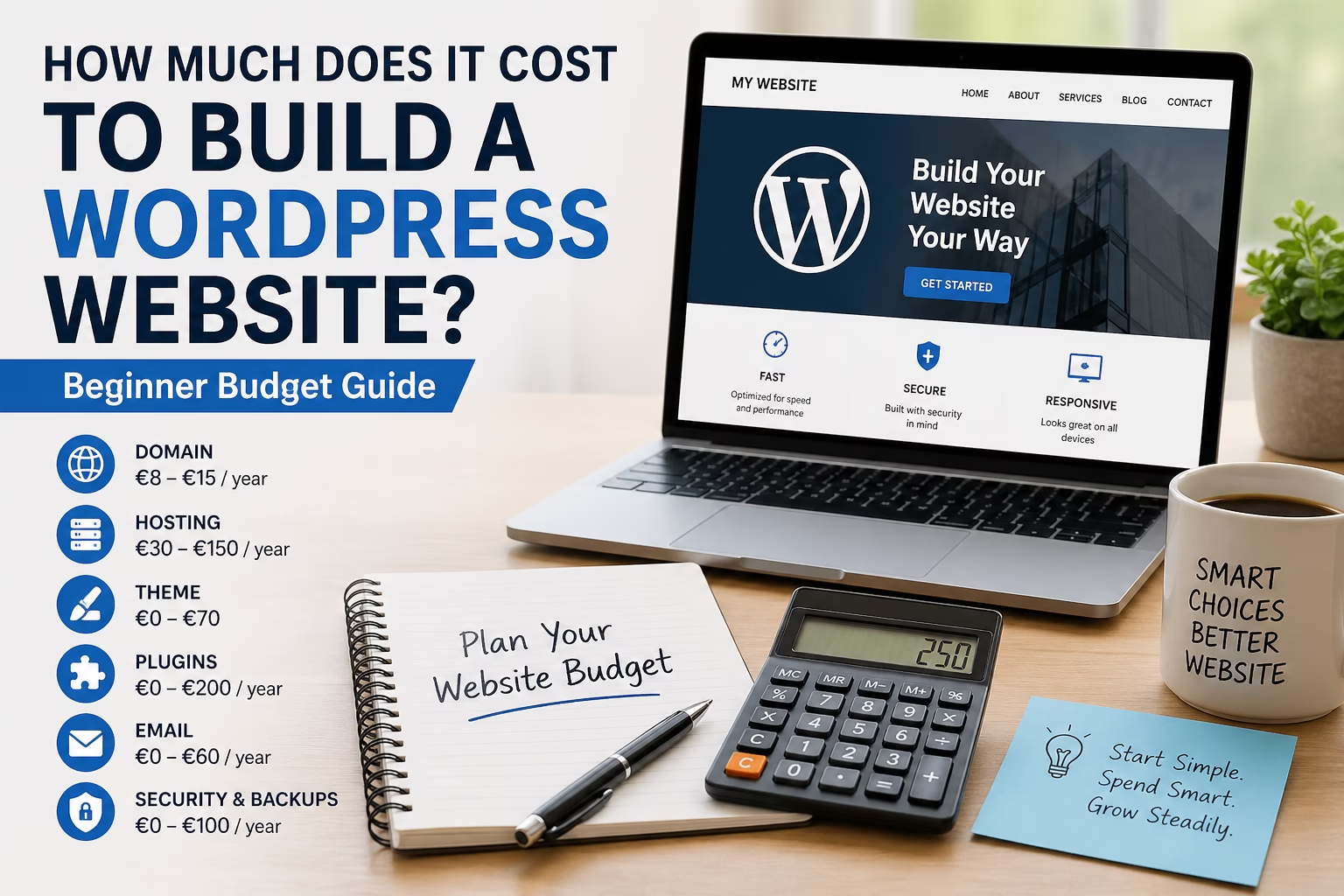
Learn the main costs of building a WordPress website, including domain, hosting, themes, plugins, email, security, and maintenance.
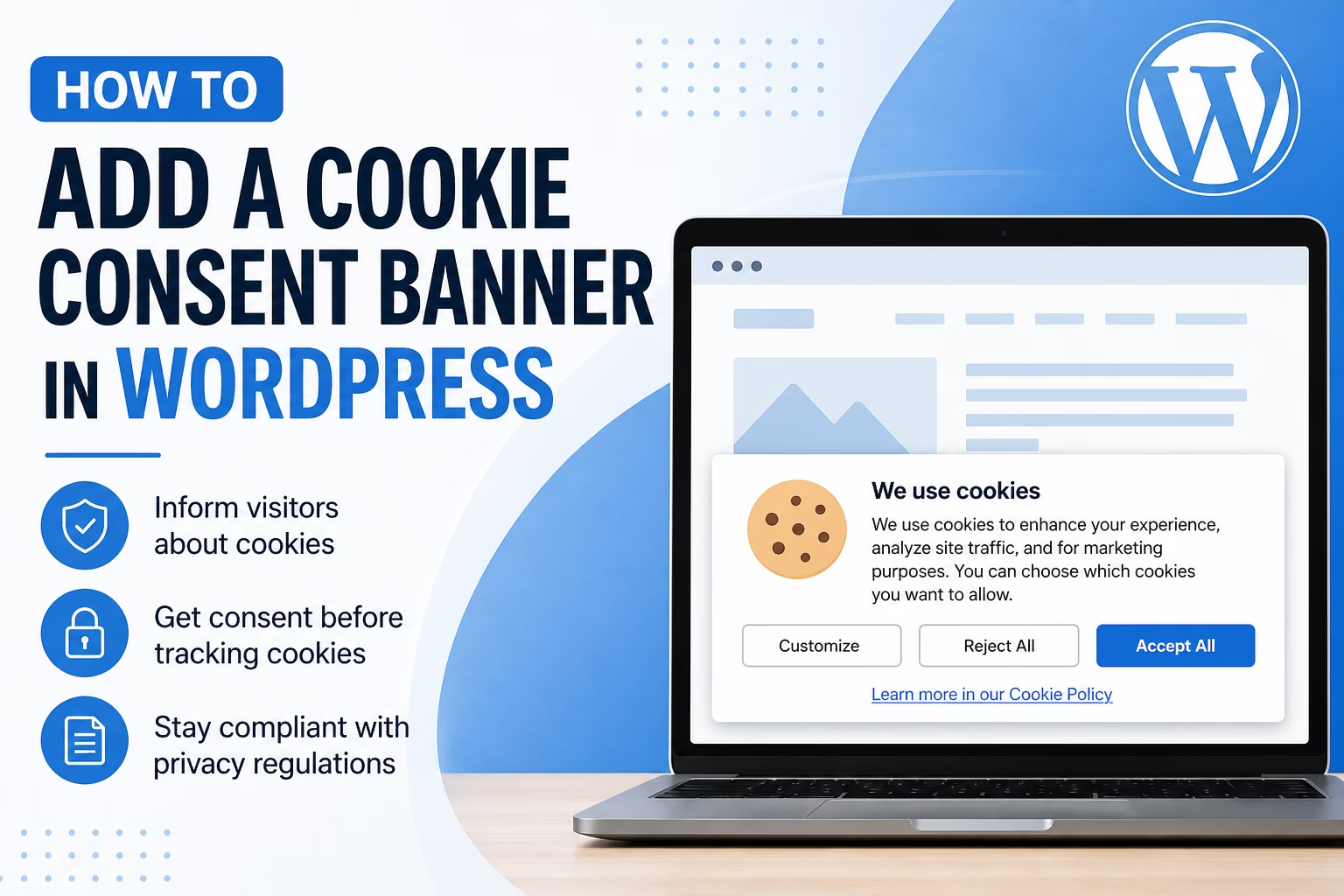
Learn how to add a cookie consent banner in WordPress, connect it with your cookie policy, and choose beginner-friendly settings for a new website.
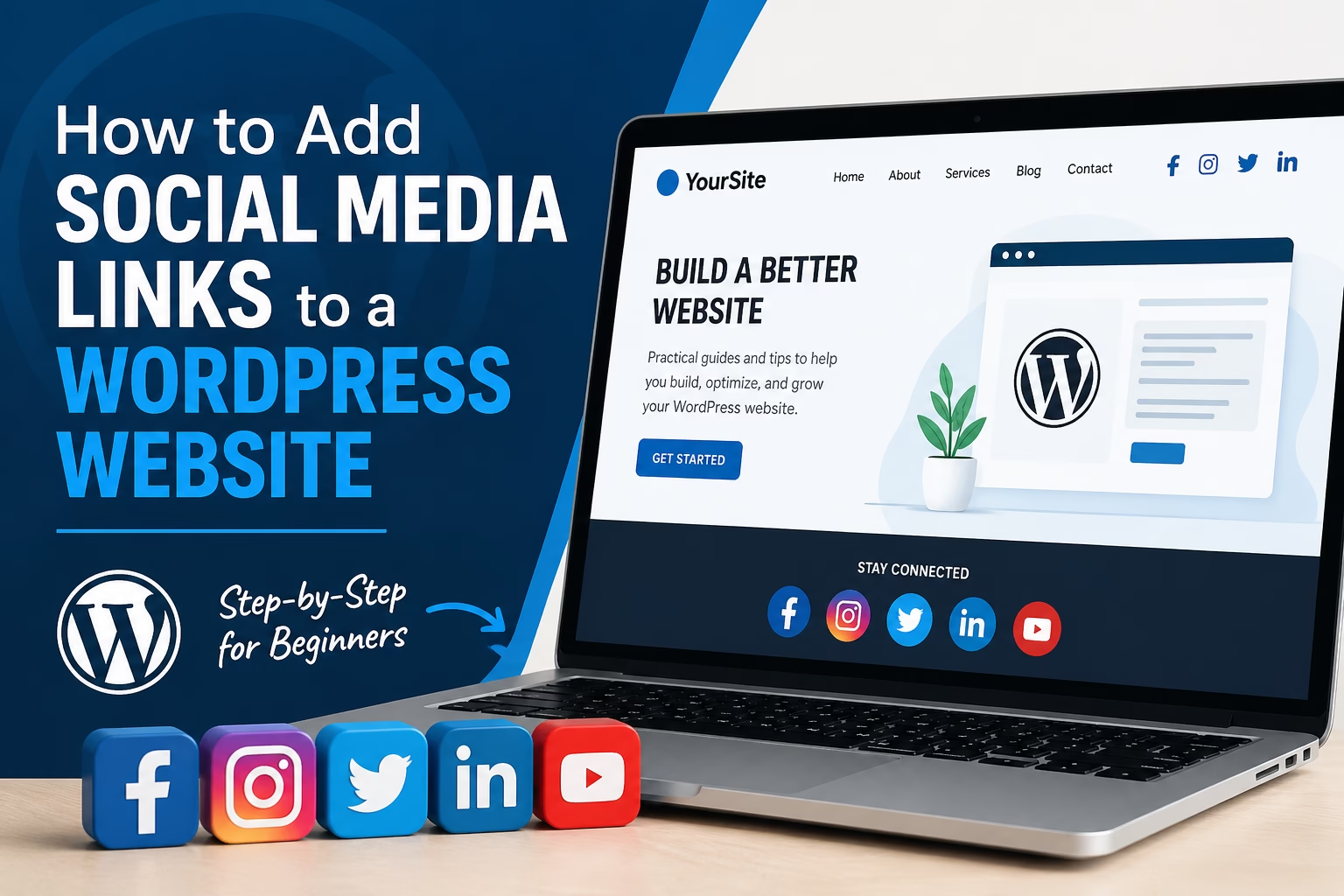
Learn how to add social media links to a WordPress website, including header, footer, menu, sidebar, and contact page placement for beginners.
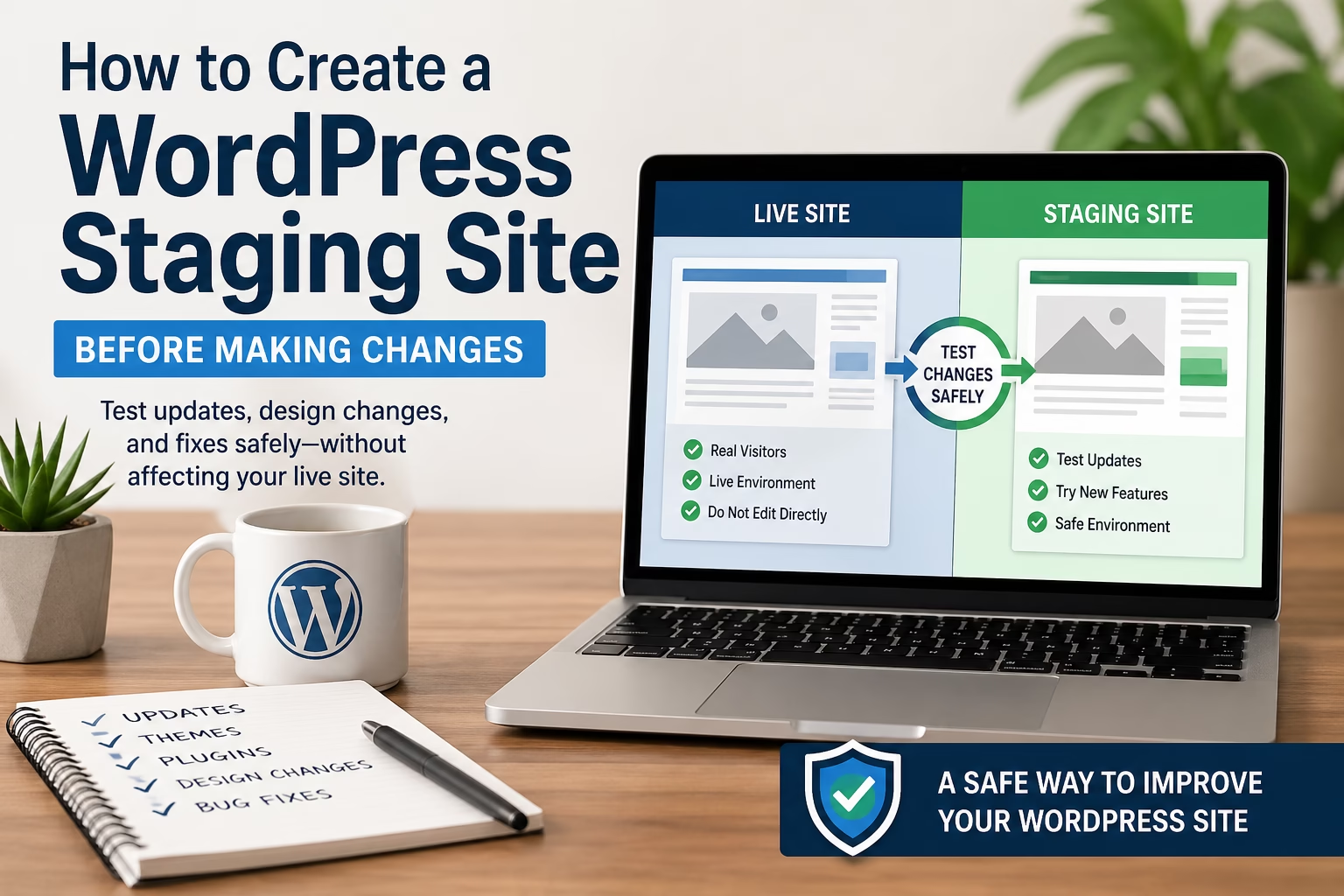
Learn how to create a WordPress staging site so you can safely test plugin updates, theme changes, design edits, and fixes before publishing them live.