How to Use Heading Tags Properly in WordPress for SEO and Readability
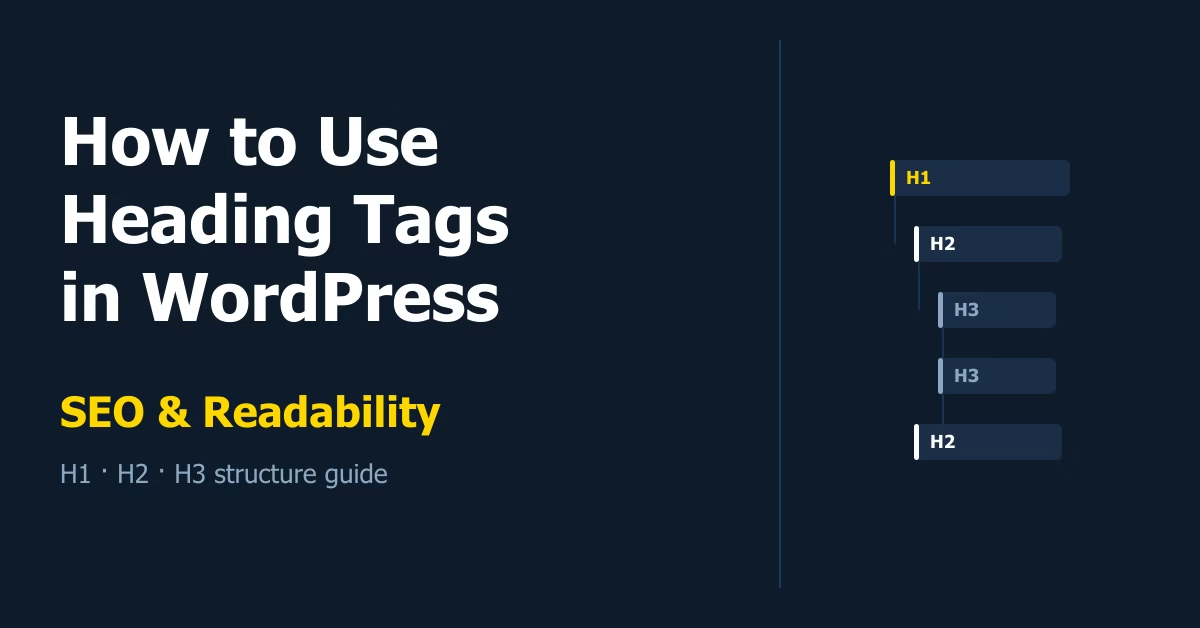
A practical guide to using H1, H2, and H3 heading tags correctly in WordPress — covering structure, SEO impact, readability, and common mistakes to avoid.

Essential Steps to Create Your Website
 Etienne Basson
A practical guide to using H1, H2, and H3 heading tags correctly in WordPress — covering structure, SEO impact, readability, and common mistakes to avoid.
A step-by-step guide to migrating your WordPress website to a new host with minimal downtime, covering both the plugin method and manual FTP approach.
Learn how to set up GA4 event tracking and conversion tracking on your WordPress website — enabling Enhanced Measurement, marking conversions, tracking form submissions, and verifying events with DebugView.
Learn how to set up 301 redirects in WordPress to fix broken URLs and preserve SEO value when pages move or are deleted — step-by-step guide using the Redirection plugin.
Learn how to use AI image generators to create featured images and blog visuals for your WordPress website — with step-by-step guidance on prompting, downloading, and uploading images without any design skills.
Learn how to make a WordPress website accessible with practical steps covering heading structure, colour contrast, image alt text, form labels, keyboard navigation, and mobile testing.
A missing logo and blank browser tab icon make any WordPress site look unfinished. This guide shows you how to create a simple logo and favicon using Canva, what sizes you need, and exactly where to upload them in WordPress.
Learn how to design clear website calls to action in WordPress. Improve clicks with better button text, placement, colour contrast, and page flow.
Learn how to set up a website header and footer in WordPress. This guide covers creating navigation menus, configuring the header for classic and block themes, building a practical footer structure, and applying both sections globally across your site.
Learn how to choose website images and visuals for a new WordPress site. Covers visual style, image sources, compression, alt text, and common mistakes to avoid.