Skip to content
Veravix

Veravix

Essential Steps to Create Your Website

  • Home
  • About
  • Privacy Policy
  • Terms and Conditions
  • Disclosure
  • Cookie Policy (EU)
  • Contact

Etienne Basson

Etienne Basson works with website systems, SEO-driven site architecture, and technical implementation. He writes practical guides on building, structuring, and optimizing websites for long-term growth.

How to Convert Images to WebP in WordPress for Faster Page Load Speed
June 10, 2026 by Etienne Basson
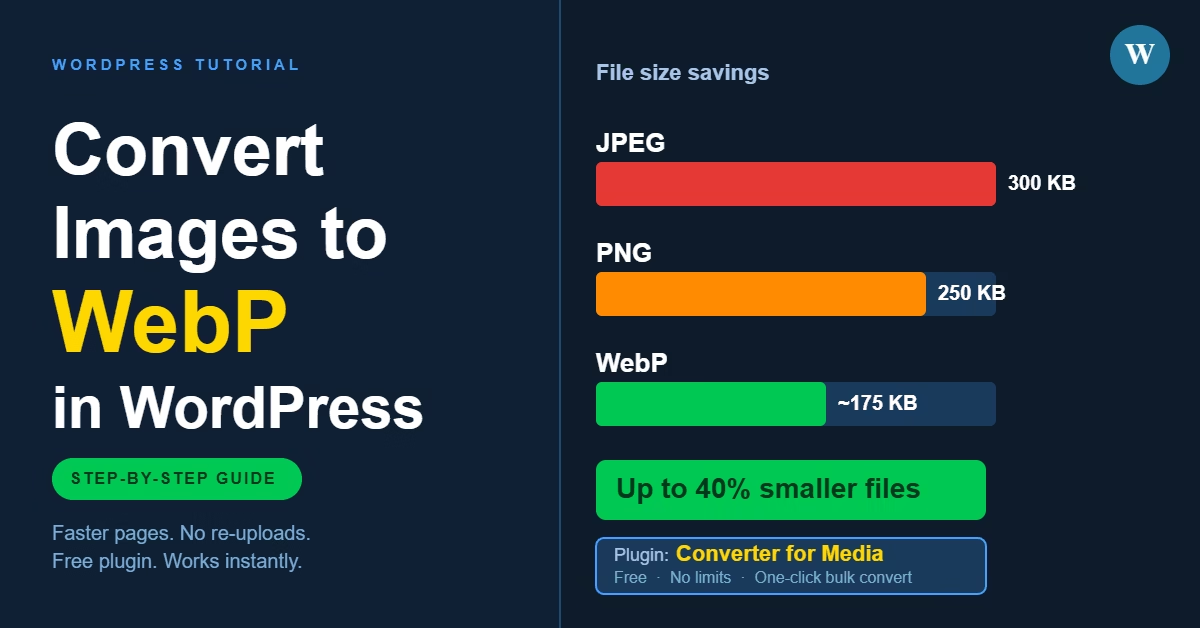
How to convert images to WebP in WordPress for faster page load speed

WordPress doesn’t convert images to WebP automatically. This guide shows how to serve WebP images on your WordPress site using a plugin, what settings to configure, and what to check to make sure it’s working.

Categories WordPress Setup

How to Choose a WordPress Theme for Your Website

June 27, 2026June 10, 2026 by Etienne Basson
How to choose a WordPress theme — guide covering speed, mobile responsiveness, plugins and updates

Choosing a WordPress theme is less about finding the most impressive design and more about selecting a reliable foundation. This guide covers what to look for in speed, mobile layout, customisation, and plugin compatibility before you install.

Categories WordPress Setup

Basic SEO Setup for a New WordPress Website

June 24, 2026June 10, 2026 by Etienne Basson
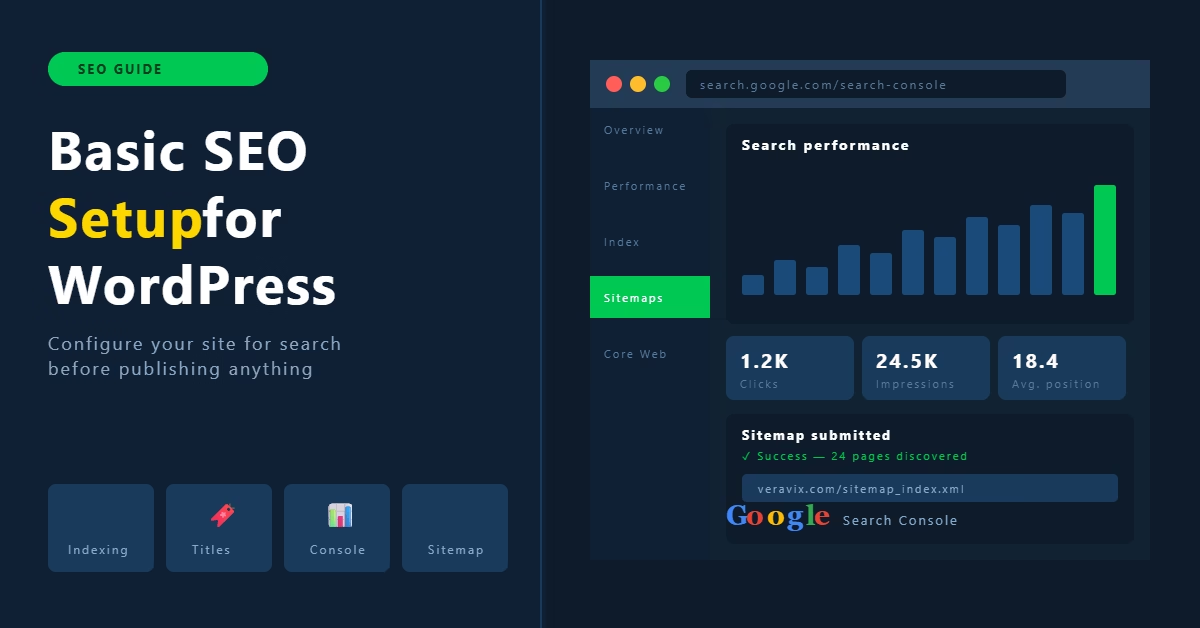
Basic SEO setup for a new WordPress website showing Google Search Console dashboard with performance chart and sitemap submission

How to configure basic SEO settings on a new WordPress website — search indexing, titles, meta descriptions, heading structure, Google Search Console, and XML sitemaps.

Categories SEO, WordPress Setup

How to Choose Website Hosting for a New WordPress Site

July 21, 2026June 9, 2026 by Etienne Basson
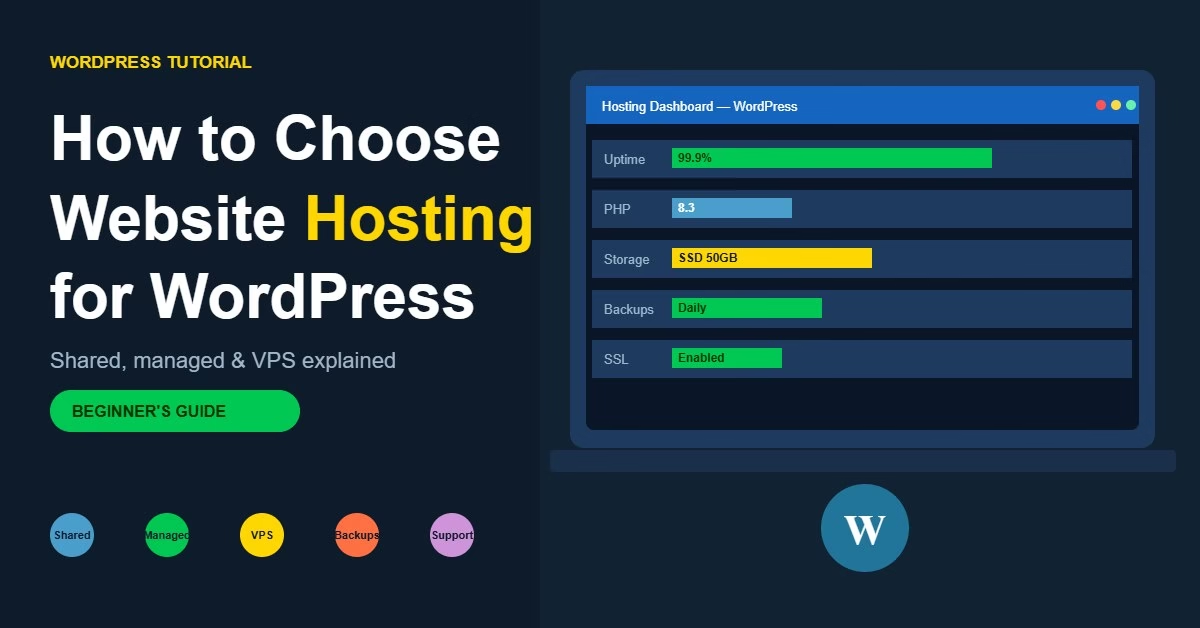
WordPress hosting dashboard showing uptime, PHP version, storage, backups and SSL certificate for a new WordPress website

Choosing the right WordPress hosting affects site speed, reliability, and how easy the site is to manage. This guide covers hosting types, key features to look for, and common mistakes to avoid.

Categories WordPress Setup

Essential WordPress Plugins for New Websites (And What Each One Does)

July 1, 2026June 9, 2026 by Etienne Basson
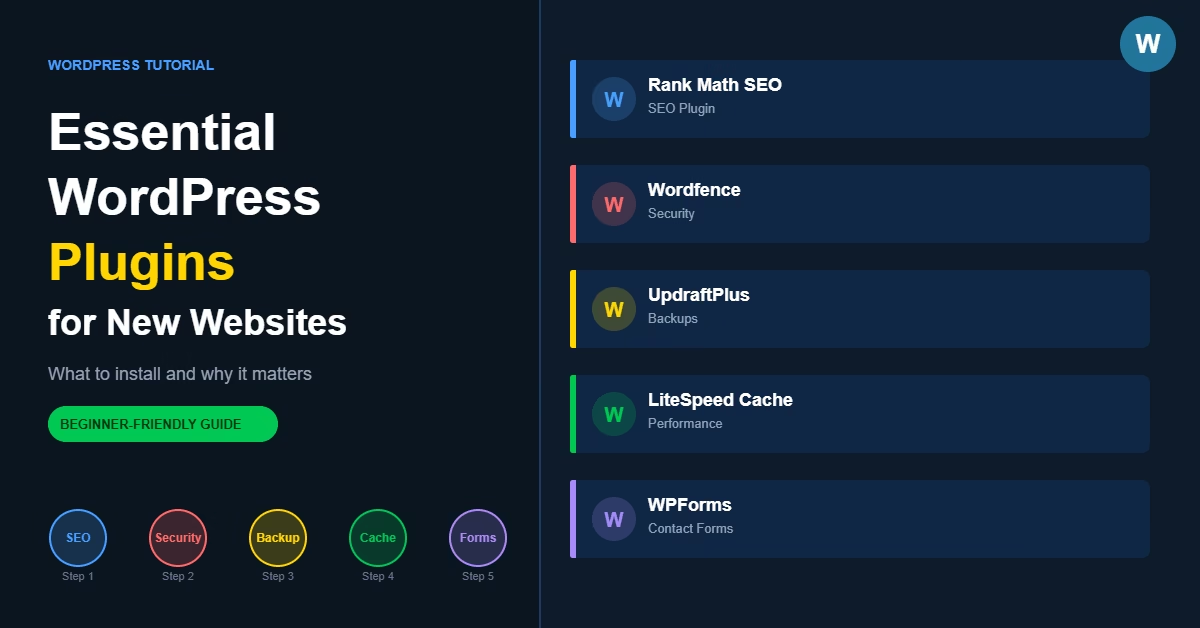
Essential WordPress plugins guide showing SEO, security, backup, caching and contact form plugin categories

Most new WordPress websites need only five types of plugins: one for SEO, one for security, one for backups, one for caching, and one for contact forms. This guide covers what to install, which options work well, and the common mistakes to avoid when building your plugin stack.

Categories WordPress Setup

Website Structure Explained: How to Plan Pages and Navigation for SEO

June 17, 2026June 9, 2026 by Etienne Basson
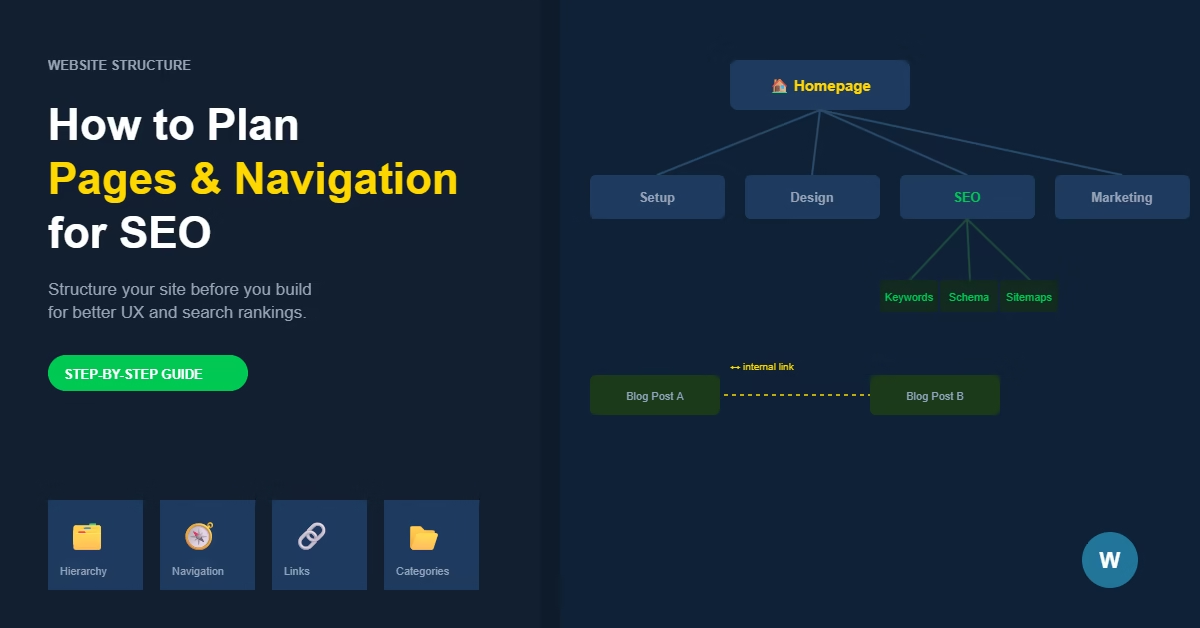
Diagram showing a website structure with homepage, sections, and internal links connecting related pages for SEO

A clear website structure makes it easier for visitors to navigate and for search engines to understand your site. This guide covers how to plan your pages, hierarchy, navigation, and internal links before you build.

Categories SEO, Website Structure

How to Use Google PageSpeed Insights to Improve Your WordPress Website

June 26, 2026June 9, 2026 by Etienne Basson
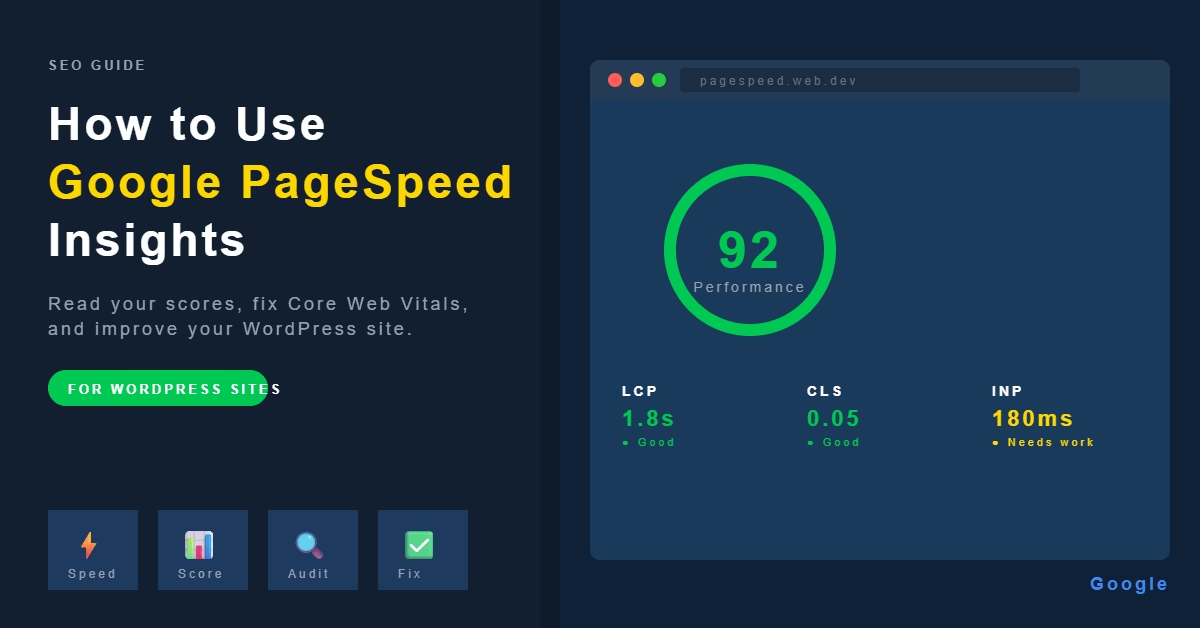
Google PageSpeed Insights report showing performance score of 92, Core Web Vitals metrics for LCP, CLS and INP on a WordPress website

Google PageSpeed Insights gives you a performance score for your site and flags exactly what’s slowing it down. This guide explains how to read the report, understand Core Web Vitals, and make practical improvements in WordPress — without needing a developer.

Categories SEO

How to Choose the Right Domain Name for Your Website

July 16, 2026June 9, 2026 by Etienne Basson
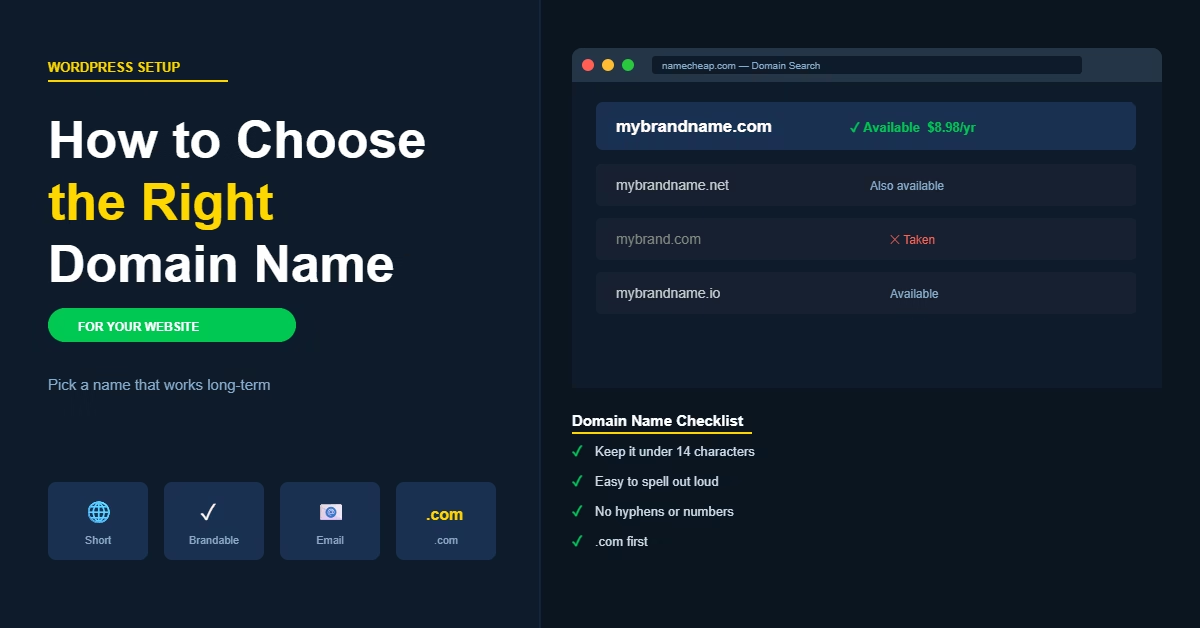
How to choose the right domain name for your website

How to choose the right domain name for your website. Covers length, extensions, brandability, common mistakes, and when keyword domains still make sense.

Categories WordPress Setup

How to Create a WordPress Maintenance Mode Page for Your Website

June 7, 2026 by Etienne Basson
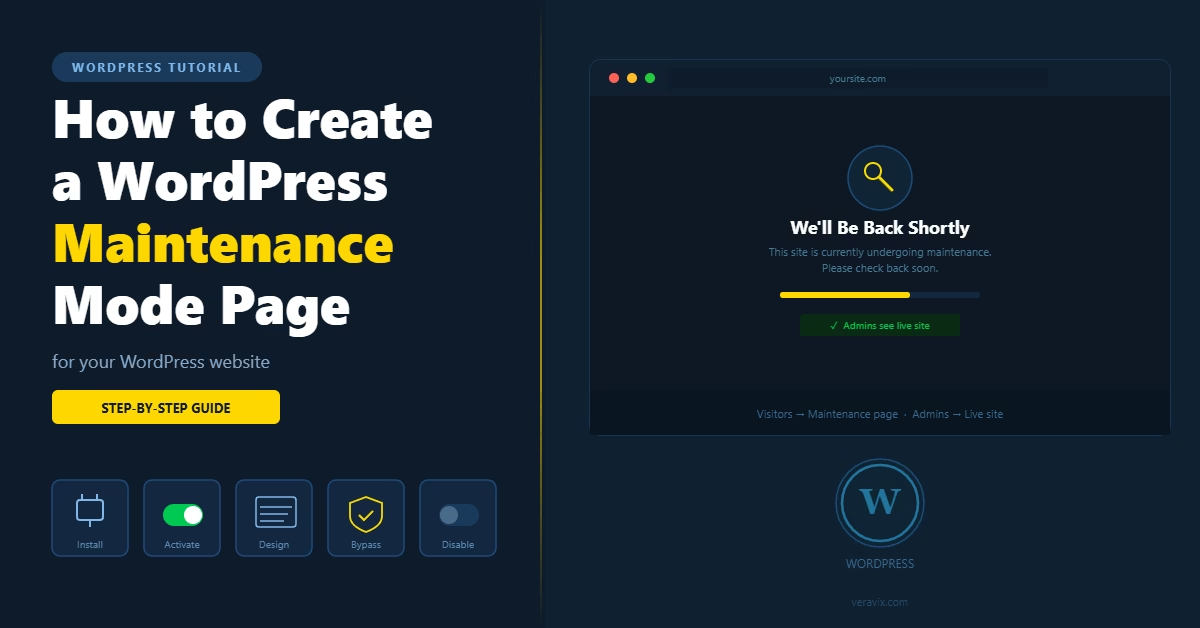
How to Create a WordPress Maintenance Mode Page for Your Website

Learn how to put your WordPress website into maintenance mode, set up a custom coming soon or maintenance page, and manage access for logged-in users while the site is being updated.

Categories WordPress Setup

How to Add a Quiz or Assessment to WordPress for Lead Generation

July 12, 2026June 5, 2026 by Etienne Basson
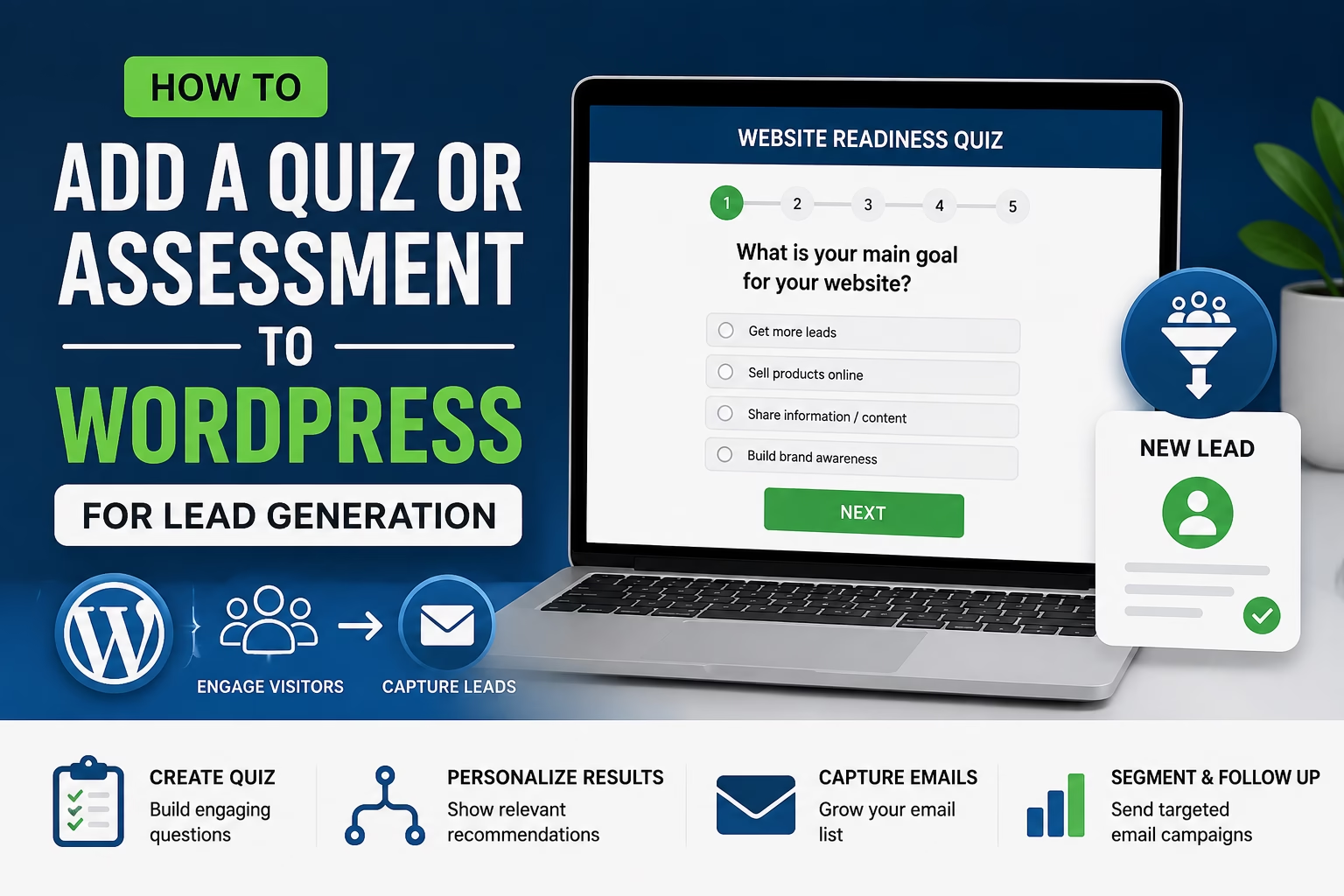
How to Add a Quiz or Assessment to WordPress for Lead Generation

Learn how to create a quiz or assessment in WordPress to capture leads, segment subscribers, and guide visitors toward the right offer.

Categories Website Marketing
Older posts
Newer posts
← Previous Page1 … Page25 Page26 Page27 … Page29 Next →

Categories

  • Artificial Intelligence (13)
  • Content Strategy (14)
  • Ecommerce (27)
  • Freelancing (13)
  • SEO (40)
  • Web Hosting (14)
  • Website Analytics (14)
  • Website Design (14)
  • Website Marketing (21)
  • Website Monetisation (14)
  • Website Security (14)
  • Website Structure (24)
  • WordPress Maintenance (16)
  • WordPress Performance (14)
  • WordPress Setup (51)

Latest Posts

  • How to monitor WordPress uptime for a new website
    How to Monitor WordPress Uptime for a New WebsiteJuly 21, 2026
    A WordPress site can go offline for all sorts of ordinary reasons, and unless something is actively watching, you usually find out from a customer first. Here's how to set up uptime monitoring properly, including alerts, check intervals, and a response plan for when something breaks.
  • How to set up auto-renewal for your hosting and domain
    How to Set Up Auto-Renewal for Your Hosting and DomainJuly 21, 2026
    Losing a live website to a missed domain or hosting renewal is entirely avoidable. Here's how to switch on auto-renewal for both, add a backup payment method, and set a manual safety-net reminder in under ten minutes.
  • Illustration for a guide on creating a WordPress website backup schedule
    How to Create a Website Backup Schedule in WordPressJuly 20, 2026
    A backup you haven't tested, running on a schedule you haven't checked, isn't a safety net — it's a guess. Here's how to set up a WordPress backup schedule that will actually save you when something breaks.
  • Illustration for a guide on auditing and removing unused WordPress plugins and themes
    How to Audit and Remove Unused Plugins and Themes in WordPressJuly 20, 2026
    Every unused plugin and theme sitting in your WordPress install is a security risk and a performance drag. Here's how to find them, decide what to keep, and safely remove the rest.
  • How to set up WooCommerce product categories and tags for beginners
    How to Set Up WooCommerce Product Categories and Tags for BeginnersJuly 20, 2026
    A practical guide to structuring WooCommerce product categories and tags — the difference between them, how to set each up, and the mistakes that turn a store's navigation into a mess.
  • How to manage guest contributors for a WordPress blog
    How to Manage Guest Contributors for a WordPress BlogJuly 20, 2026
    A practical guide to bringing outside writers onto a WordPress blog safely — from setting up the Contributor role to running a review workflow that keeps quality and your voice consistent.
  • Illustration of grouped product boxes representing a WooCommerce product bundle
    How to Create Product Bundles in WooCommerce for BeginnersJuly 19, 2026
    WooCommerce doesn't bundle products with combined pricing out of the box. Here's how to set up real product bundles — fixed or flexible — with the right plugin, pricing, and stock behaviour.
  • Illustration of a price tag with a dollar sign, representing selling a WordPress website
    How to Sell a WordPress Website for the Best PriceJuly 19, 2026
    Selling a WordPress website means more than agreeing a number with a buyer. Here's how to value the site properly, protect the sale with escrow, and hand over the domain, hosting, and accounts without losing rankings or traffic.
  • Featured image for how to add upsells and cross-sells in WooCommerce for beginners
    How to Add Upsells and Cross-Sells in WooCommerce for BeginnersJuly 19, 2026
    Learn how to use WooCommerce's built-in Upsells and Cross-sells fields to show better alternatives on the product page and complementary add-ons in the cart — no plugin required.
  • Featured image for how to optimize the WordPress Heartbeat API to reduce server load
    How to Optimize the WordPress Heartbeat API to Reduce Server LoadJuly 19, 2026
    Learn how to tune WordPress's Heartbeat API to cut unnecessary admin-ajax.php requests, reduce server CPU load, and speed up the dashboard — without breaking autosave or post locking.

Search

Quick Links

  • Home
  • About
  • Privacy Policy
  • Terms and Conditions
  • Disclosure
  • Cookie Policy (EU)
  • Contact
© 2026 Veravix • Built with GeneratePress
Manage your privacy

To provide the best experiences, we and our partners use technologies like cookies to store and/or access device information. Consenting to these technologies will allow us and our partners to process personal data such as browsing behavior or unique IDs on this site and show (non-) personalized ads. Not consenting or withdrawing consent, may adversely affect certain features and functions.

Click below to consent to the above or make granular choices. Your choices will be applied to this site only. You can change your settings at any time, including withdrawing your consent, by using the toggles on the Cookie Policy, or by clicking on the manage consent button at the bottom of the screen.

Functional Always active
The technical storage or access is strictly necessary for the legitimate purpose of enabling the use of a specific service explicitly requested by the subscriber or user, or for the sole purpose of carrying out the transmission of a communication over an electronic communications network.
Preferences
The technical storage or access is necessary for the legitimate purpose of storing preferences that are not requested by the subscriber or user.
Statistics
The technical storage or access that is used exclusively for statistical purposes. The technical storage or access that is used exclusively for anonymous statistical purposes. Without a subpoena, voluntary compliance on the part of your Internet Service Provider, or additional records from a third party, information stored or retrieved for this purpose alone cannot usually be used to identify you.
Marketing
The technical storage or access is required to create user profiles to send advertising, or to track the user on a website or across several websites for similar marketing purposes.
Statistics

Marketing

Features
Always active

Always active
  • Manage options
  • Manage services
  • Manage {vendor_count} vendors
  • Read more about these purposes
Manage options
  • {title}
  • {title}
  • {title}