Skip to content
Veravix

Veravix

Essential Steps to Create Your Website

  • Home
  • About
  • Privacy Policy
  • Terms and Conditions
  • Disclosure
  • Cookie Policy (EU)
  • Contact

WordPress Setup

This section covers the core steps required to set up a WordPress website from start to finish.

Learn how to choose hosting, install WordPress, configure settings, select themes, and install essential plugins to build a functional and reliable site.

These guides focus on practical setup decisions that help you build a strong foundation before moving on to design, content, and SEO.

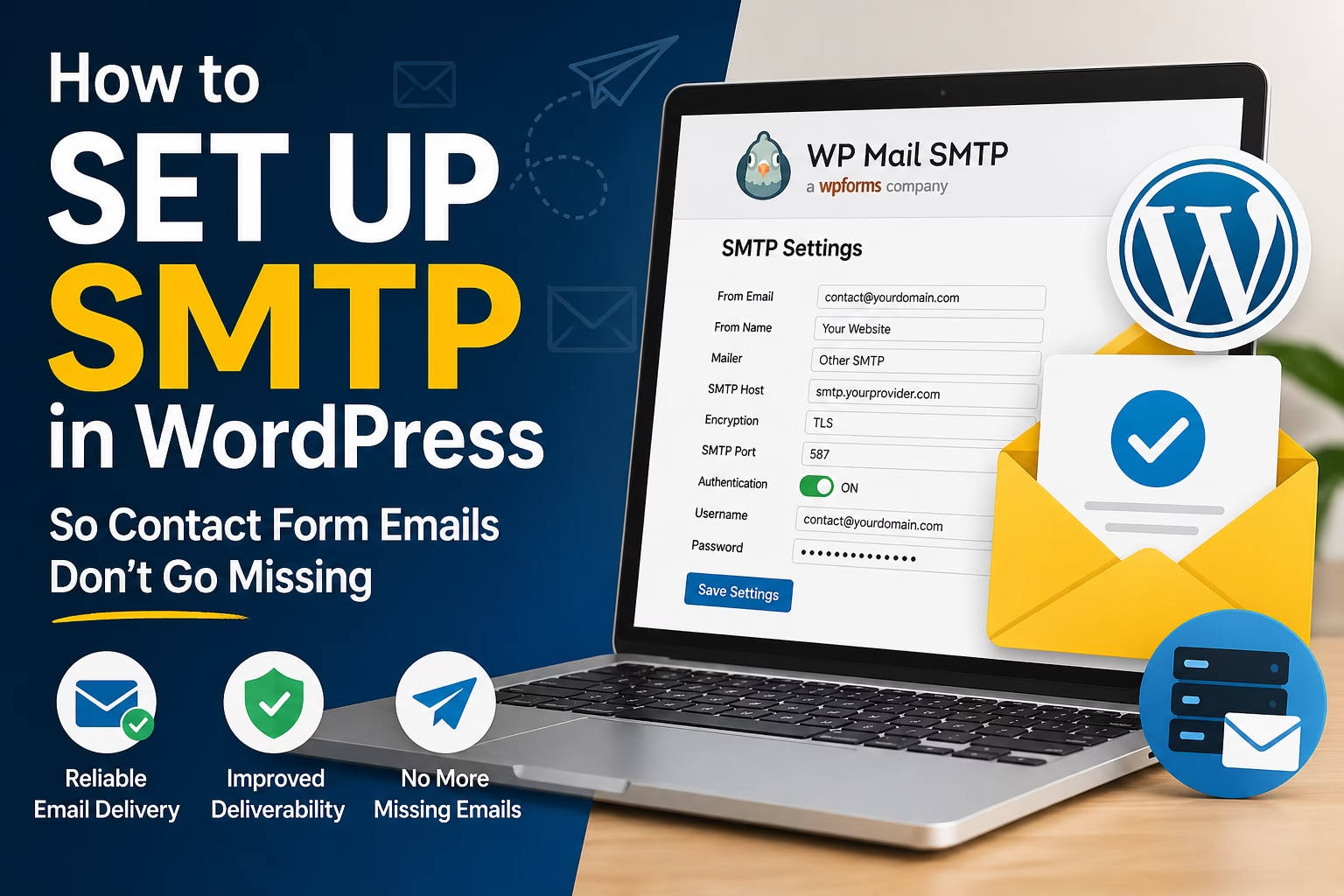
How to Set Up SMTP in WordPress So Contact Form Emails Don’t Go Missing
May 22, 2026April 28, 2026 by Etienne Basson
How to Set Up SMTP in WordPress So Contact Form Emails Don’t Go Missing

Learn how to set up SMTP in WordPress so contact form messages, notifications, and website emails are delivered reliably instead of landing in spam or disappearing.
Categories WordPress Setup

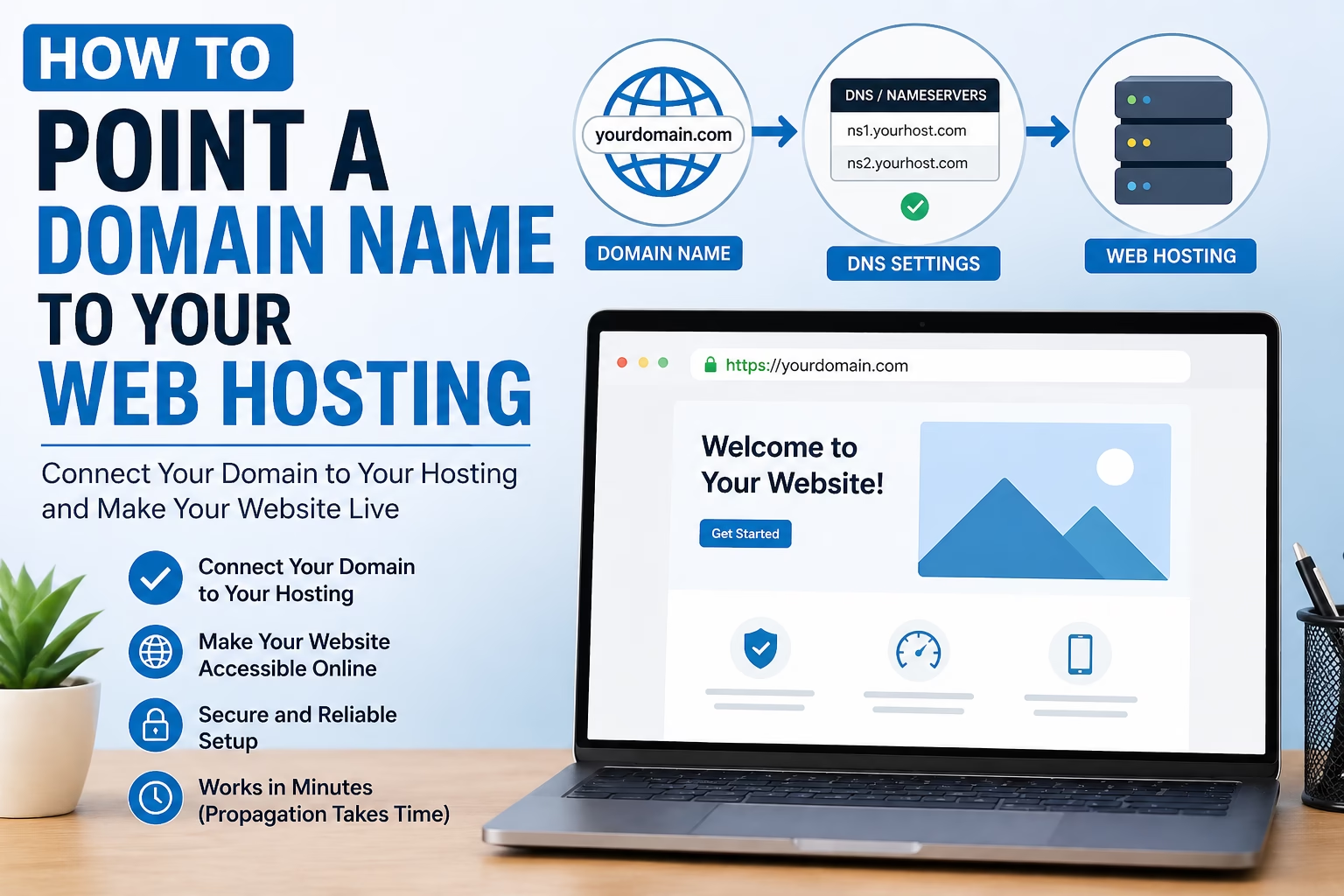
How to Point a Domain Name to Your Web Hosting

April 27, 2026 by Etienne Basson
How to Point a Domain Name to Your Web Hosting

Learn how to point a domain name to your web hosting using nameservers or DNS records, and what to check before connecting your WordPress website.

Categories WordPress Setup

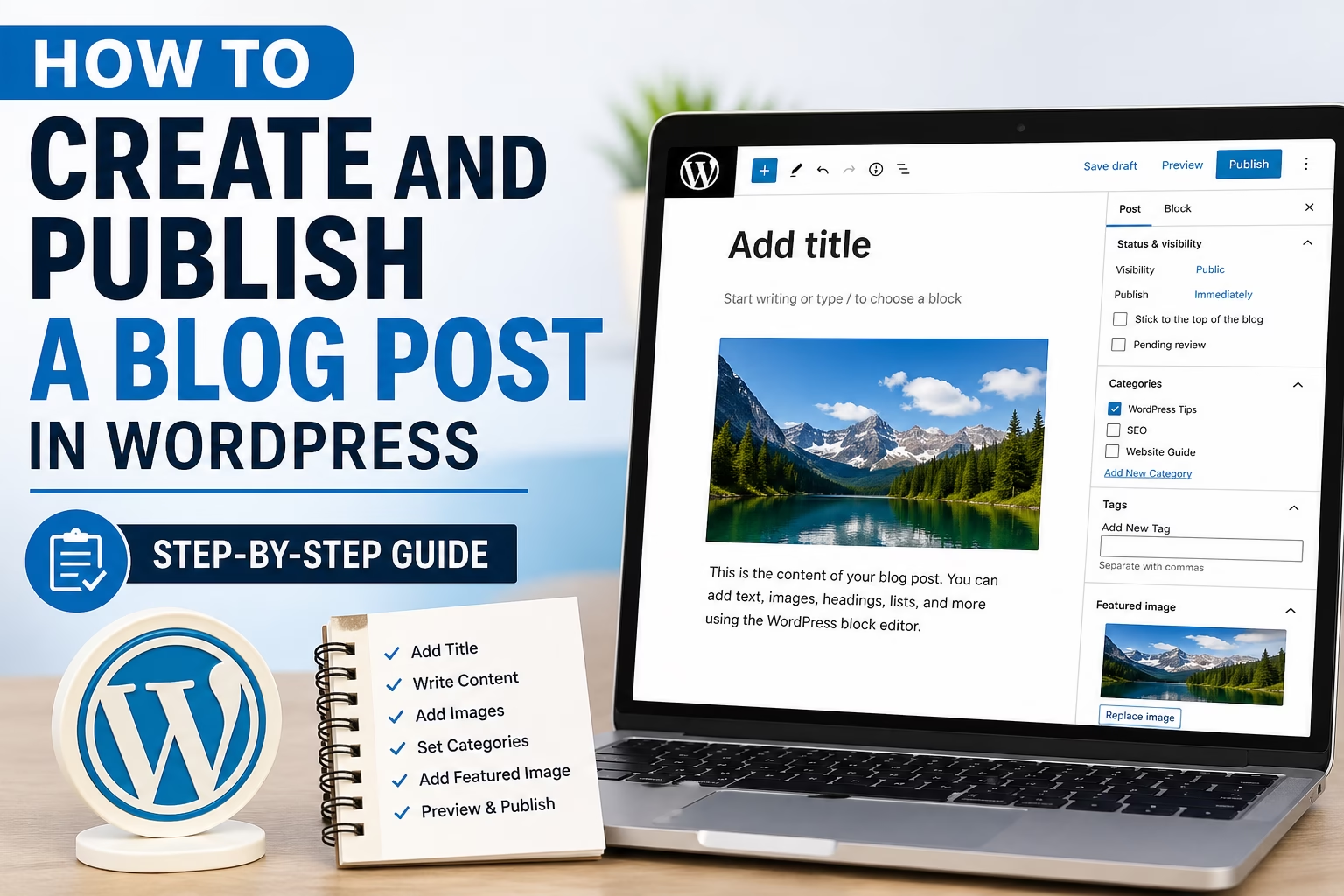
How to Create and Publish a Blog Post in WordPress (Step-by-Step)

May 19, 2026April 27, 2026 by Etienne Basson
How to Create and Publish a Blog Post in WordPress (Step-by-Step)

Learn how to create, format, and publish a WordPress blog post step by step, including adding content, images, categories, tags, and featured images.

Categories WordPress Setup

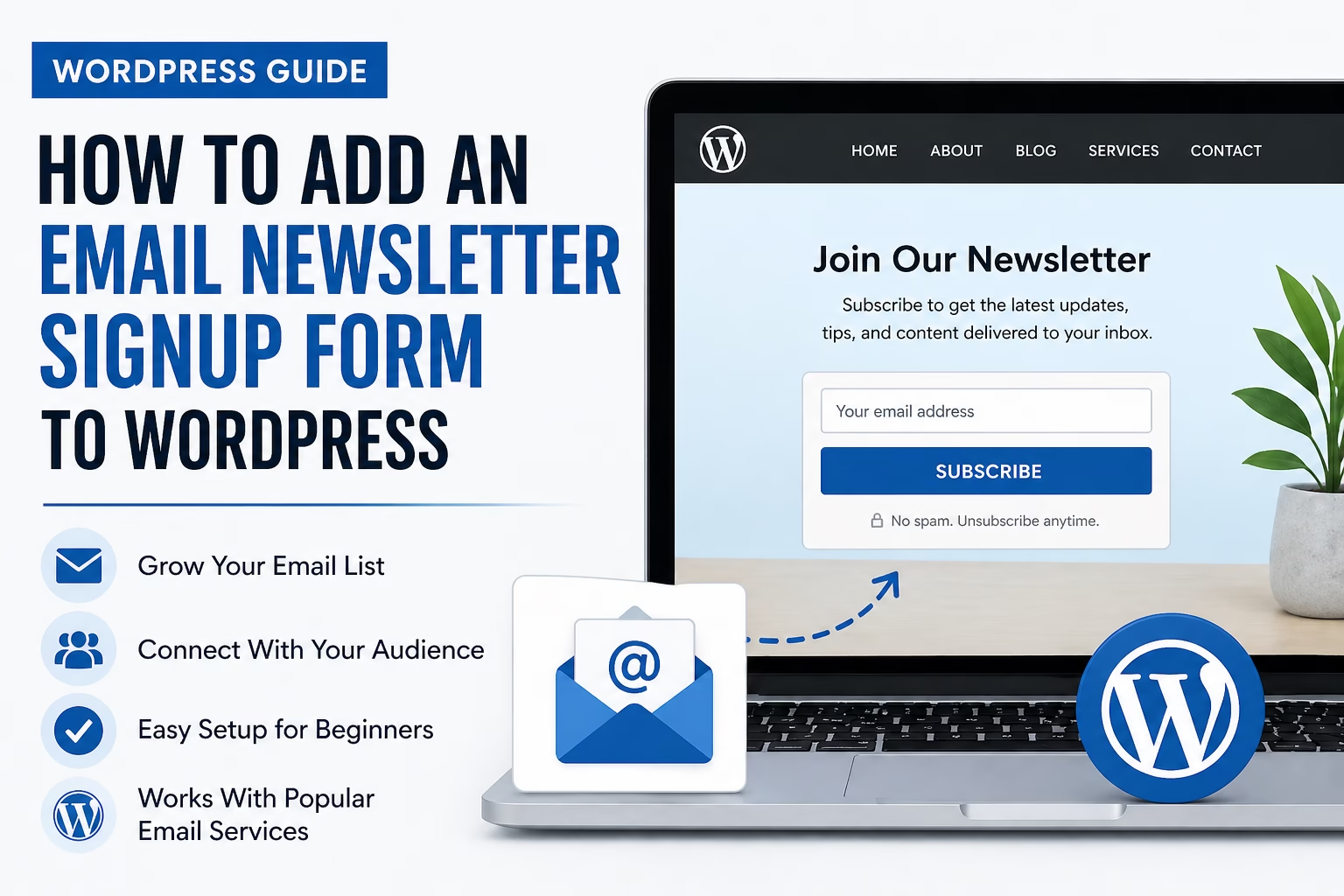
How to Add an Email Newsletter Signup Form to WordPress

May 10, 2026April 27, 2026 by Etienne Basson
How to Add an Email Newsletter Signup Form to WordPress

Learn how to add an email newsletter signup form to WordPress, choose where to place it, connect it to an email service, and avoid common setup mistakes.

Categories WordPress Setup

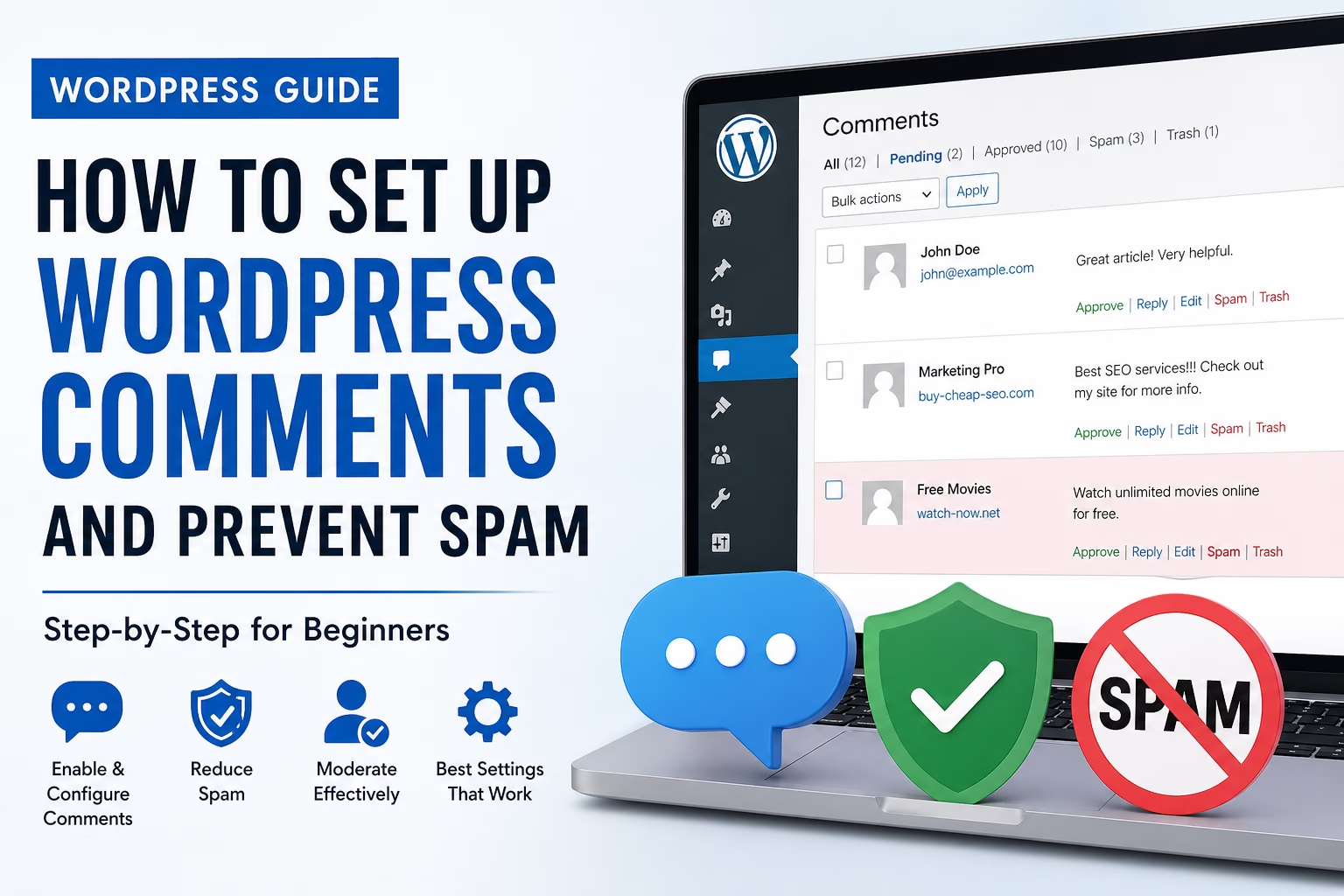
How to Set Up WordPress Comments and Prevent Spam

April 27, 2026 by Etienne Basson
How to Set Up WordPress Comments and Prevent Spam

Learn how to configure WordPress comments, choose safe discussion settings, moderate replies, reduce spam, and decide whether comments are right for your website.

Categories WordPress Setup

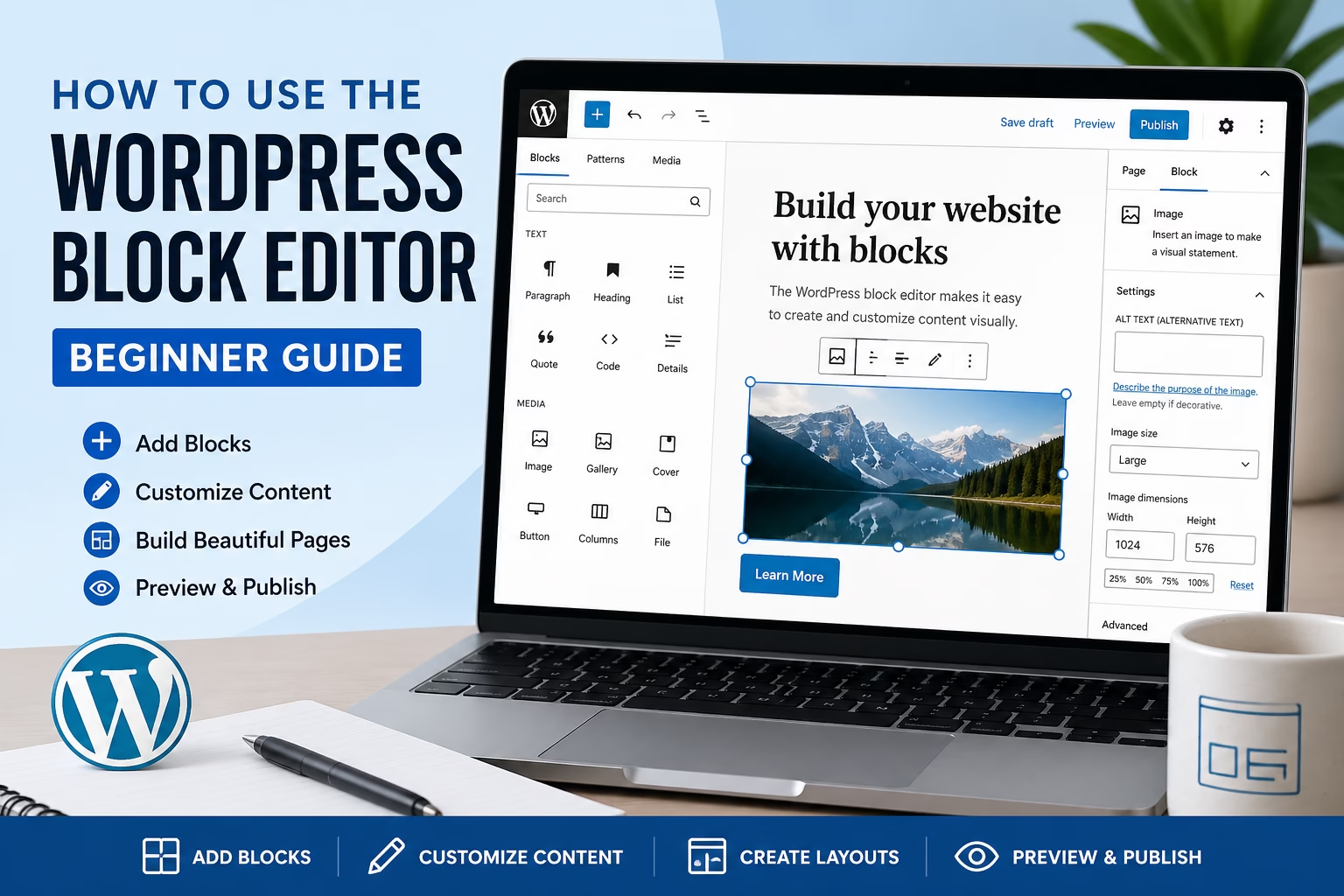
How to Use the WordPress Block Editor: Beginner Guide

April 27, 2026 by Etienne Basson
How to Use the WordPress Block Editor Beginner Guide

Learn how to use the WordPress block editor to add text, images, buttons, columns, reusable blocks, and publish cleaner pages and posts.

Categories WordPress Setup

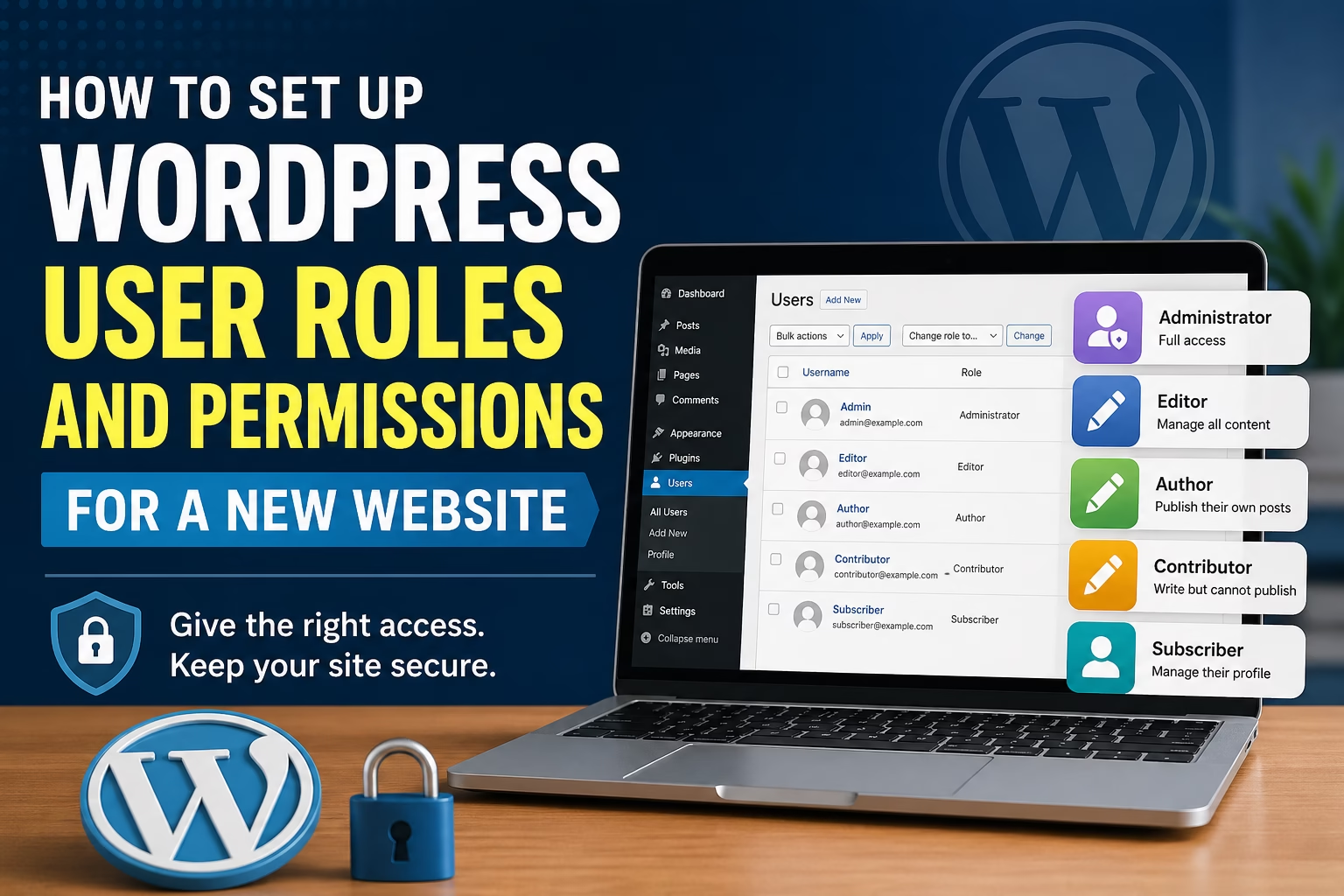
How to Set Up WordPress User Roles and Permissions for a New Website

April 27, 2026 by Etienne Basson
How to Set Up WordPress User Roles and Permissions for a New Website

Learn how WordPress user roles and permissions work, which role to give each person, and how to keep a new website safe when adding users.

Categories WordPress Setup

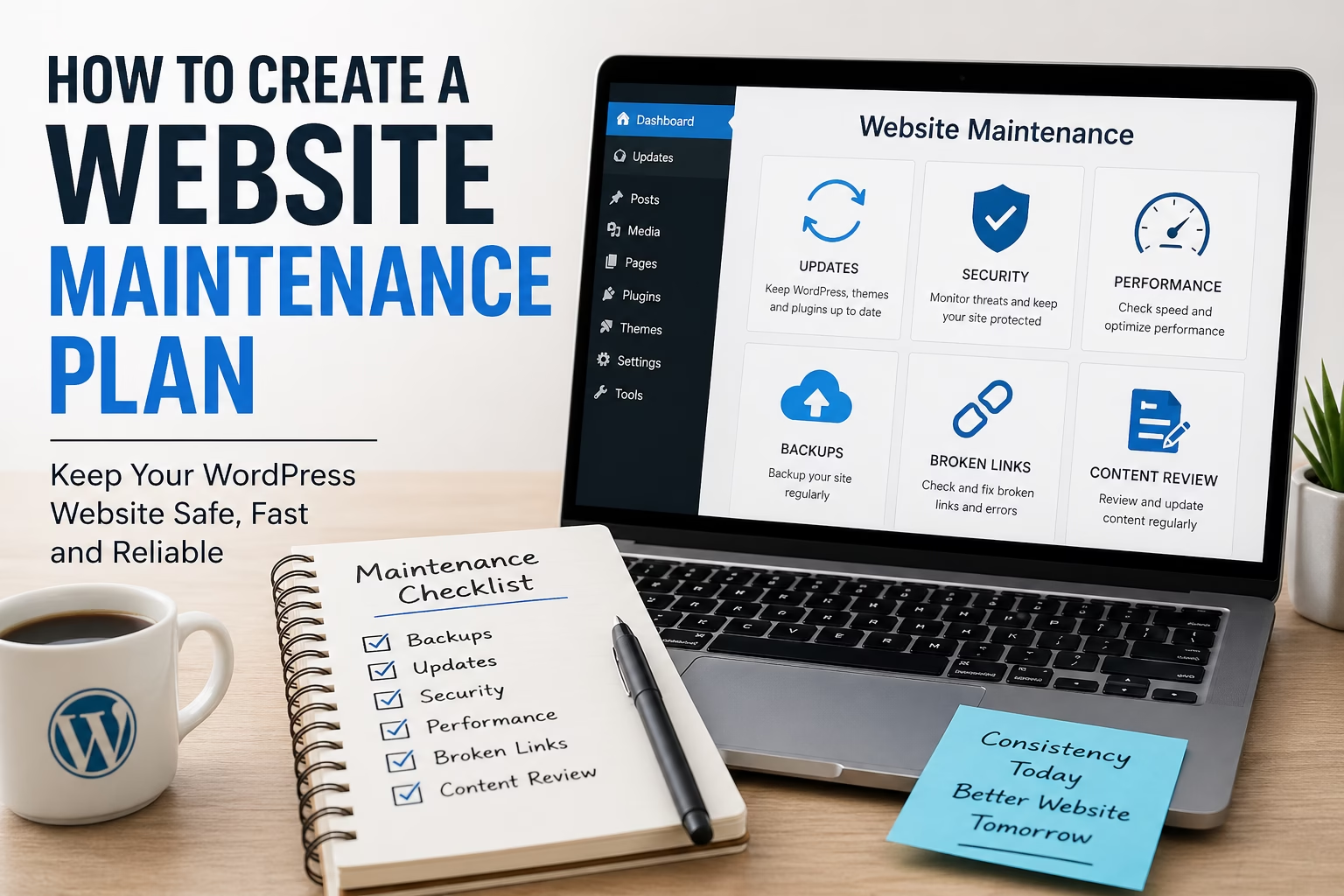
How to Create a Website Maintenance Plan for a New WordPress

May 19, 2026April 25, 2026 by Etienne Basson
How to Create a Website Maintenance Plan for a New WordPress

Learn how to create a simple WordPress website maintenance plan covering backups, updates, security checks, speed, broken links, and content reviews.

Categories WordPress Setup

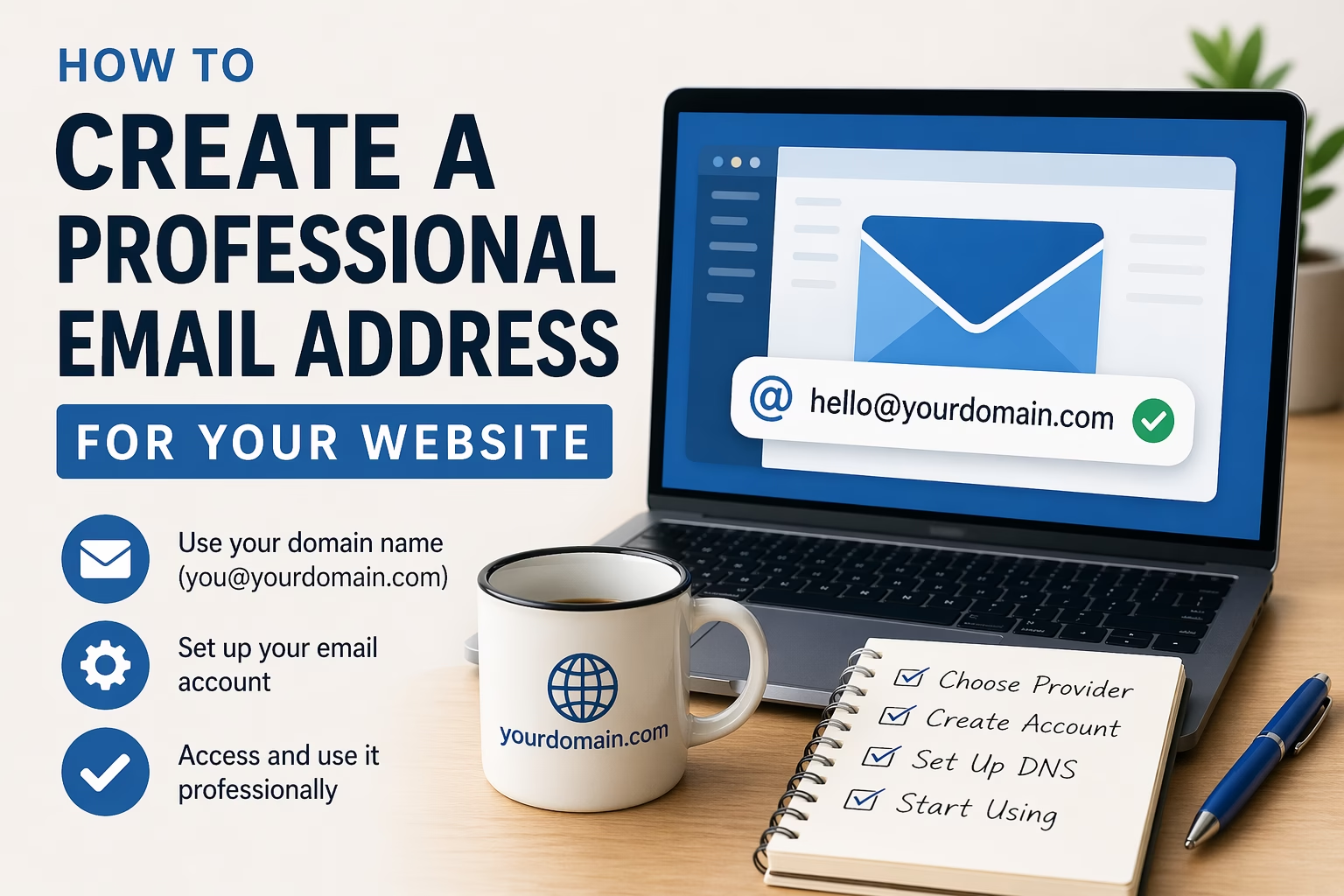
How to Create a Professional Email Address for Your Website

April 24, 2026 by Etienne Basson
How to Create a Professional Email Address for Your Website

Learn how to create a professional email address for your website, choose the right email setup, connect it to your domain, and use it on your contact page.

Categories WordPress Setup

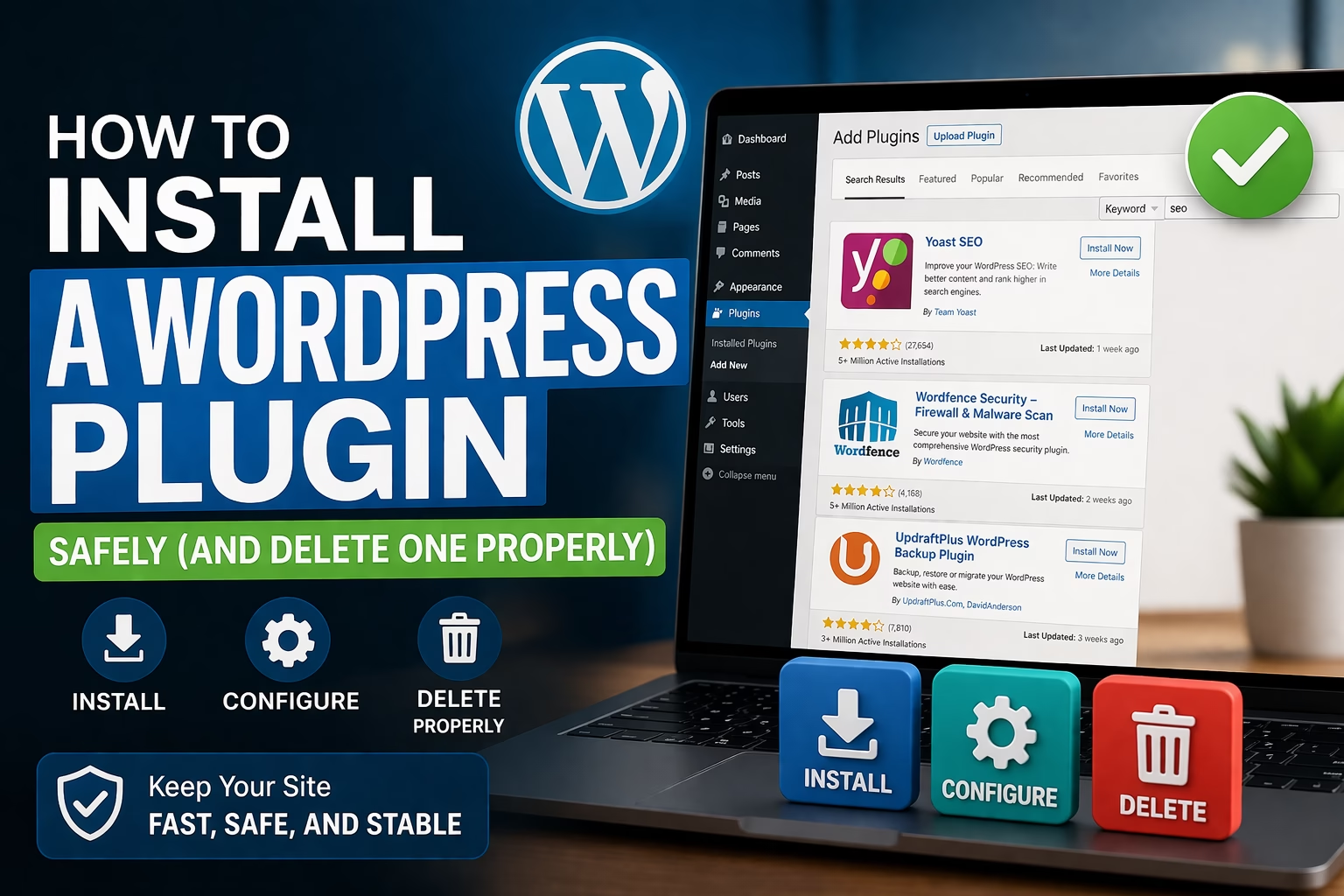
How to Install a WordPress Plugin Safely (and Delete One Properly)

April 8, 2026 by Etienne Basson
How to Install a WordPress Plugin Safely (and Delete One Properly)

Learn how to install a WordPress plugin safely, configure it correctly, update it, and remove unused plugins without breaking your website. Beginner-friendly step-by-step guide.

Categories WordPress Setup
Older posts
Newer posts
← Previous Page1 Page2 Page3 Page4 Page5 Next →

Categories

  • Ecommerce (26)
  • SEO (37)
  • Website Design (13)
  • Website Marketing (20)
  • Website Structure (21)
  • WordPress Setup (47)

Latest Posts

  • How to Add a Quiz or Assessment to WordPress for Lead Generation
    How to Add a Quiz or Assessment to WordPress for Lead GenerationJune 5, 2026
    Learn how to create a quiz or assessment in WordPress to capture leads, segment subscribers, and guide visitors toward the right offer.
  • How to Create a Content Upgrade in WordPress for Beginners
    How to Create a Content Upgrade in WordPress for BeginnersJune 1, 2026
    Learn how to create a content upgrade in WordPress to turn blog readers into email subscribers using targeted bonuses, forms, and follow-up emails.
  • How to Create a Website Brand Voice Guide for Your WordPress Content
    How to Create a Website Brand Voice Guide for Your WordPress ContentMay 31, 2026
    Learn how to create a simple brand voice guide for your WordPress website so your pages, blog posts, emails, and marketing content stay clear, consistent, and professional.
  • How to Design a Blog Post Template in WordPress for Better Readability
    How to Design a Blog Post Template in WordPress for Better ReadabilityMay 31, 2026
    Learn how to design a clear WordPress blog post template with headings, spacing, featured images, author sections, calls to action, and related posts.
  • How to Choose a WordPress Page Builder for Your Website
    How to Choose a WordPress Page Builder for Your WebsiteMay 23, 2026
    Learn how to choose the right WordPress page builder for your website, including ease of use, speed, design control, theme compatibility, and long-term maintenance.
  • How to Scan WordPress for Malware and Clean a Hacked Website
    How to Scan WordPress for Malware and Clean a Hacked WebsiteMay 23, 2026
    Learn how to scan a WordPress website for malware, identify signs of a hack, clean infected files, restore backups, and improve security after recovery.
  • How to Use Noindex in WordPress Without Hurting Your SEO
    How to Use Noindex in WordPress Without Hurting Your SEOMay 23, 2026
    Learn when to use noindex in WordPress, which pages should not appear in Google, and how to avoid common indexing mistakes that hurt SEO.
  • How to Add Canonical URLs in WordPress for Better SEO
    How to Add Canonical URLs in WordPress for Better SEOMay 23, 2026
    Learn what canonical URLs are, why they matter for WordPress SEO, and how to set them correctly to avoid duplicate content and indexing problems.
  • How to Set Up SPF, DKIM, and DMARC for Your Website Email
    How to Set Up SPF, DKIM, and DMARC for Your Website EmailMay 22, 2026
    Learn how to set up SPF, DKIM, and DMARC for your website email so contact forms, newsletters, and business emails are more likely to reach inboxes.
  • How to Do Competitor Research for a New Website
    How to Do Competitor Research for a New WebsiteMay 22, 2026
    Learn how to research competing websites before creating content, choosing keywords, planning pages, and improving your WordPress SEO strategy.

Search

Quick Links

  • Home
  • About
  • Privacy Policy
  • Terms and Conditions
  • Disclosure
  • Cookie Policy (EU)
  • Contact
© 2026 Veravix • Built with GeneratePress
Manage Consent
To provide the best experiences, we use technologies like cookies to store and/or access device information. Consenting to these technologies will allow us to process data such as browsing behavior or unique IDs on this site. Not consenting or withdrawing consent, may adversely affect certain features and functions.
Functional Always active
The technical storage or access is strictly necessary for the legitimate purpose of enabling the use of a specific service explicitly requested by the subscriber or user, or for the sole purpose of carrying out the transmission of a communication over an electronic communications network.
Preferences
The technical storage or access is necessary for the legitimate purpose of storing preferences that are not requested by the subscriber or user.
Statistics
The technical storage or access that is used exclusively for statistical purposes. The technical storage or access that is used exclusively for anonymous statistical purposes. Without a subpoena, voluntary compliance on the part of your Internet Service Provider, or additional records from a third party, information stored or retrieved for this purpose alone cannot usually be used to identify you.
Marketing
The technical storage or access is required to create user profiles to send advertising, or to track the user on a website or across several websites for similar marketing purposes.
  • Manage options
  • Manage services
  • Manage {vendor_count} vendors
  • Read more about these purposes
View preferences
  • {title}
  • {title}
  • {title}