Skip to content
Veravix

Veravix

Essential Steps to Create Your Website

  • Home
  • About
  • Privacy Policy
  • Terms and Conditions
  • Disclosure
  • Cookie Policy (EU)
  • Contact

Website Setup

Website Setup covers the core configuration decisions that shape how a site performs, behaves, and scales from the start — choosing a platform, initial settings, theme or template selection, URL structure, core page creation, and getting comfortable with your chosen editor. The emphasis throughout is on sequencing: many of these decisions are difficult or disruptive to change once content is live and indexed.

Whether this is a first build or a fresh setup for a client project, this category covers the choices that matter most and the defaults that need changing before anything goes public — plus the decisions that are easy to put off but expensive to revisit later, like category structure, navigation hierarchy, and how pages and posts relate to each other.

The articles assume a live hosting environment and a real site rather than a local sandbox. The goal is a site that’s genuinely ready to publish on, not one that technically works but still needs untangling a few months in.

How to Change the WordPress Login URL to Improve Website Security
June 10, 2026June 10, 2026 by Etienne Basson
How to change WordPress login URL for better security

The default WordPress login URL at /wp-login.php is one of the most targeted entry points for automated brute-force attacks. Changing it to a custom address removes the predictable target and takes about two minutes to set up using the free WPS Hide Login plugin.
Categories Website Setup

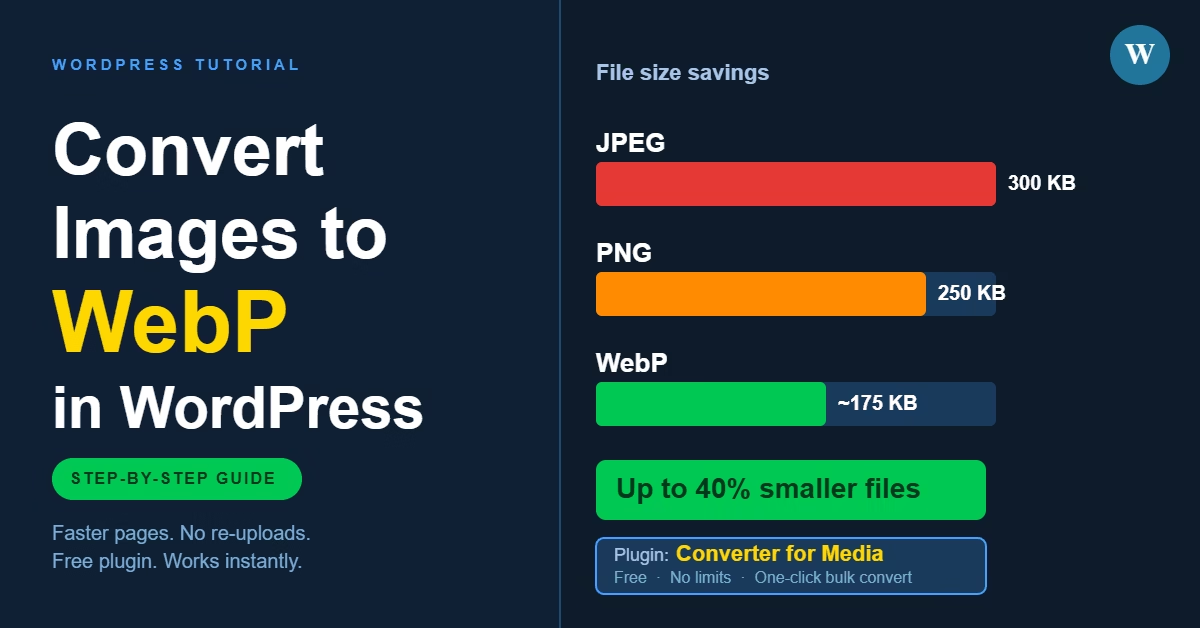
How to Convert Images to WebP in WordPress for Faster Page Load Speed

June 10, 2026 by Etienne Basson
How to convert images to WebP in WordPress for faster page load speed

WordPress doesn’t convert images to WebP automatically. This guide shows how to serve WebP images on your WordPress site using a plugin, what settings to configure, and what to check to make sure it’s working.

Categories Website Setup

How to Choose a WordPress Theme for Your Website

June 27, 2026June 10, 2026 by Etienne Basson
How to choose a WordPress theme — guide covering speed, mobile responsiveness, plugins and updates

Choosing a WordPress theme is less about finding the most impressive design and more about selecting a reliable foundation. This guide covers what to look for in speed, mobile layout, customisation, and plugin compatibility before you install.

Categories Website Setup

How to Choose Website Hosting for a New Website

July 28, 2026June 9, 2026 by Etienne Basson
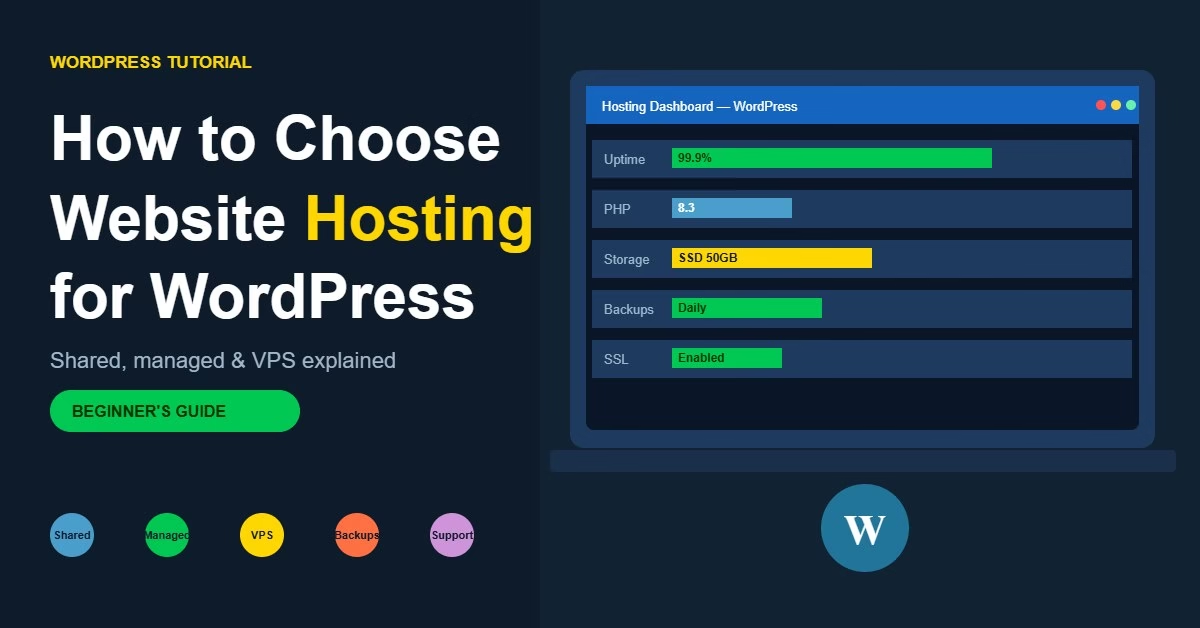
WordPress hosting dashboard showing uptime, PHP version, storage, backups and SSL certificate for a new WordPress website

Choosing the right WordPress hosting affects site speed, reliability, and how easy the site is to manage. This guide covers hosting types, key features to look for, and common mistakes to avoid.

Categories Website Setup

Essential Tools for a New Website (And What Each One Does)

July 28, 2026June 9, 2026 by Etienne Basson
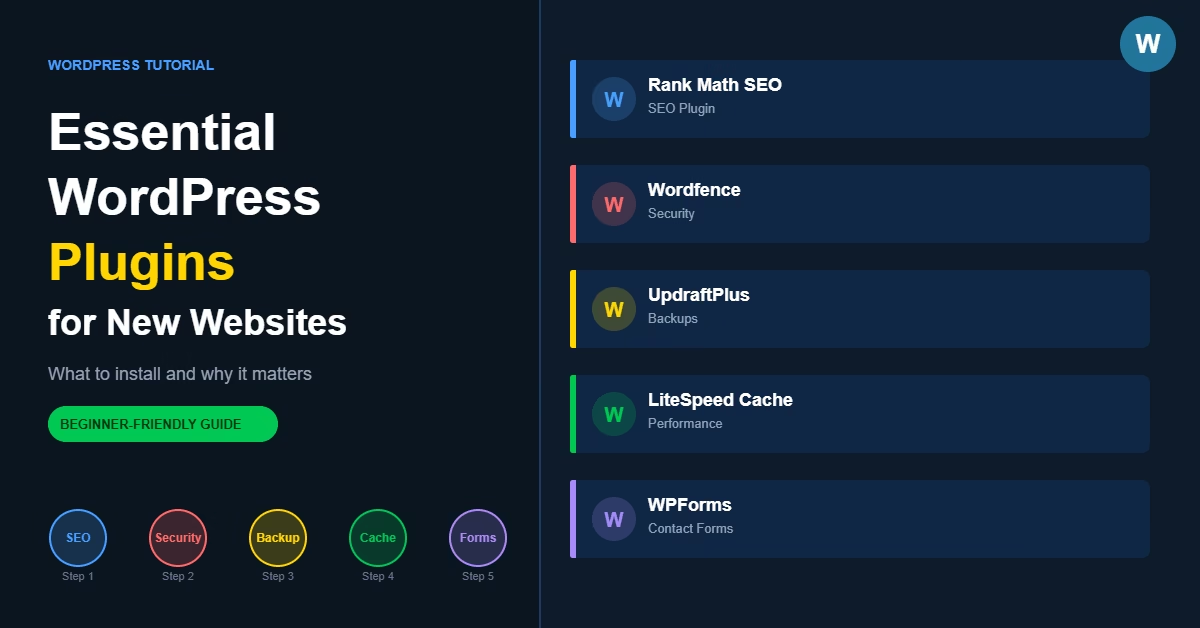
Essential WordPress plugins guide showing SEO, security, backup, caching and contact form plugin categories

Most new WordPress websites need only five types of plugins: one for SEO, one for security, one for backups, one for caching, and one for contact forms. This guide covers what to install, which options work well, and the common mistakes to avoid when building your plugin stack.

Categories Website Setup

How to Create a WordPress Maintenance Mode Page for Your Website

June 7, 2026 by Etienne Basson
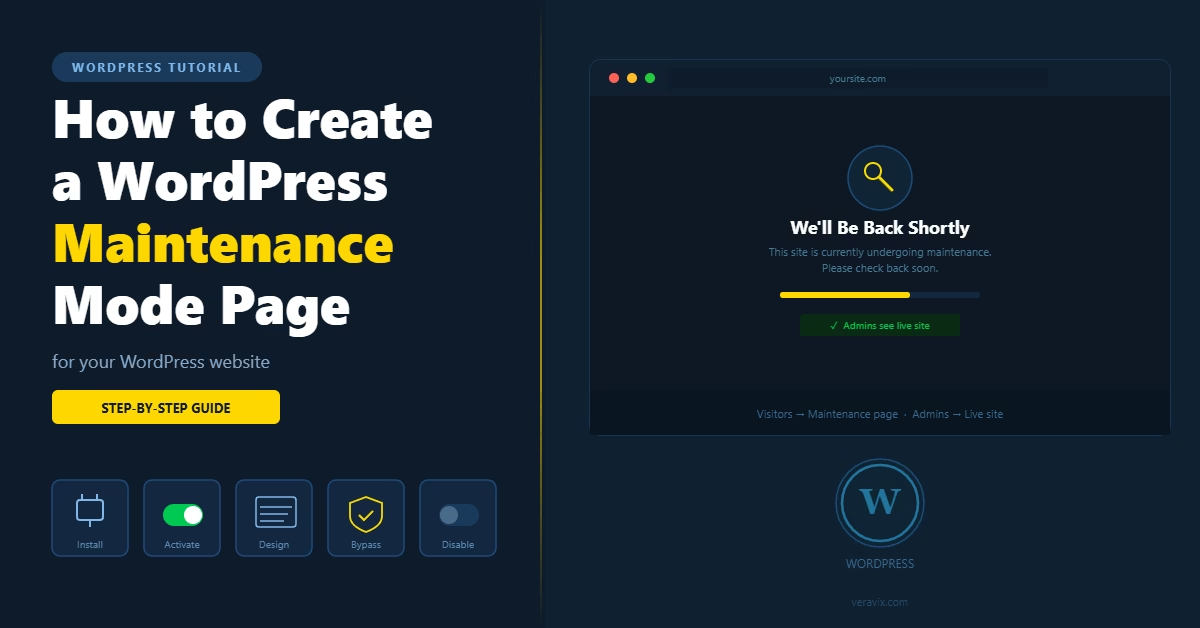
How to Create a WordPress Maintenance Mode Page for Your Website

Learn how to put your WordPress website into maintenance mode, set up a custom coming soon or maintenance page, and manage access for logged-in users while the site is being updated.

Categories Website Setup

How to Choose a WordPress Page Builder for Your Website

July 25, 2026May 23, 2026 by Etienne Basson
Choose a WordPress Page Builder

Learn how to choose the right WordPress page builder for your website, including ease of use, speed, design control, theme compatibility, and long-term maintenance.

Categories Website Setup

How to Scan WordPress for Malware and Clean a Hacked Website

July 25, 2026May 23, 2026 by Etienne Basson
Scan WordPress

Learn how to scan a WordPress website for malware, identify signs of a hack, clean infected files, restore backups, and improve security after recovery.

Categories Website Setup

How to Set Up SPF, DKIM, and DMARC for Your Website Email

July 25, 2026May 22, 2026 by Etienne Basson
Set Up SPF, DKIM, and DMARC

Learn how to set up SPF, DKIM, and DMARC for your website email so contact forms, newsletters, and business emails are more likely to reach inboxes.

Categories Website Setup
Newer posts
← Previous Page1 … Page4 Page5

Categories

  • Artificial Intelligence (15)
  • Content Strategy (15)
  • Ecommerce (27)
  • Freelancing (14)
  • SEO (39)
  • Web Hosting (13)
  • Website Analytics (16)
  • Website Design (15)
  • Website Maintenance (16)
  • Website Marketing (20)
  • Website Monetisation (15)
  • Website Performance (15)
  • Website Security (15)
  • Website Setup (49)
  • Website Structure (24)

Latest Posts

  • A green shield with a checkmark icon representing a completed WordPress security audit
    How to Do a WordPress Security Audit for Your WebsiteJuly 28, 2026
    A WordPress security audit is a systematic check of the things that quietly go stale after launch — old user accounts, abandoned plugins, login security, and whether your backups actually work. This guide walks through all eight areas, plus when a DIY audit isn't enough and it's time to call in a specialist.
  • Illustration of an AI chat bubble with a pencil, representing using AI to write WordPress blog posts
    How to Use AI to Write Blog Posts for Your WordPress WebsiteJuly 27, 2026
    Most WordPress site owners spend more time staring at a blank editor than actually writing. AI writing tools can speed up the process significantly — but only if you use them in the right way. This guide explains how to use AI to draft, structure, and publish better blog posts on your WordPress website without losing your voice or hurting your SEO.
  • A photo icon with a green checkmark badge, representing an optimized image for SEO
    How to Optimize Images for SEO in WordPressJuly 26, 2026
    Image SEO in WordPress means getting filenames, alt text, compression, file formats, responsive sizing, and lazy loading right. This guide covers every practical step, including the srcset mechanics behind responsive images and why you should never lazy-load your featured image.
  • A browser address bar showing a .com domain, representing choosing the right domain name
    How to Choose the Right Domain Name for Your WebsiteJuly 26, 2026
    How to choose the right domain name for your website. Covers length, extensions, brand conflicts, checking a used domain's history, and when keyword domains still make sense.
  • A breadcrumb trail of three connected pill shapes, representing WordPress breadcrumb navigation
    How to Add Breadcrumbs in WordPress for SEO and Better NavigationJuly 26, 2026
    Learn how to add breadcrumbs to your WordPress website for better navigation and SEO. Covers theme-native options, the Breadcrumb NavXT plugin, a no-plugin alternative, handling multi-category posts and products, and verifying your breadcrumb schema.
  • A target with an arrow hitting the centre, representing defining your website's purpose
    How to Define Your Website’s Purpose (Before You Build It)July 26, 2026
    How to define your website's purpose before you start building — goal, audience, primary action, essential pages, core message, and a way to measure whether it's actually working, walked through with a worked example.
  • Shopping cart icon with a magnifying glass, representing WooCommerce SEO for product and category pages
    How to Set Up WooCommerce SEO for BeginnersJuly 26, 2026
    A practical guide to WooCommerce SEO — clean permalinks, product titles, category structure, schema markup, and the duplicate-content and out-of-stock issues that quietly cost stores their rankings.
  • Dollar coin icon next to the title How Much Does It Cost to Build a WordPress Website
    How Much Does It Cost to Build a WordPress Website?July 26, 2026
    A full cost breakdown for running a self-hosted WordPress website — domain, hosting, themes, plugins, developer costs, and the ongoing extras like professional email and backups that people often forget to budget for.
  • Diagram of connected internal linking nodes next to the title How to Build an Internal Linking Strategy for a New WordPress Website
    How to Build an Internal Linking Strategy for a New WordPress WebsiteJuly 26, 2026
    A practical guide to building an internal linking strategy for a WordPress website. Covers priority pages, topic clusters, anchor text, click depth, auditing for orphan pages, and how to keep content properly connected as your site grows.
  • Illustration for basic SEO setup on a new WordPress website
    Basic SEO Setup for a New WordPress WebsiteJuly 25, 2026
    How to configure basic SEO settings on a new WordPress website — search indexing, titles, meta descriptions, heading structure, Google Search Console, XML sitemaps, and how to verify it's all actually working.

Search

Quick Links

  • Home
  • About
  • Privacy Policy
  • Terms and Conditions
  • Disclosure
  • Cookie Policy (EU)
  • Contact
© 2026 Veravix • Built with GeneratePress
Manage your privacy

To provide the best experiences, we and our partners use technologies like cookies to store and/or access device information. Consenting to these technologies will allow us and our partners to process personal data such as browsing behavior or unique IDs on this site and show (non-) personalized ads. Not consenting or withdrawing consent, may adversely affect certain features and functions.

Click below to consent to the above or make granular choices. Your choices will be applied to this site only. You can change your settings at any time, including withdrawing your consent, by using the toggles on the Cookie Policy, or by clicking on the manage consent button at the bottom of the screen.

Functional Always active
The technical storage or access is strictly necessary for the legitimate purpose of enabling the use of a specific service explicitly requested by the subscriber or user, or for the sole purpose of carrying out the transmission of a communication over an electronic communications network.
Preferences
The technical storage or access is necessary for the legitimate purpose of storing preferences that are not requested by the subscriber or user.
Statistics
The technical storage or access that is used exclusively for statistical purposes. The technical storage or access that is used exclusively for anonymous statistical purposes. Without a subpoena, voluntary compliance on the part of your Internet Service Provider, or additional records from a third party, information stored or retrieved for this purpose alone cannot usually be used to identify you.
Marketing
The technical storage or access is required to create user profiles to send advertising, or to track the user on a website or across several websites for similar marketing purposes.
Statistics

Marketing

Features
Always active

Always active
  • Manage options
  • Manage services
  • Manage {vendor_count} vendors
  • Read more about these purposes
Manage options
  • {title}
  • {title}
  • {title}